Your Google Ads cost per click went up because something changed in the auctions you win: a bid, budget or bid strategy change, more or stronger competitors, a drop in ad quality, a shift toward pricier searches, devices or hours, or a Smart Bidding strategy deliberately paying more per click to get more conversions. Google charges only what it takes to beat the ad ranked below you and clear the Ad Rank threshold, so any of those moves the price. Adstudio shortens the hunt to one question: ask "why did my Google Ads CPC go up this week?" and it compares the period against the one before, shows which campaigns and keywords drove the increase, and lists what changed in the account.
TL;DR
- Actual CPC is set by the auction, not by your bid alone. You pay what's needed to beat the next Ad Rank and clear Google's threshold (Actual cost-per-click).
- Check your own changes first. Bids, targets, budgets and bid strategy edits are the first cause Google lists for performance changes (Troubleshoot Search campaigns).
- Then use Explanations and auction insights. Explanations name the drivers of a big change; auction insights shows whether competitors moved in (About explanations, Auction insights).
- A higher CPC is not always a problem. On Target CPA or Target ROAS, judge cost per conversion or ROAS, not CPC.
- Find where the increase sits (which campaign, keyword, search term, device or hour) before changing anything.
Why does Google Ads charge more per click than before?
Google's definition explains most of it. Your actual CPC is "often less" than your max CPC, because you only pay what's minimally required to clear the Ad Rank thresholds and to beat the Ad Rank of the competitor immediately below you. If nobody is below you, you pay the reserve price (Actual cost-per-click (CPC): Definition).
Google's own worked example: with an Ad Rank threshold of 40 and two ads with Ad Ranks of 80 and 50, the ad at 80 pays just enough to beat 50, and the ad at 50 pays just enough to beat 40. Change any of those numbers and both prices move.
Ad Rank itself is built from your bid, the quality of your ads and landing page, Ad Rank thresholds, the competitiveness of the auction, the context of the search (location, device, time, the search terms, other ads on the page) and the expected impact of your assets (About Ad Rank). Google also notes that thresholds are typically higher for ads shown above the search results, so actual CPC there is often higher than below them (Actual cost-per-click).
So a CPC increase always traces back to one of these inputs moving: your bid, your quality, the competition, or where and when your ads show.
What should I check first when my Google Ads CPC goes up?
Work through these in order. The first two take minutes and explain most sudden jumps.
1. Did anyone change a bid, target, budget or bid strategy?
Google's troubleshooting guide for Search lists recent changes to bid strategy, bid adjustments, bids, budget, audiences, ad scheduling and other settings as the first cause of performance changes (Troubleshoot performance fluctuations in Search campaigns). Open Change history under the Campaigns menu, set the date range to the week before the increase, and look for:
- A target ROAS lowered or a target CPA raised (both let Smart Bidding bid more per auction).
- A switch from Manual CPC to Maximize clicks or Maximize conversions.
- A raised budget on a campaign that used to be limited by budget: it now enters more auctions, including pricier ones.
- New bid adjustments on devices, locations or schedules.
- New keywords or a match type changed to broad.
How to see who changed your Google Ads campaign walks through the filters, including changes made by automated rules, scripts and auto-applied recommendations.
2. Ask Google Ads to explain the change
Google Ads has a built-in feature for exactly this question. In the campaigns or ad groups table, hover over a value with a blue dotted underline and click View explanation; by default it compares your date range with the previous period of the same length (About explanations).
Explanations cover bid and target changes, bid strategy changes, budget changes, Smart Bidding learning, targeting changes, auction competition and search interest, and day-of-week effects. Two limits matter:
- Which metrics you can explain depends on the bid strategy. Search campaigns on Manual CPC or Enhanced CPC get cost, clicks, impressions, conversions and conversion value; Maximize conversions or Target CPA gets cost and conversions; many other strategies get cost only.
- They don't always appear. The change has to be significant, the date range can't include today or reach back more than 90 days, and the two periods must be equal and back to back.
3. Check whether competitors moved in
Select the campaign, ad group or keywords and click Auction insights (Use auction insights to compare performance). Compare the period with the higher CPC against the one before. The signals of tougher competition:
- Overlap rate up: a competitor shows more often when you do.
- Position above rate up: they show above you more often.
- Your outranking share down: you beat them less often.
- A new name in the list.
If competitors raise bids for Black Friday (November 27, 2026) and Cyber Monday (November 30, 2026), this is where it shows up. Google's troubleshooting guide calls this auction dynamics: the choices other advertisers make in the same auctions affect your results.
Auction insights only shows data when your impression share is at least 10% and the keyword, ad group or campaign meets a minimum activity threshold.
4. Check whether your ad quality dropped
Lower ad quality means you need a higher bid to keep the same Ad Rank. Add the Quality Score, Exp. CTR, Ad relevance and Landing page exp. columns to the keywords table, along with the historical "(hist.)" versions, and look for components that slipped to Below average on keywords that spend. The full fix list is in why is my Google Ads Quality Score low.
Typical triggers: a landing page that changed or got slower, ads that were edited or disapproved, or a winning ad paused.
5. Find where the increase actually is
An account-level CPC is an average. It rises when expensive clicks grow as a share of all clicks, even if no single price changed. Before acting, split the increase:
- By campaign and keyword: one brand campaign losing share to a generic one can lift the account average on its own.
- By search term: in Search terms under Insights and reports, see whether broad match or AI Max moved spend into new, pricier queries (About the search terms report). How to see what AI Max is doing shows where to look.
- By device, hour and day: segment the campaign to see whether mobile, evenings or weekends got more expensive.
- By network: Search partners and the Display Network price clicks differently from Google Search. How to limit spend on Display and Search partners covers the controls.
Is a higher CPC bad if I use Smart Bidding?
Not necessarily. Smart Bidding sets a bid for each auction, at the moment of the auction (About Target ROAS bidding). On Target CPA, Target ROAS, Maximize conversions or Maximize conversion value, the system will pay more for clicks it predicts are more likely to convert. Google's own guidance for a Target CPA campaign is that cost per conversion may be a better indicator than CPC and impressions (Troubleshoot Search campaigns).
So ask a different question: did cost per conversion or ROAS get worse?
| CPC | Cost per conversion / ROAS | What it usually means | What to do |
|---|---|---|---|
| Up | Same or better | Smart Bidding is buying better clicks | Leave it, watch conversions |
| Up | Worse | Competition, quality or a target change | Run checks 1–4 above |
| Up | Worse, right after an edit | Learning after a bid strategy or target change | Give it time, see how long the learning phase lasts |
| Up | Conversions dropped to near zero | Conversion tracking broke, bidding is flying blind | Fix tracking first, see check Google Ads conversion tracking |
Google also lists conversion tracking problems and conversion delay among the causes of fluctuations under conversion-based bidding, which is why the last row matters: when conversions stop reporting, bids can drift for reasons that have nothing to do with the auction.
How do I lower my Google Ads CPC without losing conversions?
Pick the fix that matches the cause you found:
- A target or bid strategy change caused it: move the target back in steps, or keep the new target if cost per conversion held. On Manual CPC, lower bids on the keywords that rose, not across the board.
- Competitors moved in: decide whether those auctions are worth winning. Defending brand terms is usually worth paying for; generic terms where a new competitor outranks you may not be. Shifting budget toward campaigns with better cost per conversion beats matching every bid.
- Ad quality dropped: fix the Below average component. Higher ad quality lets you hold position at a lower price, which is the one CPC fix that does not cost reach.
- Expensive search terms crept in: add the irrelevant ones as negative keywords, and move the valuable ones into their own ad group with ads written for them. Adding negative keywords to many campaigns at once shows the fastest way.
- Specific devices or hours got expensive: use device bid adjustments on Manual CPC, or narrow the ad schedule. On Smart Bidding, compare cost per conversion by device first, since the strategy already sets each bid itself. See how to lower Google Ads bids on mobile.
Avoid bid limits on Target ROAS as a quick fix. Google says setting them isn't recommended because it restricts the system from optimizing your bids, and they are only available on Search and Shopping portfolio strategies (About Target ROAS bidding).
How do I find why my CPC went up with Adstudio?
Adstudio connects to your Google Ads accounts, and to Meta and TikTok if you run them, so the five checks become a short conversation instead of five reports:
- "Why did my Google Ads CPC go up this week?" Adstudio compares the period against the equal-length period before it and shows how much of the change came from each campaign. Ratio metrics like CPC are split through their parts, so you see whether clicks got pricier or the mix shifted toward expensive campaigns.
- "What changed in my Google Ads account in the last two weeks?" Adstudio reads Google's own change history: every change, who made it, through which tool, and each field before and after, including edits made outside Adstudio.
- "Split that campaign's CPC by device, hour of day and search term." Adstudio breaks the campaign down by any of those dimensions, so the expensive slice shows up on its own row.
- "Which keywords have a low Quality Score, and how much impression share am I losing to rank?" Adstudio reads each keyword's Quality Score with its three components, and search impression share with lost impression share to budget and to rank, as Google reports them.
- "Add these search terms as negatives" or "Lower this campaign's budget by 15%." Adstudio reads the current state, has Google validate the exact change and shows a before → after card. Nothing changes until you approve, and Adstudio reads the result back afterwards.
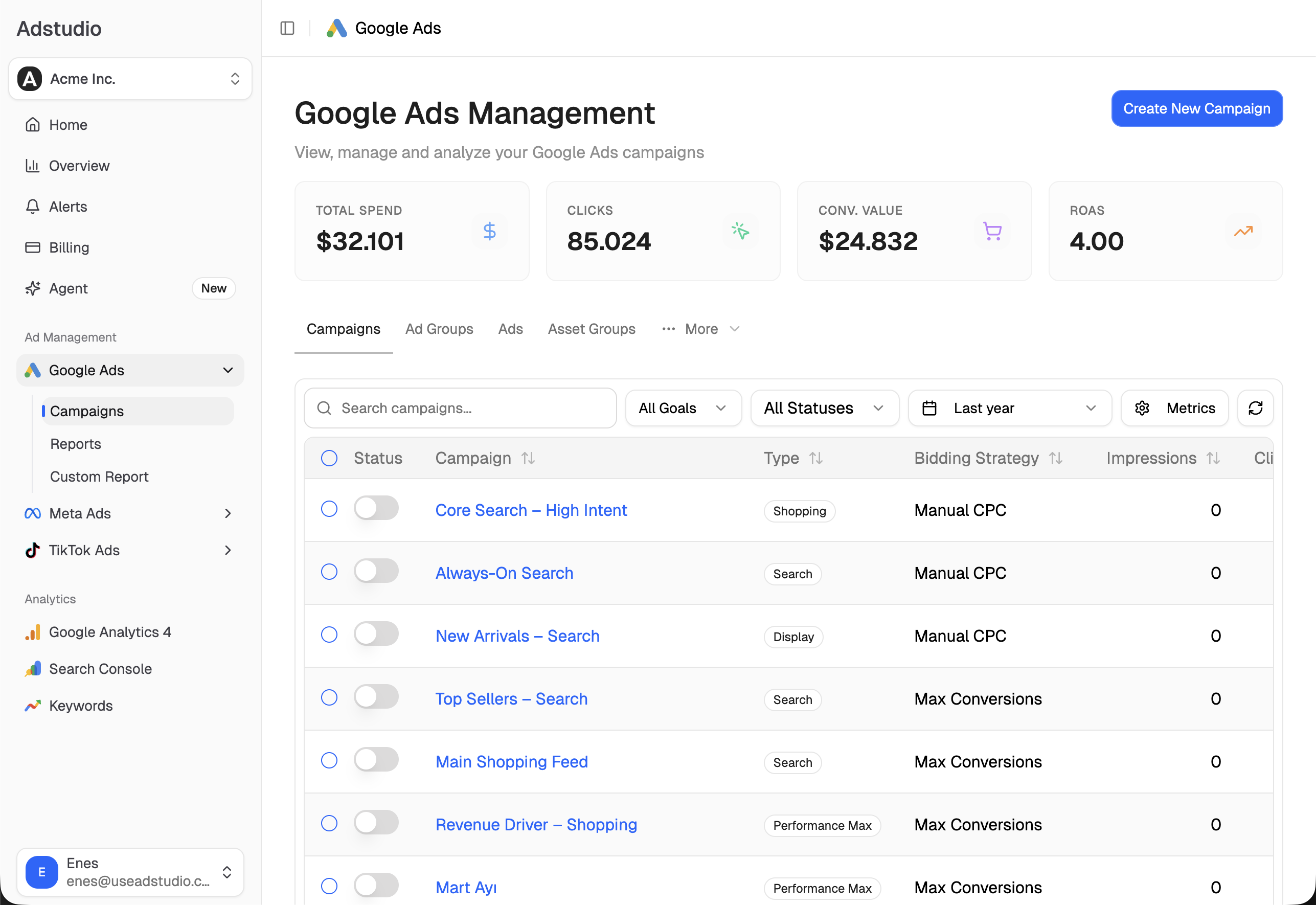
To catch the next jump the day it happens, see how to set up ad spend alerts, and for wasted clicks hiding in the account, how to find wasted ad spend in Google Ads. Adstudio plans start at $19/month.
FAQ
Why is my actual CPC higher than my max CPC?
Normally it can't be: Google says you're never charged more than your max CPC bid unless you use automated bidding or bid adjustments, such as Enhanced CPC or a device adjustment. With Smart Bidding there is no fixed max CPC, so the bid is set per auction.
Why did my CPC go up when I didn't change anything?
Your auctions changed instead: competitors raised bids or new ones arrived (auction insights), search demand shifted to pricier terms (search terms report), or Smart Bidding adjusted its bids. Also check Change history for automated rules, scripts or auto-applied recommendations that changed something on your behalf.
Does a higher Quality Score lower my CPC?
It helps. Ad quality is part of Ad Rank, and Google notes that a lower bid can win a higher position at a lower price with highly relevant keywords and ads. Quality Score is a diagnostic of that quality, so fixing a Below average component is the way to lower cost without losing position.
Do CPCs go up during Black Friday and the holidays?
They can, when more advertisers compete for the same searches. Compare auction insights for November against an earlier month: rising overlap rate and position above rate from competitors means the auction got more crowded. Judge the season by cost per conversion and ROAS, since conversion rates change in sale periods too. Our Black Friday preparation guide covers the settings to plan ahead.
Why is my CPC higher on mobile than on desktop?
Device is part of the search context that feeds Ad Rank, so prices differ by device. Segment the campaign by device to compare cost per conversion, not just CPC, before adjusting bids.
Should I switch to Manual CPC to control costs?
Only if CPC is the goal. Manual CPC caps what you pay per click, but you give up auction-time bidding on conversion likelihood. If conversions are the goal, keep Smart Bidding and adjust the target instead.
Definitions, menus and limits reflect Google Ads Help pages as of November 14, 2026.