To see who changed your Google Ads campaign, open Change history from the Campaigns menu, filter to that campaign and use the User and Tool filters: each row shows who made the edit, when, through which tool, and the value before and after. Google keeps this log for the last 2 years, and many recent changes can be undone from the same row. Adstudio answers the same question in one sentence across your Google Ads and Meta accounts: ask "who changed the budget on Brand – Search this week?" and it reads the change log from Google and lists each edit with its author and before → after values.
TL;DR
- Change history lives under Campaigns → Change history and covers edits from the last 2 years (Review your account history).
- Filter by User, Tool, Change type, Item changed or Campaign experiment to find one edit among thousands.
- Undo sits in the "User / Date & Time" column. A row that says "Changes can't be undone" has to be reversed by hand.
- The Tool tells you whether a person, an automated rule, a script, the API or a Google recommendation made the change (ChangeClientType).
- A change on the same day as a drop is a lead, not a verdict. Compare equal windows before and after, and allow for learning and conversion lag.
Where is change history in Google Ads?
Google's Review your account history page describes the Change history page as a record of the changes made to your account, campaigns and ad groups. To open it:
- Open the Campaigns menu in the left navigation and choose Change history. If your menu looks different, search for "change history" in the Google Ads search bar.
- Scope it. Pick a single campaign or ad group in the selector at the top, or stay at account level to see everything.
- Set the date range to the days you care about, starting a little before the problem began.
- Read the table. Each row shows the date and time, the user, the campaign and ad group, and the change itself, with the old value and the new one.
Which filters find one change fast?
Google lists five filters for the page (Review your account history):
| Filter | Use it to answer |
|---|---|
| User | "What did this colleague or agency login change?" |
| Tool | "Was this done by a person, a script, a rule or a recommendation?" |
| Change type | "Show only budget changes" or "only bid strategy changes" |
| Item changed | "Show only keywords" or "only ads" |
| Campaign experiment | "What did the experiment apply to the base campaign?" |
For "who changed my budget", combine Change type (budget) with the campaign selector. For "what did the agency do last month", use User and a 30-day date range.
How far back does Google Ads change history go?
The Google Ads interface shows changes from the last 2 years (Review your account history). Change history is a log of edits, not a backup: you can see an old value, but there is no "restore the campaign as it was on March 3" button. If you need the full state of a campaign at a past date, export its settings regularly or keep a written changelog alongside the account.
Can I undo a change in Google Ads?
Often, yes. On the Change history page, find the row, then click Undo in the User / Date & Time column. The column then reads "Changes undone". When Google can't reverse a change, the same column says "Changes can't be undone" and you make the opposite edit yourself (Review your account history).
Two cautions before you undo:
- Undo is an edit too. Reverting a bid strategy or a budget is a new change, and Smart Bidding may go through another learning period after it. Our guide on how long the learning phase lasts on Google, Meta and TikTok explains what resets it.
- Check what happened since. If someone changed the budget on Monday and someone else changed it again on Wednesday, undoing Monday's row may not bring back the value you expect. Read every row for that setting first.
Was it a person, a rule, a script or Google?
"Nobody on the team touched it" is one of the most common lines in a Google Ads post-mortem, and change history usually settles it. Each change records the tool that made it, and the Google Ads API publishes the full list as the ChangeClientType values:
| What made the change | What it usually means |
|---|---|
| Google Ads web interface | Someone edited it at ads.google.com |
| Google Ads mobile app | Someone edited it from the phone app |
| Automated rules | A rule set up in the account fired, for example "pause if cost > X" |
| Google Ads scripts | A script running on the account made the edit |
| Google Ads API | A connected tool or platform made the edit |
| Bulk upload | A spreadsheet upload applied the edit |
| Google Ads recommendations | Someone clicked Apply on a recommendation |
| Recommendations subscription | Auto-apply recommendations changed the account on its own |
| Search Ads 360 | The change came through Search Ads 360 sync or posting |
The two recommendation rows matter most. "Recommendations subscription" means auto-apply was switched on at some point, and Google applied the change with no one clicking anything that day. If you find edits like that you didn't expect, review the auto-apply settings on the Recommendations page. Rules and scripts are the next suspects; if you use rules to pause campaigns, our guide on pausing underperforming Google Ads campaigns automatically shows how to keep them predictable.
Google also notes that the API's change records name the user only where that information is visible in the web client's change history (Change event), so a blank user is not by itself a sign of anything wrong.
How do I see who changed a Meta Ads campaign?
Meta keeps its own log. In Ads Manager, each campaign, ad set and ad has an activity history that lists what was edited, when and by whom, and the account as a whole has one too. Meta's help on delivery status in Ads Manager points to it as the place to check when delivery changes. Behind the interface, Meta's Marketing API exposes the same record as ad activities: key updates to an ad account and the campaigns, ad sets and ads in it, such as status, budget, targeting and audience changes.
The same reading rules apply as on Google:
- Filter to one object first. An ad set's history is much shorter than the account's.
- Look for budget, bid, targeting and status events before creative ones, because they change delivery fastest.
- Note who made each change, so a teammate, an agency login and an automated rule are not mixed up.
If delivery stopped rather than changed, our guide on why Meta ads are not spending walks through the full order of checks.
Did that change actually cause the drop?
Finding a change on the day results fell is the start of the answer. A short routine we use before blaming (or reverting) anything:
- Pin the date. Find the first day the metric moved, at the campaign where it moved, not just the account total.
- List every change in the 7 days before it, on that campaign and on anything it shares: the shared budget, the portfolio bid strategy, shared negative keyword lists, conversion actions, the product feed.
- Compare equal windows. Put the same number of days before and after the change side by side, avoiding sale days and holidays on one side only.
- Allow for lag. Conversions reported for the last few days usually keep arriving for a while, so the days right after a change can look worse than they will end up.
- Allow for learning. Big bid strategy, target or budget changes can put Smart Bidding through a learning period. A dip during that period is expected; a dip that outlasts it is the real signal.
- Change one thing back, not five. If you revert, revert the most likely cause and wait, so you learn which change did it.
Changes outside the campaign count too. A conversion action switched from primary to secondary, for example, can make a healthy campaign look broken overnight; see how to check Google Ads conversion tracking.
How do I see what changed across Google and Meta with Adstudio?
Adstudio connects to your Google Ads and Meta Ads accounts, so "what changed?" becomes one question instead of two tabs and a spreadsheet:
- "What changed in my Google Ads account this week, and who did it?" Adstudio reads Google's own change log: every kind of change, who made it and through which tool, and each changed field before and after. Budget changes are tied to the campaigns that use that budget, and campaigns that have since been removed are still named.
- "Who changed Brand – Search?" Scope the question to one campaign and you get only its edits, budget changes included.
- "What changed on my Meta prospecting campaign before delivery dropped?" Adstudio reads Meta's activity log for the account or for one campaign, with who made each change and the old and new values.
- "Show me conversions and cost by day for that campaign around the change." Adstudio splits results by day so you can see the before and after windows next to the edit.
- Changes made outside Adstudio are included. The log comes from Google and Meta themselves, so edits made in the platforms' own interfaces, by automated rules or by scripts show up next to edits made from the chat.
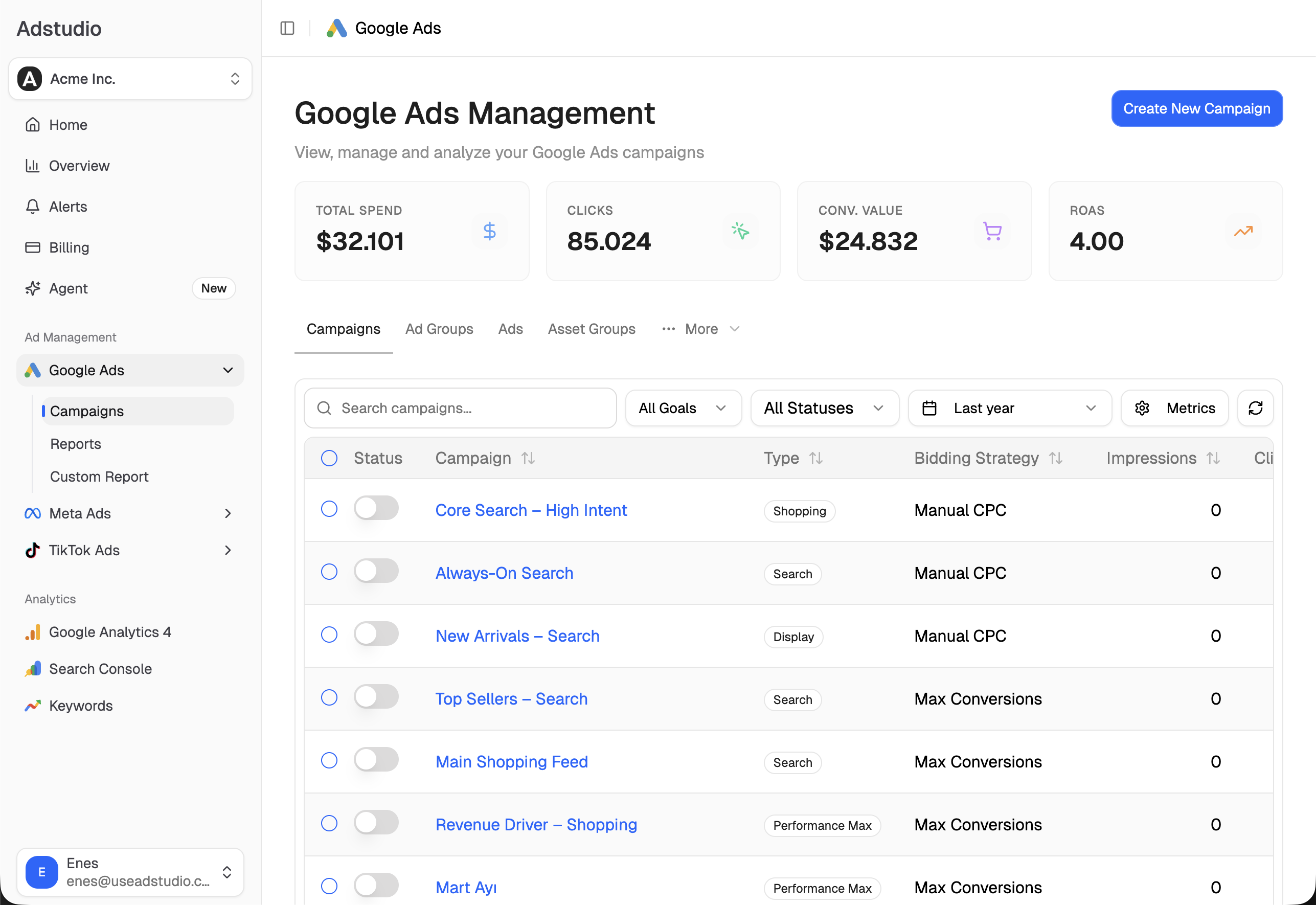
When you decide to put a Google Ads budget, status or schedule back, ask for it in the same conversation: Adstudio shows the before → after on a card, makes the change only after you approve it, and reads it back from Google. To catch the next surprise as it happens instead of after the fact, set up ad spend alerts. For Meta, see Adstudio for Meta Ads. Plans start at $19/month.
FAQ
How do I find out who paused my Google Ads campaign?
Open Change history, select the campaign, and filter Change type to status changes. The row shows the user, date and time and the tool. If the tool is automated rules or scripts, check the rule or script that ran at that time.
How long does Google Ads keep change history?
The Google Ads interface shows changes from the last 2 years. It records edits, not full copies of a campaign, so you can see old values but not restore a campaign to a past date in one step.
Can I undo changes made in Google Ads?
Many of them. Click Undo in the "User / Date & Time" column of the change. If that column says "Changes can't be undone", make the opposite edit yourself.
Why does change history show changes I didn't make?
They usually come from auto-apply recommendations, automated rules, scripts, a connected tool using the Google Ads API, or another user with access. The Tool filter shows which one made each change.
Does Google Ads change history show changes made by Google?
Yes, when they come from auto-apply recommendations. Those changes are recorded with their own tool type, separate from recommendations someone applied by hand, so you can review them on their own.
Where is the change history in Meta Ads Manager?
Each campaign, ad set and ad has an activity history in Ads Manager, and the ad account has one for account-wide changes. It shows what changed, when and who made the change.
Steps reflect Google Ads Help, the Google Ads API and Meta's Marketing API documentation as of November 6, 2026.