When Meta ads are switched on but not spending, the reason is almost always one of five things: an account or campaign spending limit has been reached, the ad is still in review or was rejected, the budget is below Meta's minimum, a bid cap or cost cap is too low to win auctions, or the ad set is stuck in Learning limited. Ads Manager tells you which one in the Delivery column, but only if you check the campaign, the ad set and the ad separately, because each level can show a different status. Adstudio reads all three levels, the account's spending limit and Meta's own delivery issues in one question, across every ad account you connect.
TL;DR
- Start with the Delivery column at all three levels (campaign, ad set, ad). Meta says they can show different statuses, per its delivery status guide.
- Spending limits stop everything. An account spending limit is a lifetime cap that does not reset by itself; once it is reached, ads pause until you raise, reset or remove it, per Meta's spending limit pages.
- "In review" and "Rejected" are not delivering, even when the campaign above them says Active.
- Active but barely spending usually means a low bid or cost control ("Bid limited"), a budget below the minimum, or an ad set Meta expects will not reach about 50 optimization events a week ("Learning limited").
- Spending dropped after it was fine? Meta's own checklist points at frequent pausing, late-day budget edits, a longer schedule and auction competition.
Where do I see why my Meta ad isn't delivering?
Open Ads Manager and look at the Delivery column on the Campaigns tab, then the Ad sets tab, then the Ads tab. Meta's delivery status guide recommends checking all three levels, because a campaign can read Active while one of its ad sets is Learning limited and one of its ads is still In review. Hover over a status to see Meta's short explanation.
The statuses that explain most "not spending" cases:
| Status you see | What it means | Where to look next |
|---|---|---|
| In review | Meta is checking the ad against its Advertising Standards; it does not deliver yet | Wait, and avoid editing the ad while it is in review |
| Rejected | The ad was blocked for a policy reason | Edit the ad, create a new one, or request another review |
| Learning limited | The ad set is unlikely to get about 50 optimization events in the week after its last significant edit | Budget, audience size, optimization event, number of ad sets |
| Bid limited | The bid or cost control is too low for the auctions you are entering | Raise or remove the bid control |
| Inactive / Off | The campaign, ad set or ad isn't running | Check the toggle, schedule and spending limits |
If nothing on the three tabs explains it, the cause is usually above the campaign: the ad account itself.
Did I hit my Meta account spending limit?
This is the first thing to rule out when every campaign stopped at once. An account spending limit is a cap on what the ad account can spend across all campaigns over its lifetime. When it is reached, ads pause and the account stops spending.
Three details from Meta's Help Center catch people out:
- It doesn't reset automatically. The amount spent toward the limit does not go back to zero at the end of a month; you reset it yourself, per Meta's reset page.
- Changes take about 15 minutes. Setting, resetting or removing the limit takes about 15 minutes to apply, so don't edit anything else in the meantime.
- The history is in Billing. Meta shows when a limit was set, changed or reset under Billing → Transactions → Account spending limit, per its history page. If someone on your team set a limit months ago, this is where you find it.
A campaign spending limit is a separate cap on one campaign. Once a campaign reaches it, every ad set and ad in that campaign stops, per Meta's campaign spending limit page. If one campaign stopped while the rest of the account keeps spending, check this first.
Don't confuse either with your payment threshold, the amount at which Meta bills you. Meta's payment threshold page keeps the two apart and notes that paused ads can also mean the account hit its daily spending limit.
Is my ad still in review or rejected?
A new ad, and an existing ad you just edited, goes through review before it delivers. Meta's review policy page says review is typically completed within 24 hours, can take longer, and ads can be reviewed again after they go live. The campaign can look Active the whole time while the ad itself shows In review.
Practical rules:
- Don't keep editing an ad that is in review. Each edit sends it back through review.
- Plan launches with a buffer. If an ad has to be live on a date, submit it a day or more earlier. The same logic applies to seasonal pushes; see how to prepare Google and Meta ads for Black Friday.
- A rejected ad tells you why. Meta's rejected ad page explains how to fix the ad, create a new one or request another review if you think the decision was wrong.
Why is my Meta ad set active but barely spending?
This is the most common version of the question: everything is approved and on, and the ad set spends a fraction of its budget. Work through these four checks in order.
1. Is the budget below Meta's minimum?
Meta requires a minimum budget per ad set for consistent delivery. The minimum is calculated as a daily amount but also applies to lifetime budgets: a five-day lifetime budget must be at least five times the daily minimum, per Meta's Budget Is Too Low page. The exact figure depends on your account and currency and appears in the error message itself.
2. Is a bid cap or cost cap holding it back?
If the ad set shows Bid limited, the bid control is too low. Meta's bid cap best practices say to raise or remove the bid control to resume delivery. A cap that worked last month can stop working when competition rises, which is the next check.
3. Is the ad set Learning limited?
Meta marks an ad set Learning limited when it is unlikely to get about 50 optimization events in the week after its last significant edit, per its Learning limited page. Meta lists small audiences, low budgets, low bids or cost controls, auction overlap between your own ad sets, an infrequent optimization event and running too many ads at once as the usual causes. The fixes it suggests:
- Combine ad sets or campaigns that target similar people, so the events land in fewer places.
- Widen the audience.
- Raise the budget to a level that can buy about 50 events a week.
- Optimize for a more frequent event, for example add to cart instead of purchase while volume is low.
How long learning lasts on each platform, and which edits restart it, is in how long the learning phase lasts on Google, Meta and TikTok.
4. Are your own ad sets competing with each other?
Meta's auction overlap page explains that when two of your ad sets with similar audiences enter the same auction, Meta lets only one of them in. An ad set with 20% auction overlap was excluded from 20% of its eligible auctions. Consolidating similar ad sets fixes overlap and learning at the same time.
With an Advantage+ campaign budget, also expect some ad sets to get much less than others. Meta's troubleshooting page says uneven delivery between ad sets is normal as long as the campaign's overall spend tracks your goals.
Why did my Meta campaign suddenly stop spending?
When a campaign delivered well and then slowed or stopped, Meta's Troubleshoot Ad Delivery page lists four causes:
- Frequent pausing. Turning a campaign off and on interrupts how the system paces and allocates budget.
- Late-day budget or schedule changes. Meta's example: doubling a daily budget at 10 pm leaves the system two hours to spend the increase, so delivery shifts into the next day.
- A longer schedule. Extending the end date makes Meta re-pace spend over the longer period, which can slow daily delivery.
- Auction competition. If other advertisers bid more aggressively, your cost cap or bid cap may no longer be competitive.
Meta's suggested method: find the day delivery changed, open the campaign's activity history to see what was edited just before, and open the Inspect tool on the ad set. Its auction competition module shows whether higher costs come from more advertisers competing, and its other modules cover bid strategy, audience saturation and auction overlap.
What should I check first? A five-minute order
| Symptom | Most likely cause | First check |
|---|---|---|
| Every campaign in the account stopped on the same day | Account spending limit or billing | Billing → Account spending limit |
| One campaign stopped, others spend | Campaign spending limit, schedule, or a rejected ad | Campaign settings, then the Ads tab |
| New ads never started | In review or rejected | Delivery column on the Ads tab |
| Active but spends a fraction of budget | Bid limited, budget below minimum, Learning limited | Ad set Delivery column and bid strategy |
| Was fine, slowed down this week | Recent edits or auction competition | Activity history, then the Inspect tool |
If you also run Google Ads and spend there is the problem, the equivalent question is answered in why is my Google Ads campaign limited by budget.
How does Adstudio find why Meta ads aren't spending?
Adstudio connects to your Meta ad accounts, and to Google Ads and TikTok Ads if you run them, so the checks above become questions you ask once instead of tabs you click through per account:
- "Which of my Meta campaigns, ad sets and ads aren't delivering, and why?" Adstudio lists campaigns, ad sets and ads with the status you set, Meta's effective status and the issues Meta reports, including the ones that spent nothing in the period, so an ad stuck In review or an ad set in Learning limited shows up next to the ones that are spending.
- "How much of my account spending limit is left?" Adstudio reads the ad account's status, its spending limit and what remains of it, so the "everything stopped at once" case takes one answer.
- "Audit this Meta account for the last 14 days." Adstudio reads the account whole: learning and Learning limited ad sets, the custom audiences several campaigns target at once, what each campaign optimizes for and how spend moved day by day.
- "Raise the budget of this ad set by 20%" or "Turn this campaign back on." Adstudio reads the current budget or status, has Meta check the exact change, and shows a before → after card. Nothing changes until you approve, and Adstudio reads the result back afterwards. The same flow changes a campaign spending limit or a bid cap amount.
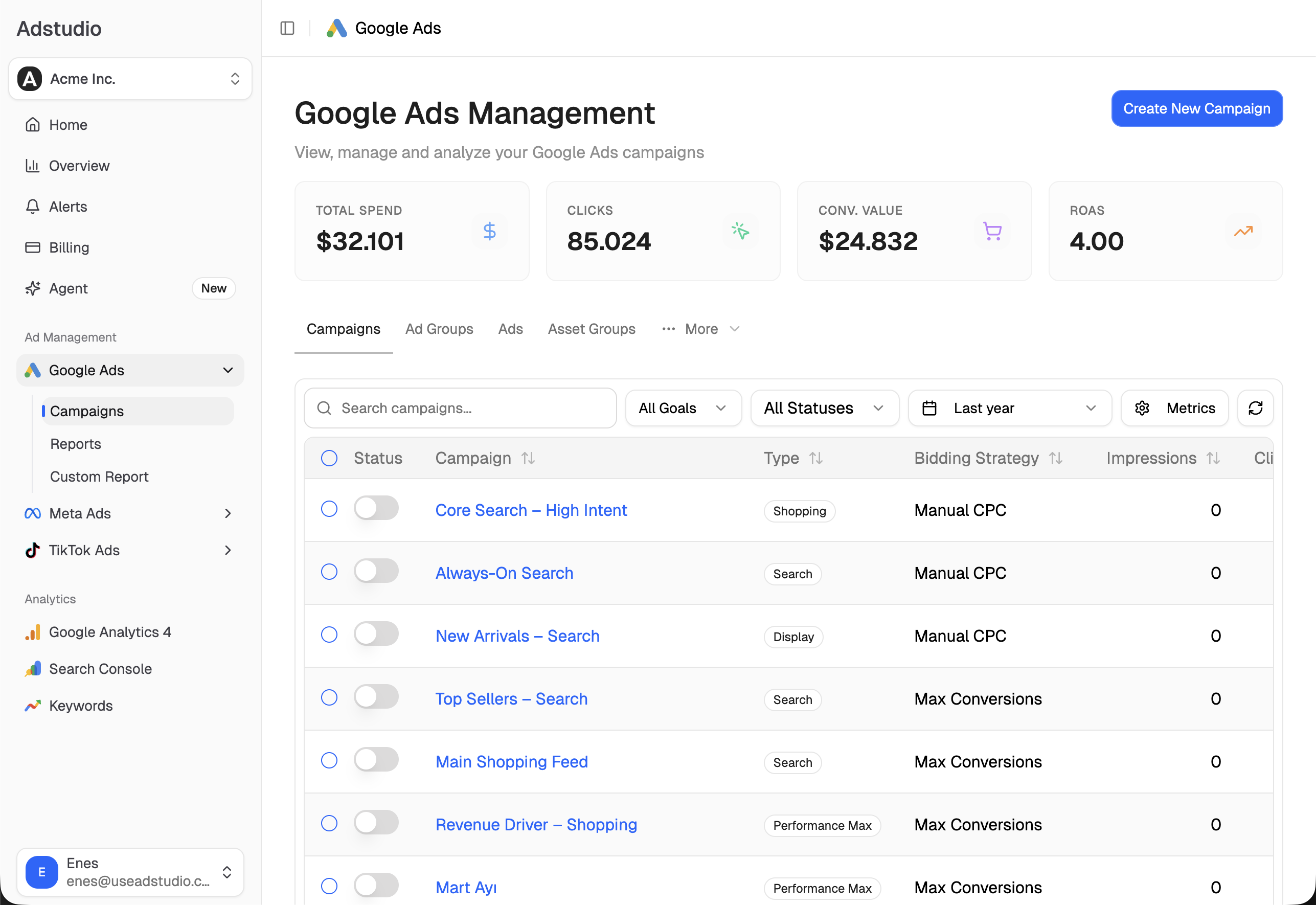
To catch a stopped campaign before a day of lost spend, see how to set up ad spend alerts, and to see Meta next to Google and TikTok in one view, how to see Google, Meta and TikTok spend in one report. You can connect an account from $19/month.
FAQ
Why does my Meta ad say Active but not spend any money?
Usually because the ad set below it or the ad itself is not delivering: the ad is In review or Rejected, the ad set is Bid limited, its budget is under Meta's minimum, or it is Learning limited. Check the Delivery column on the Ad sets and Ads tabs, not only Campaigns.
Does the Meta account spending limit reset every month?
No. Meta says the amount spent toward an account spending limit doesn't reset automatically. You raise it, reset it or remove it in Billing, and the change takes about 15 minutes to apply.
How long does Meta take to review an ad?
Meta's review policy says review is typically completed within 24 hours, though it can take longer. Editing an ad sends it back through review, so avoid changes while it is In review.
What is the minimum daily budget for Meta ads?
Meta doesn't publish one figure for every account; the minimum depends on the account and currency and is shown in the "Budget is too low" error. It is calculated per day and also applies to lifetime budgets, multiplied by the number of days.
Does pausing a Meta campaign hurt delivery?
It can. Meta's troubleshooting page says frequent pausing interferes with how the system optimizes delivery and paces the budget. Decide on pauses deliberately rather than switching a campaign off and on several times a week.
Why is one ad set getting almost no budget in my campaign?
With an Advantage+ campaign budget, Meta moves budget toward the ad sets it expects to perform best, and it says uneven delivery between ad sets is normal while overall spend tracks your goals. If the ad set matters, give it its own campaign or its own budget.
Statuses, limits and steps reflect Meta Business Help Center pages as of November 1, 2026.