To limit how much Google Ads spends on the Display Network or search partners, set those channels to "Low priority" in the new Channel Prioritization card and give them a budget allocation, a daily percentage of the campaign's average daily budget. Google started rolling the control out on October 15, 2026 for Search, Shopping, Performance Max and Demand Gen, and from February 2027 it replaces the old Display Expansion spend logic in Search campaigns. Before you pick a percentage, use Adstudio to split each campaign's spend and conversions by network, so the cap is set from your own results.
TL;DR
- Channel prioritization marks each channel High or Low priority. High priority channels are funded first; Low priority ones get what is left (Google Ads Help).
- Budget allocation is an optional, best-effort daily cap for Low priority channels, as a percentage of the average daily budget. 0% means Google won't spend there.
- Set it under Account settings → Channel Prioritization, or per campaign under Settings → Channel Prioritization → "Use campaign-level settings".
- From February 2027, Search campaigns with the Display Network on move to the new controls automatically. Google's way to keep today's behavior: Display Network on Low priority with a 50% allocation.
- Demand Gen gets priority tiers only, with no budget allocation. Settings can't be made from a manager account, and Google Ads Help lists API and Editor support as coming soon.
What is channel prioritization in Google Ads?
Until now, a channel in Google Ads was either on or off. A Search campaign could include search partners and the Display Network or not, and once a channel was on, Google decided how much of the budget it got. Google announced the replacement on October 14, 2026, describing it as an alternative to "all-or-nothing" opt-outs.
There are two parts, per Google Ads Help:
- Channel prioritization. Each channel is "High priority" or "Low priority". Google spends on High priority channels first and only then moves remaining budget to Low priority ones. Every channel starts as High priority, so nothing changes until you change it.
- Budget allocation. For a Low priority channel only, you can add a daily percentage. Google treats it as a best-effort ceiling on that channel's spend, calculated from the campaign's average daily budget rather than from what it actually spent. Google's own example: 5% of a $1,000 average daily budget is roughly $50 a day.
The allocation resets every day, and underspend or overspend does not carry over to the next day. Because it is best-effort, a single day can go over it.
Which channels can I prioritize in each campaign type?
Channels are not the same in every campaign type. This is the split as of October 2026:
| Campaign type | Channels you can prioritize | Budget allocation for Low priority? |
|---|---|---|
| Search | Google Search, search partners, Google Display Network | Yes |
| Shopping | Google Search, search partners | Yes |
| Performance Max | "Google channels", search partners, Google Display Network | Yes |
| Demand Gen | "Google channels", Google Display Network | No, priority only |
In Performance Max and Demand Gen, "Google channels" groups Search, YouTube, Maps, Gmail and Discover together, so you can't, for example, put YouTube on Low priority inside a Performance Max campaign. You can lower search partners and the Display Network relative to everything else. Source: Google Ads Help.
For Performance Max this is new. Until this launch the only levers were indirect ones such as assets, search themes and exclusions, which we covered in where your Performance Max budget goes. That post's channel performance report is still the place to check what each channel did before you lower its priority.
How do I set channel priority and a budget cap?
Google rolls the setting out gradually, so it may not be in your account yet. Where it is, there are two places, per Google Ads Help.
For every campaign of one type (account default):
- Open Account settings.
- Find the Channel Prioritization card.
- Pick the campaign type: Search, Shopping, Demand Gen or Performance Max.
- Set each channel to High priority or Low priority.
- For Low priority channels, optionally enter a budget allocation percentage.
- Click Save.
For one campaign:
- Go to Campaigns, select the campaign and open Settings.
- Expand the Channel Prioritization card.
- Choose Use campaign-level settings to override the account default.
- Set the tiers and any allocation, then Save.
A few rules decide where the setting actually applies:
- Shared budgets: a campaign-level setting on a campaign that shares a budget applies to every campaign on that budget, and the allocation is a share of the whole shared budget. All campaigns on the shared budget must be the same type.
- Account defaults bite immediately: an account-level allocation applies to every eligible campaign of that type that has no campaign-level override. A campaign already spending above the new percentage on a Low priority channel will see that spend shift.
- Campaign total budgets: the settings work with a total budget only on Demand Gen.
- Manager accounts: priority can't be set from a manager account. Set it in each client account or at campaign level.
- Experiments: supported in custom experiments, except multi-campaign shared budgets, and every channel in an experiment shares one priority tier.
Does Low priority change how Target CPA or Target ROAS bids?
It depends on the bid strategy and on whether the campaign is limited by budget. Google Ads Help describes three cases:
| Bid strategy | What prioritization does |
|---|---|
| Target CPA, Target ROAS or Target CPC, not limited by budget | The spend split between channels does not change. A budget allocation on a Low priority channel still applies. |
| Target CPA, Target ROAS or Target CPC, limited by budget | High priority channels spend first, within your target. Budget moves to Low priority channels when they can hit the target. |
| Maximize conversions, Maximize conversion value, Maximize clicks, Manual CPC, Target impression share | High priority channels spend first. Leftover budget goes to Low priority channels. |
The practical reading: on a target-based campaign with room in its budget, priority tiers alone change little, and the allocation is the control that limits a channel. On a campaign that is short of budget, priority is what keeps the scarce money on Google Search. If you are not sure which group your campaign is in, check its status first; our guide to a campaign limited by budget explains how to read it.
What happens to my Search campaigns with the Display Network turned on in February 2027?
This is the part with a deadline. Today, ticking "Display Network" in a Search campaign's Networks settings turns on Display Expansion, which Google describes as using unspent Search budget on the Display Network at a similar cost per conversion, per Google Ads Help. Google decides how much flows there.
Per Google Ads Help and Google's announcement:
- Until February 2027, a Search campaign with the Display Network on and no priorities set keeps the current Display Expansion behavior.
- From February 2027, those campaigns move to the new controls automatically and the current spend allocation setup is removed. Google says spend between Search, search partners and the Display Network may shift.
- To keep today's behavior, Google recommends setting the Display Network to Low priority with a 50% daily budget allocation, best-effort.
- Target impression share campaigns stop serving on the Display Network.
- Setting priorities early takes effect immediately and replaces the Display Expansion budget behavior for that campaign.
So the decision in front of you is not "migrate or not". It is whether 50%, the figure Google picks to mirror today, is the right ceiling for your account, or whether your own numbers say lower, higher or zero.
How do I decide the right percentage for Display and search partners?
Don't start from Google's default. Start from what each network actually returned for you. Here is the order we use:
- List the campaigns it affects. Every Search campaign with search partners or the Display Network on, every Performance Max campaign, and any Shopping campaign with search partners. Note which ones share a budget.
- Split the last 30 to 90 days by network. For Search campaigns, Google Ads' network segment separates Google Search, search partners and the Display Network. For Performance Max, use the channel performance report.
- Compare cost per conversion or return on ad spend, not share of spend. A network taking a fifth of the budget at the same cost per conversion as Search is earning its place. One taking a tenth with no conversions is not.
- Check conversion quality where you can. If Display conversions are mostly view-through or low-value actions, weigh them accordingly. Our conversion tracking check shows how to confirm what is being counted.
- Pick the setting per campaign:
- Network converts at or near your target: leave it High priority.
- Network converts, but worse: Low priority with an allocation close to its current share of spend, so the cap only trims the excess.
- Network spends with nothing to show: 0% allocation, or switch it off in the campaign's network settings.
- Change one thing, then wait. Compare equal-length periods before and after. A cap and a bid target change made the same week can't be told apart.
How do I see spend by network and act on it in Adstudio?
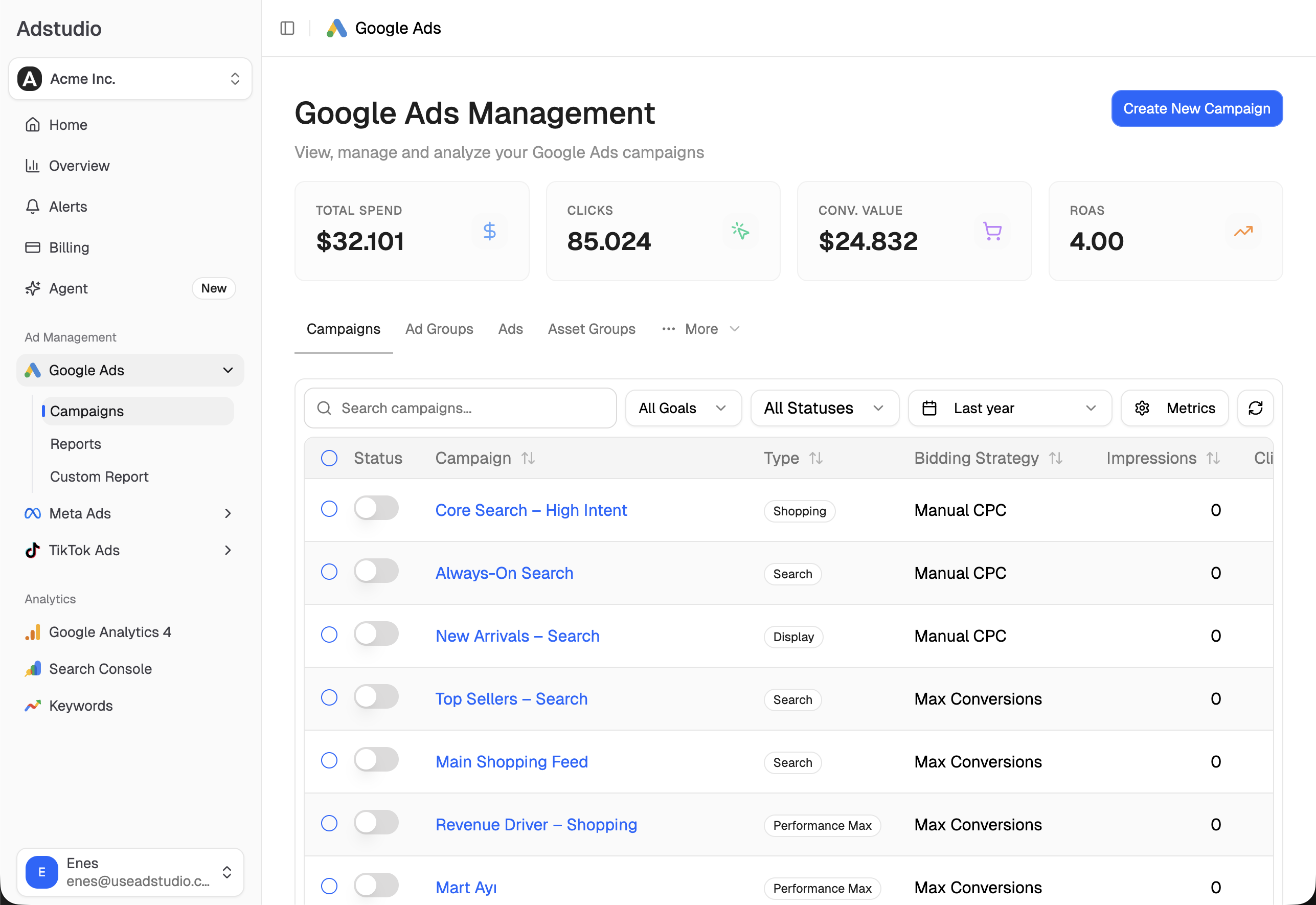
Steps 2, 3 and 6 are where most of the time goes, especially across several accounts. In Adstudio each one is a question to the assistant, answered from your connected Google Ads account:
- "Split my Search campaigns' spend, conversions and cost per conversion by network for the last 60 days." Adstudio returns Google Search, search partners and the Display Network as separate rows for each campaign, in the account's currency.
- "Show me the settings of my Brand Search campaign." You get the bidding, budget and networks in one view, along with the campaign's serving and learning status.
- "Turn off search partners on the campaigns where they had spend and no conversions." Adstudio reads each campaign from Google first, shows the exact change on an approval card, applies it only after you confirm, and reads it back to verify.
- "Compare cost per conversion for these campaigns over the 14 days after my change against the 14 days before." Two equal periods, so the effect of the change shows up as a movement rather than one number.
If you run Meta or TikTok next to Google, the same workspace puts all three side by side, which helps when the question is whether Display money would do more on another platform. See how to see Google, Meta and TikTok spend in one report.
Is it better to lower a channel's priority or turn it off?
Turning a channel off is still possible, and it is the cleanest answer for a network that has spent for months without converting. Low priority with an allocation fits the middle ground Google is aiming at: you want the channel to keep running so you can learn, but you don't want it to take more than a set share. It also helps with testing. Google explicitly suggests using it to try search partners or the Display Network within defined limits instead of turning them off completely.
One caution: a cap on a channel doesn't fix the reasons it underperforms. If Display is buying low-quality placements, look at placement exclusions and content suitability too, and if search partners are matching poor queries, the search terms report and negatives come first. Our guide to finding wasted spend in Google Ads walks through that check.
FAQ
What is the difference between High priority and Low priority in Google Ads? High priority channels are funded first. Low priority channels only receive budget after High priority channels have spent, and they are the only ones that can take a budget allocation cap.
Is the Google Ads budget allocation a hard limit? No. Google calls it best-effort, so daily spend on that channel may sometimes go over the percentage. It resets every day, and nothing carries over.
Do I have to do anything before February 2027? Only if your Search campaigns have the Display Network on and you want to control what happens. Google recommends Low priority with a 50% allocation to keep current behavior; you can also pick your own percentage, 0%, or turn the network off.
Can I set channel priority in Performance Max? Yes, as the rollout reaches your account. Performance Max lets you prioritize "Google channels", search partners and the Display Network, and set a budget allocation for the Low priority ones.
Why don't I see the Channel Prioritization card yet? Google is rolling it out progressively from October 15, 2026, and availability can vary by account. It also can't be set from a manager account, so open the client account itself.
Does a 0% budget allocation turn the channel off? Google Ads Help says 0% means Google won't spend on that channel. The channel stays Low priority in your settings, so you can raise the percentage later.
To see your own network split before you set a cap, connect Google Ads to Adstudio on the free plan; paid plans are on the pricing page.
Google Ads behavior described as of October 2026, per the linked Google Ads Help pages and Google's announcement.