When your Google ads aren't showing, the cause is almost always one of six things: an account, billing or security hold, a campaign that is paused, ended or not yet started, an ad that is still under review or was disapproved, keywords Google marks as low search volume, targeting that leaves the searcher out, or an Ad Rank too low to win the auction. Searching for your own ad on Google is the worst way to check, because Google recommends its Ad preview and diagnosis tool instead and the status columns tell you the rest. Adstudio reads the serving status and Google's reasons for every campaign, ad group and ad in one question, across every Google Ads account you connect.
TL;DR
- Don't Google your own ad. Google recommends the Ad preview and diagnosis tool instead, and says searching without clicking lowers your clickthrough rate, per its page on not seeing your ad.
- Check the account first. A billing hold, suspension or security review stops every campaign at once, per Google's troubleshooting guide.
- "Under review", "Disapproved" and "Not eligible" are different problems. Review typically takes one business day; disapproved needs an edit; not eligible means the campaign or ad group above the ad is paused, ended or incomplete, per Google's ad status page.
- Approved but no impressions usually means low search volume keywords, narrow targeting, or a low Ad Rank, which shows up as Search lost impression share (rank).
- Reporting isn't real-time. Google says recent impressions may not appear right away, so wait before deciding nothing is serving.
How do I check if my Google ad is showing without searching for it?
Use the Ad preview and diagnosis tool. In Google Ads, open the Tools menu, then Troubleshooting, then Ad preview and diagnosis, per Google's tool page. Type a search term, and the tool shows the results page your ad would appear on and, if it isn't showing, a diagnosis.
Why not just search on Google? Google's own page gives two reasons: you collect impressions without clicks, which lowers your clickthrough rate, and the ad you see depends on your own location, language and history, which may be outside your targeting. The preview tool avoids both, because it doesn't accumulate impressions.
Three diagnoses in the tool surprise people:
- "There is a more relevant candidate available." Another of your ad groups or campaigns won the slot. Google notes that keywordless ad groups (Dynamic Search Ads, AI Max ad groups and Performance Max asset groups without keywords or search themes) can win even when a matching keyword ad group exists. If that is happening, see how to see what AI Max is doing in Google Ads.
- Paused ad groups don't appear at all. The tool only previews active ad groups.
- A campaign that just changed bidding is still calibrating. Switching to Maximize clicks or a Smart Bidding strategy starts a learning period; see how long the learning phase lasts on Google, Meta and TikTok.
Google adds that the tool "may not reflect all campaign activity", and an ad can stop appearing later in the day once the campaign has spent its average daily budget.
Is my Google Ads account on hold?
Rule this out first when every campaign stopped at once. Google's Search troubleshooting guide lists account issues as the first cause: suspensions, security reviews, billing holds and a payment method that was never set up all block serving. Two details from that page:
- A security review shows no notice on the dashboard and can't be sped up. If nothing else explains a full stop, check the account's notifications and billing before you change any campaign.
- Payment problems stop everything. Keep the payment method current and check Billing for a declined charge.
The guide also lists an account budget exhausted: if your account uses an account-level budget, ads stop when it runs out, whatever the campaign budgets say.
Is my campaign paused, ended or not started?
The next cause on Google's list is the simplest: the campaign's dates. Check that the campaign's start date has passed and its end date hasn't, and that the date range you are looking at in the reports covers the days you expect impressions. If the campaign uses an ad schedule, ads show only in the hours and days you set; without one, ads are eligible all day.
Then check the levels below: the campaign needs at least one enabled ad group with at least one enabled ad and, on Search, enabled keywords. Google's "campaign doesn't run" recommendations name these exact gaps: create or unpause an ad group, add or unpause keywords.
If an ad was paused and nobody remembers why, Change history shows who paused it and when.
Is my Google ad under review, disapproved or not eligible?
Open Campaigns → Ads and read the Status column; hovering over a status shows Google's explanation, per its ad status page.
| Status | What it means | What to do |
|---|---|---|
| Under review | Google is still checking the ad; typically one business day | Wait. Google's troubleshooting guide says most ads are reviewed within 24–48 hours, and new accounts, image and video ads can take up to 5 business days |
| Eligible | The ad complies with policy and can show to all audiences | Look at search volume, targeting and Ad Rank instead |
| Eligible (limited) | The ad can run, but not in every situation, for example trademark use or gambling content | Read the Policy details column to see where it is restricted |
| Eligible (limited all locations) | Policy and your targeting together block your targeted locations | It can still reach people interested in those locations; review the policy and location settings |
| Disapproved | The content or destination violates policy; the ad gets no impressions | Edit the ad to fix the issue and save, which sends it back for review |
| Not eligible | The campaign or ad group above the ad is paused, removed, ended, pending or incomplete | Fix the campaign or ad group, not the ad |
To see why an ad is disapproved or limited, add the Policy details column: Columns → All columns → Attributes → Policy details → Apply. "Not eligible" is the status that fools people most: the ad itself is fine, and the problem sits one or two levels up.
Why is my ad approved but getting no impressions?
Everything is eligible and on, and impressions are near zero. Work through these four checks in order.
1. Are your keywords "Low search volume"?
Open the Search keywords page and read each keyword's status. Google marks a keyword Low search volume when it has "very little to no search history on Google", and the keyword stays inactive until searches pick up, per its low search volume page. Google rechecks the status about once a week.
The fixes Google lists: wait (sensible for a new brand or product name), broaden the match type, make the keyword less specific, or replace it with terms from Keyword Planner. Changing bids, Quality Score or ad text won't change this status.
2. Is your targeting too narrow?
Google's troubleshooting guide lists four settings that quietly shrink reach:
- Location option set to Presence. "Presence or interest" also reaches people interested in your locations, and Google calls broad geo targeting a best practice on Search in its location options page. Keep Presence if you only serve people physically in the area.
- Audiences set to Targeting instead of Observation on a new Search campaign. Targeting limits who sees the ad; Observation only reports on the audience.
- Negative keyword lists that block real searches. Review the lists applied to the campaign; a broad negative added months ago can block a whole product line. Bulk fixes are in how to add negative keywords to many campaigns at once.
- Only exact or phrase match keywords. Google suggests broad match, filtered with negatives.
3. Is your Ad Rank too low?
Google's page on not seeing your ad says an ad may not reach the first page when its Ad Rank isn't high enough, and that Ad Rank depends on your bid and Quality Score. Add the Search lost IS (rank) column: a high value means you are losing auctions on bid or ad quality, not on budget. Google's fixes are a higher bid or target, better Ad Strength on responsive search ads (aim for Good or Excellent), and a more relevant, faster landing page. Fixing the quality side is covered in why is my Google Ads Quality Score low.
If Search lost IS (budget) is the larger number instead, the campaign is entering auctions and running out of money; that is why is my Google Ads campaign limited by budget.
4. Is Smart Bidding starved of conversions?
A Target CPA set far below what the account actually achieves, or a Target ROAS set far above it, makes Smart Bidding bid too low to win; Google's guide notes that very low bids rarely win auctions. Google's guide lists "Adjust your CPA targets" among its low-traffic fixes and notes that automated bidding needs working conversion tracking. If conversions stopped recording, bidding learns from the gap; how to check Google Ads conversion tracking walks through the statuses.
Two more causes in Google's list are worth knowing: your own campaigns and ad groups can compete for the same searches when they share keywords or targeting, and some auctions are simply more competitive than your bid.
What should I check first? A five-minute order
| Symptom | Most likely cause | First check |
|---|---|---|
| Every campaign stopped on the same day | Billing, suspension or security review | Billing and account notifications |
| A new campaign never got an impression | Dates, an ad under review, or no enabled ad group | Campaign dates, then the Ads Status column |
| Ads say "Not eligible" | Paused, ended or incomplete campaign or ad group | Campaign and ad group status |
| Ads are Eligible, impressions near zero | Low search volume keywords or narrow targeting | Keyword status, location option, negatives |
| Impressions dropped after a good month | Lost IS (rank) or (budget), a bid strategy change | Impression share columns, then Change history |
| You can't see your ad when you search | Your own location, history or the schedule | Ad preview and diagnosis tool |
If the same question comes up on other platforms, the equivalents are why are my Meta ads not spending and why are my TikTok ads not spending.
How does Adstudio find why Google ads aren't showing?
Adstudio connects to your Google Ads accounts, and to Meta and TikTok if you run them, so the checks above become questions you ask once instead of columns you add per account:
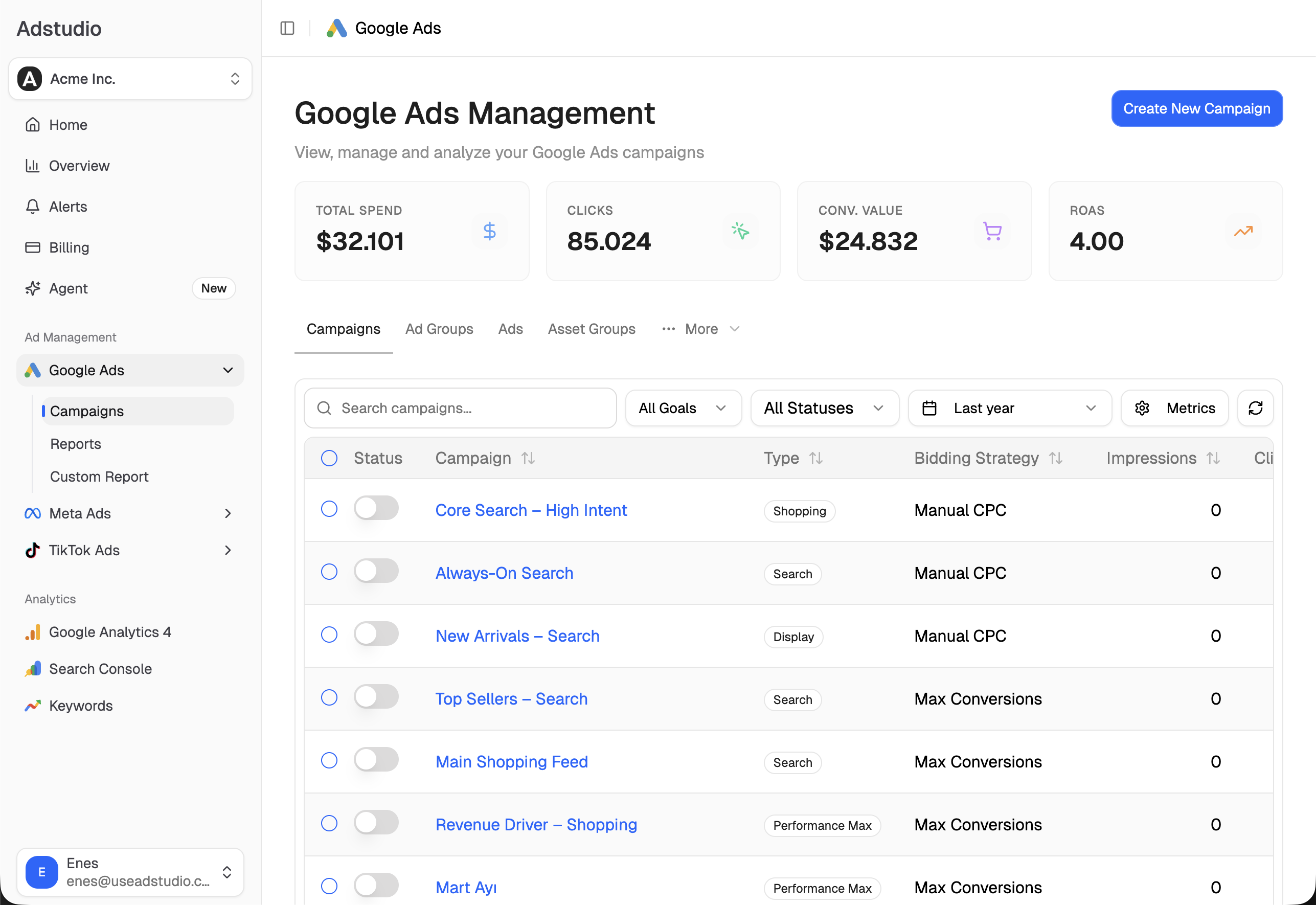
- "Which of my Google campaigns, ad groups and ads aren't serving, and why?" Adstudio lists each one with the status you set, Google's own serving status and the reasons Google gives, including the ones that got zero impressions in the period, so an ad under review or an ad group with nothing enabled shows up beside the ones that are serving.
- "How much impression share am I losing to budget and to rank?" Adstudio reads search impression share and both lost impression share figures exactly as Google reports them, per account or per campaign, so you know which of the two fixes applies.
- "Find search volume for these keywords." Adstudio reads average monthly searches from Keyword Planner, so you can replace a low search volume keyword with a term people actually search.
- "Turn this ad group back on", "Raise this campaign's budget by 20%" or "Change this keyword to broad match." Adstudio reads the current state, has Google validate the exact change, and shows a before → after card. Nothing changes until you approve, and Adstudio reads the result back afterwards. The same flow changes locations, languages and negative keywords.
To hear about a campaign that stopped serving before a day of lost traffic, see how to set up ad spend alerts. Adstudio plans start at $19/month.
FAQ
Why can't I see my own Google ad when I search for it?
Your search may fall outside the ad's location, language or schedule, the daily budget may already be spent, or the ad may lose that particular auction. Google recommends the Ad preview and diagnosis tool instead, because searching for your own ad without clicking collects impressions and lowers your clickthrough rate.
How long does it take for Google Ads to start showing?
Google's ad status page says review typically takes one business day. Its troubleshooting guide says most ads are reviewed within 24–48 hours, and new accounts, image and video ads can take up to 5 business days. Reporting isn't real-time either, so the first impressions can appear in the account later than they happened.
What does "Not eligible" mean in Google Ads?
It means the ad isn't serving because the campaign is paused, removed, ended or pending, or the ad group is paused, removed or incomplete. The ad itself passed review; fix the campaign or ad group above it.
What does "Low search volume" mean on a Google Ads keyword?
The keyword has very little or no search history on Google, so it stays inactive until searches increase. Google rechecks it about once a week. Broaden the match type, make the keyword less specific or replace it; bids and ad text don't change the status.
Why did my Google ads suddenly stop showing?
When every campaign stopped at once, check billing, suspensions and security reviews first. When one campaign stopped, check its end date, budget, recent edits in Change history and whether its ads were disapproved after a policy review.
Does Google Ads show my ad less if I have a low budget?
Yes. A small budget limits how often a campaign can enter auctions, and Google lists low budget among the causes of low traffic. The Search lost IS (budget) column shows how much you are missing because of it.
Statuses, menus and review times reflect Google Ads Help pages as of November 12, 2026.