When TikTok ads are switched on but not spending, the cause is almost always one of five things: the ad or the ad account is still in review, the account has no balance or a failed payment, the budget is under TikTok's minimum, a Cost Cap bid is too low to win auctions, or the audience is too narrow to deliver. TikTok Ads Manager shows a status at the campaign, ad group and ad level, and the reason is usually one level below the one you are looking at. Adstudio lists every TikTok campaign with TikTok's own delivery status, including the ones that spent nothing, and changes budgets, bids, schedules and targeting from one chat once you approve.
TL;DR
- Check the status at all three levels. "Not delivering" on an ad means budget or a policy problem; "Limited delivery" means it is only partly running, per TikTok's ad status list.
- Review takes time. TikTok says most ads are reviewed within 24 hours, and editing the creative or the targeted location sends an ad back into review (Ad Review FAQ).
- Money stops everything. On manual payment, ads need a balance before they deliver; on automatic payment, an outstanding balance pauses campaigns (TikTok billing help).
- Active but barely spending usually means a Cost Cap bid that is too low, a budget near TikTok's minimum, or an audience rated Too Narrow.
- Ads running at the wrong hours? Delivery follows the ad account's time zone, which cannot be changed after registration.
Where do I see why my TikTok ad isn't delivering?
Open TikTok Ads Manager and check the Status column on the Campaign tab, then the Ad group tab, then the Ad tab. A campaign can read Active while every ad group under it is stopped, and an ad group can be on while one of its ads was rejected. TikTok keeps a separate status list for each level: campaigns, ad groups and ads. Hover over a status to see TikTok's explanation next to it.
The statuses behind most "not spending" questions:
| Status you see | What TikTok means | Where to look next |
|---|---|---|
| Not delivering (ad) | The ad stopped running because of budget or a policy violation | The ad's review result, then the budget |
| Not delivering + "Out of budget" (ad group) | The ad group has spent the budget it was given | Ad group and campaign budget |
| Limited delivery (ad) | The ad is only partly delivering; action may be needed | The explanation shown on hover |
| Limited delivery + "Partially rejected" (ad group) | Some of the ad group's ads were rejected | The rejected ads on the Ad tab |
| Paused | Someone turned it off | The toggle on the campaign, ad group or ad |
If all three tabs look healthy and nothing spends, the cause is usually above the campaign: the ad account's review, balance or payment.
Is my TikTok ad still in review or rejected?
New ads go through review before they deliver. TikTok's Ad Review FAQ says most ads are reviewed within 24 hours, and some take longer. Two edits send a live ad back into review:
- Editing the creative. The new version is reviewed again, which can take up to 24 hours.
- Changing the ad group's targeted location. A location change also triggers a new review.
The ad account has its own review. TikTok's Account Approval FAQ says most account reviews finish in under 24 hours, and that updating the account's promotion link starts a new account review. While the account is in review, nothing in it delivers, however healthy the campaigns look.
Two practical rules follow:
- Don't edit an ad that is waiting for review. Batch the changes and make them once.
- Submit launch ads a day early. If a campaign has to be live on a date, give review a buffer, the same way you would on Meta or Google. Our Black Friday preparation guide applies the same lead time across platforms.
A rejected ad shows the reason in Ads Manager. Fix the ad or create a new one; an ad group with some rejected ads keeps delivering the approved ones, which is what "Limited delivery: Partially rejected" means.
Do I have enough balance, or did a payment fail?
This is the first thing to rule out when every campaign stopped at the same time.
- Manual payment: TikTok's manual payment page says you have to add balance to the account before ads can deliver. When the balance runs out, delivery stops until you top up. Top-ups are under Billing in the Tools menu of Ads Manager.
- Automatic payment: if a charge to your primary payment method fails, TikTok tries your other methods. If an outstanding balance remains, TikTok's failed payments page says the system pauses your campaigns and suspends the account until it is paid. You can see the failed charge and its reason on the account's payment page, and appeal a failed bill from the Transactions page if you think it is a mistake.
TikTok's Ad Delivery FAQ lists insufficient balance and a used-up lifetime budget alongside account review as the usual reasons a whole account stops delivering.
Is my TikTok budget too low?
TikTok sets minimum budgets at two levels. As of November 2026, its budget help page lists:
| Level | Daily budget | Lifetime budget |
|---|---|---|
| Campaign | More than $50 a day | More than $50 |
| Ad group | More than $20 a day | The daily minimum × the number of scheduled days |
Three details from the same page cause most budget problems:
- The campaign budget should not be lower than the ad group budget. If it is, the campaign caps what the ad groups can spend and delivery suffers.
- A lifetime ad group budget scales with the schedule. TikTok's own example: an ad group scheduled for 31 days needs at least $620.
- You can't switch budget types once it is live. A daily budget stays daily and a lifetime budget stays lifetime; you can only change the amount.
The minimum is what TikTok accepts, not what a conversion campaign needs. TikTok's Budget Recommendation shows a "sufficient" and a "competitive" budget per ad group, and notes that raising the budget alone does not guarantee a matching rise in impressions. A budget near the minimum on a Sales or Lead generation goal often also means the ad group can't collect the roughly 50 conversions TikTok treats as passing learning; see how long the learning phase lasts on Google, Meta and TikTok.
Why is my TikTok ad group active but barely spending?
Everything is approved, the balance is fine, and the ad group spends a fraction of its budget. Work through these three checks.
1. Is the Cost Cap bid too low?
TikTok's bidding strategies page describes two strategies. Cost Cap optimizes toward a cost per result you set. Maximum Delivery spends the budget for as many results as it can, without a target, and is only available on daily budgets.
A Cost Cap that is too low is the most common reason an approved ad group under-spends. TikTok's optimization checklist says it plainly: if impressions are low, the bid may be too low, so raise it. Its bidding best practices add two rules of thumb:
- When a Cost Cap ad group has low budget utilization, raise the bid by at least 20%. Small steps rarely change the auctions you win.
- Keep the budget at about 10 times the Cost Cap bid, and start from the suggested bid in Ads Manager, which meets TikTok's minimum bid-to-budget ratio.
2. Is the audience rated Too Narrow?
While you edit an ad group, TikTok's audience size estimate labels the audience Too Narrow, Narrow, Balanced or Fairly Broad. Too Narrow and Narrow mean the estimate is small and results will vary. TikTok's targeting best practices warn that an audience that is too narrow struggles to exit the learning phase and wears out its creative faster.
Every extra filter shrinks the audience: a single city, a tight age band, a long list of interests together with hashtags and creator interactions. Remove the filters that don't reflect a real business constraint first. If you use custom audiences, note that TikTok says one created or changed in the last 24 hours can skew the estimate.
3. Is the schedule running in a different time zone?
TikTok delivers ads on the ad account's time zone, per its Ad Delivery FAQ, and its time zone page says the time zone can't be changed after the account is registered. An ad group with a start date "tomorrow" or with dayparting set to 6 pm to midnight can be running at hours you didn't intend if the account was set up in another time zone. TikTok's time zone converter lets you set dayparting in your own time zone and converts it for delivery.
Also give a newly approved ad a little time. TikTok's delivery FAQ notes that a recently launched ad needs time to start building impressions.
What should I check first? A five-minute order
| Symptom | Most likely cause | First check |
|---|---|---|
| Every campaign stopped on the same day | Balance, failed payment, or account review | Billing in Ads Manager, then the account status |
| New ads never started | Ad in review or rejected | Status column on the Ad tab |
| One ad group shows "Out of budget" | Ad group or campaign budget used up | Ad group budget vs campaign budget |
| Active but spends a fraction of budget | Cost Cap bid too low, or audience Too Narrow | Bid strategy, then the audience size label |
| Delivery at odd hours, or starts a day late | Account time zone | Account time zone vs the ad group schedule |
Running Meta and Google too? The same checklist for those platforms is in why are my Meta ads not spending and why is my Google Ads campaign limited by budget.
How does Adstudio find and fix TikTok ads that aren't spending?
Adstudio connects to your TikTok ad accounts, and to Google Ads and Meta if you run them, so the checks above become questions instead of tabs you click through per account:
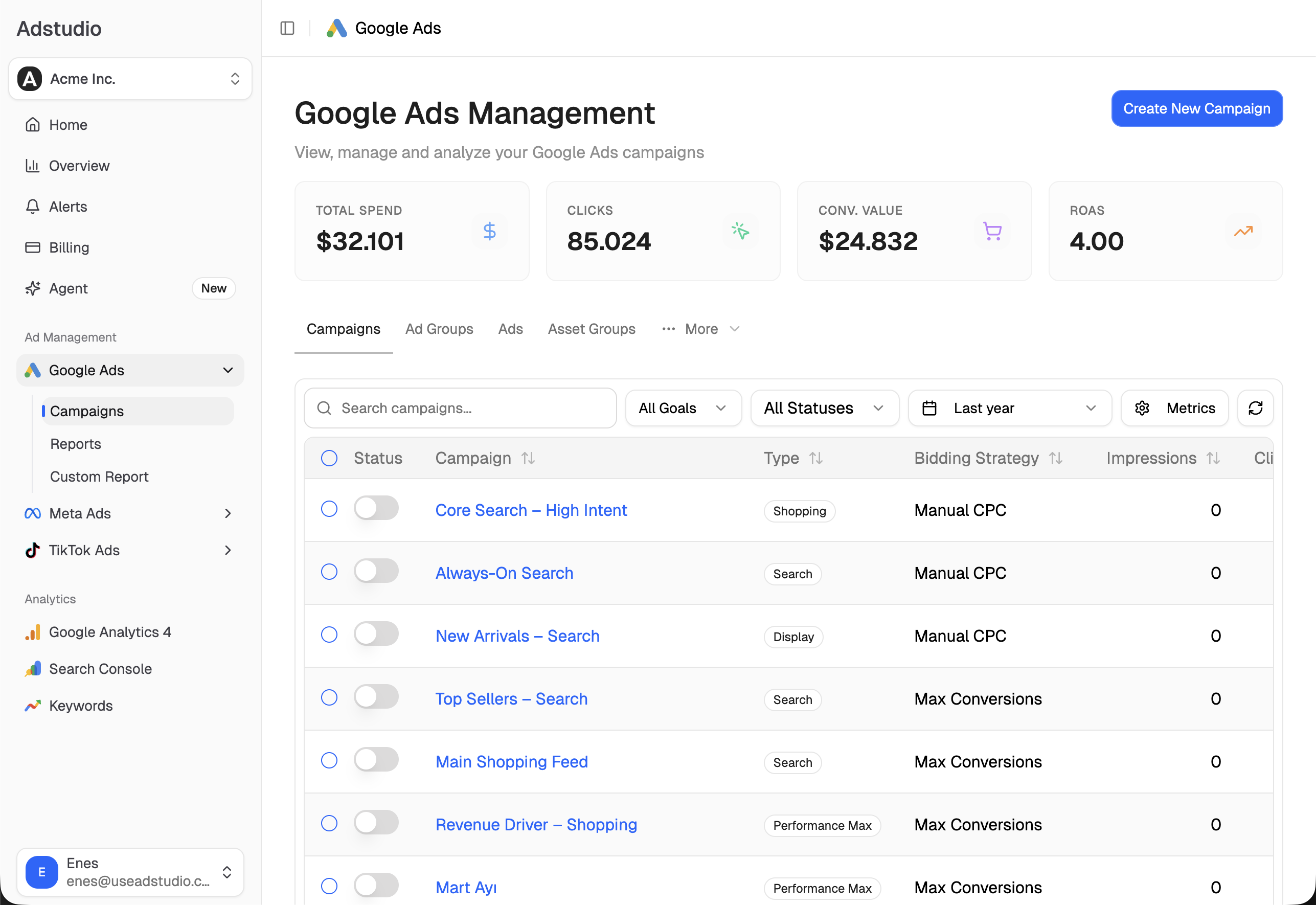
- "Which of my TikTok campaigns aren't delivering, and why?" Adstudio lists your TikTok campaigns with the status you set and TikTok's own delivery status, including campaigns that spent nothing in the period, so a stopped campaign shows up next to the ones that are spending.
- "Audit this TikTok account for the last 14 days." Adstudio reads campaigns and ad groups together: what each spent and delivered, and how each ad group's audience is set up, so a narrow audience next to an under-spending ad group is easy to spot.
- "Raise this ad group's budget to 60 a day," "widen the age range to 18–44," "raise the bid by 20%," or "turn this campaign back on." Adstudio reads the current value, shows a before → after card, and changes nothing until you approve. After the change it reads every value back from TikTok, so a setting TikTok accepted but did not apply is reported to you instead of shown as done. The same flow changes end dates and dayparting hours.
To catch a TikTok campaign that stops spending before a full day is lost, set an alert on daily spend falling below a threshold; see how to set up ad spend alerts. To see TikTok next to Google and Meta in one view, read how to see Google, Meta and TikTok spend in one report. Plans start at $19/month.
FAQ
Why does my TikTok campaign say Active but not spend any money?
Usually because something below it isn't delivering: the ad groups are out of budget or under a Cost Cap that is too low, or the ads are still in review or rejected. Check the Ad group and Ad tabs, not only the Campaign tab, and check the account's balance.
How long does TikTok take to review an ad?
TikTok's Ad Review FAQ says most ads are reviewed within 24 hours, though some take longer. Editing the creative or the ad group's targeted location sends the ad back into review.
What is the minimum budget for TikTok ads?
As of November 2026, TikTok's budget help page lists a daily budget of more than $50 per campaign and more than $20 per ad group. A lifetime ad group budget has to cover the daily minimum for every scheduled day.
Should I use Cost Cap or Maximum Delivery on TikTok?
Use Maximum Delivery when you want the budget spent and don't have a firm cost target; it works on daily budgets only. Use Cost Cap when you have a cost per result you must stay under, and accept that a cap set too low will under-spend. TikTok suggests raising a Cost Cap by at least 20% when budget utilization is low.
Why did my TikTok ads stop all at once?
When every campaign stops on the same day, look at the account: an empty balance on manual payment, a failed charge on automatic payment, or an account review after a change such as a new promotion link.
Why are my TikTok ads running at the wrong time?
TikTok delivers on the ad account's time zone, which can't be changed after registration. Compare the account's time zone with your schedule, or set dayparting with TikTok's time zone converter.
Statuses, limits and steps reflect TikTok Ads Help Center pages as of November 2, 2026.