Your Google Ads Quality Score is low because at least one of its three components, expected clickthrough rate, ad relevance or landing page experience, is rated Below average against other advertisers for that keyword. Add the three component columns to your Keywords table, find the one marked Below average, and fix that: tighter ad groups and ad text for relevance, a sharper offer for expected CTR, a page that delivers what the ad promised for landing page experience. Adstudio does the reading part in one question: ask "which keywords have a low Quality Score and why?" and it lists every keyword with its score, its three components and what it spent.
TL;DR
- Quality Score is a 1–10 diagnostic at the keyword level, for Search campaigns. Google says it is not a KPI and should not be optimized or averaged on its own (About Quality Score).
- The number is a summary; the three components are the diagnosis. Each is rated Above average, Average or Below average, and each points to a different fix (Using Quality Score to improve your performance).
- Changing match types will not move it. It is based on past impressions for exact searches of your keyword.
- There is no ad group, campaign or account Quality Score (What matters for ads quality). Fix keywords, starting with the ones that spend.
- A "—" is not a bad score. It means there were not enough exact searches to give the keyword one yet.
What does Google Ads Quality Score actually measure?
Google describes Quality Score as a diagnostic tool that shows how your ad quality compares to other advertisers, on a scale from 1 to 10, available for each keyword in a Search campaign (About Quality Score for Search campaigns). It is built from three components:
- Expected clickthrough rate: how likely your ad is to be clicked when it shows for that keyword.
- Ad relevance: how closely your ad matches the intent behind the search.
- Landing page experience: how relevant and useful your landing page is to people who click the ad.
Why it matters: Google says higher ad quality generally leads to better ad positions and lower costs (About ad quality). But the 1–10 number itself is a report card, not the thing the auction reads. Ad quality is assessed in the context of each individual search, which is why Google asks you to use Quality Score to find problems rather than to chase the number (Using Quality Score to guide optimizations).
How do I see my Quality Score and its three components?
The score is hidden by default. To add it:
- Open the Search keywords page for the account, a campaign or an ad group. If your menu looks different, type "keywords" into the Google Ads search bar.
- Click the columns icon above the table and choose Modify columns for keywords.
- Open the Quality score section and tick Quality Score, Landing page exp., Ad relevance and Exp. CTR.
- Add the historical versions too. The "(hist.)" columns show what the score and each component were over the date range you pick, so you can see whether a change you made moved anything (About Quality Score).
- Add Cost, Conversions and Impressions next to them, and sort by Cost. You will need these in a minute.
Two things that confuse people at this step:
- A "—" in the Quality Score column means there aren't enough searches that exactly match the keyword to calculate a score yet. Low-volume and brand-new keywords often sit there for a while; it is not a penalty.
- Quality Score only exists for Search keywords. Performance Max, Demand Gen, Display and Shopping campaigns don't show one, because they don't run on keywords the same way.
Which component is dragging my Quality Score down?
Read the three component columns before the number. A keyword with a 4 might have one Below average component or three, and the fix is completely different. This is the table we work from, built on Google's own guidance (Using Quality Score to improve your performance):
| Component rated Below average | What it usually means | Fix |
|---|---|---|
| Ad relevance | The ad group mixes several themes, so one ad is trying to answer many different searches | Split the ad group by theme and write ads that use the words people actually searched |
| Expected CTR | The ad is relevant but not compelling next to the other ads on the page | Make the offer and details more specific to what the keyword's searcher wants |
| Landing page experience | The click lands somewhere that doesn't deliver what the ad promised, or is slow and awkward on a phone | Send the keyword to the page that answers it, and keep the ad's message and the page's message the same |
| All three | The keyword itself is a poor fit for what you sell | Pause it, or move it to a campaign built for that intent |
How do I fix below average ad relevance?
Ad relevance is the component you control most directly, and it is usually an account structure problem rather than a copywriting one.
- Look at the ad group, not just the keyword. If "running shoes", "trail shoes" and "shoe repair" share one ad group, no single ad can be relevant to all three.
- Group keywords by theme. Google's guidance is to split ad groups that mix themes and keep keywords in each ad group close enough that one set of ads answers all of them (Using Quality Score to improve your performance).
- Write the searcher's words into the ad. Pull the search terms report for the ad group and use the phrasing people actually typed in headlines, not only the brand's internal product names.
- Check your responsive search ads cover the theme. If the headlines are generic ("Quality products, great prices"), Google has nothing specific to match to the search.
How do I fix below average expected CTR?
Expected CTR compares your likely click rate with other advertisers' on the same searches, so a "fine" ad can still be Below average if competitors are more specific.
- Lead with the specific thing searched for. Someone searching "same day boiler repair" wants to see "same day" in the ad.
- Make the offer concrete. Prices, delivery times, guarantees and stock levels give people a reason to click yours, as long as they are true.
- Use assets. Sitelinks, callouts and structured snippets give searchers more reasons to pick your ad.
- Remove searches you don't want. Broad keywords that show for loosely related searches drag expected click rates down. Add the irrelevant terms as negatives; our guide on adding negative keywords to many Google Ads campaigns at once shows how.
How do I fix below average landing page experience?
Google's advice is to send traffic to a page that delivers on what the ad promised, matches what visitors expect, and works well on mobile (5 ways to use Quality Score). In practice:
- Match the page to the keyword. A keyword about one product should land on that product, not on the home page or a category of hundreds.
- Keep the promise. If the ad says "free shipping" or "from $49", the page should say the same thing above the fold.
- Test it on a phone. Open the final URL on a phone over mobile data. If it is slow, covered in pop-ups or hard to act on, visitors leave, and Google considers the device when it assesses ad quality (What matters for ads quality).
- Check conversion rate next to it. Google suggests reading Quality Score alongside other metrics such as conversion rate (Using Quality Score to improve your performance). A landing page rated Average with a falling conversion rate still deserves attention.
Which low Quality Score keywords should I fix first?
Not all of them. A Below average rating on a keyword that spent almost nothing this quarter isn't worth an afternoon. Our order:
- Sort keywords by cost for the last 30 or 90 days.
- Filter to keywords with a score of 1–5 or any component rated Below average.
- Fix the top of the list first. That is where better ad quality changes what you pay.
- Pause keywords that spend, never convert and are rated Below average on all three. That is usually a keyword that doesn't belong, not one that needs better copy. Our guide on finding wasted ad spend in Google Ads covers the rest of that clean-up.
- Look for patterns. If the same component is Below average across most of a campaign, the fix is structural (ad groups, landing pages), not keyword by keyword.
After a fix, give it time and compare with the "(hist.)" columns over equal date ranges before and after. And before you blame Quality Score for a cost problem, confirm conversions are being counted correctly; see how to check Google Ads conversion tracking.
Does changing match type, bids or campaigns improve Quality Score?
Several common fixes do nothing to the number:
| Change | Effect on Quality Score |
|---|---|
| Switching a keyword from broad to phrase or exact | None. The score is based on past impressions for exact searches of the keyword (About Quality Score) |
| Raising the bid | None on the score itself. Bids affect where you can show, not how Google assesses ad quality (About ad quality) |
| Moving the keyword to a new campaign | Not a fix by itself. There is no campaign-level score to escape, so nothing improves unless the ads or the landing page change with it (What matters for ads quality) |
| Averaging Quality Score across the account | Not a real metric. Google says there is no ad group, campaign or account-level Quality Score |
Match type still matters for performance: it decides which real searches trigger the ad, and therefore whether the ad and page are relevant to the people who see them. It just doesn't change the score directly.
How do I find and fix low Quality Score keywords with Adstudio?
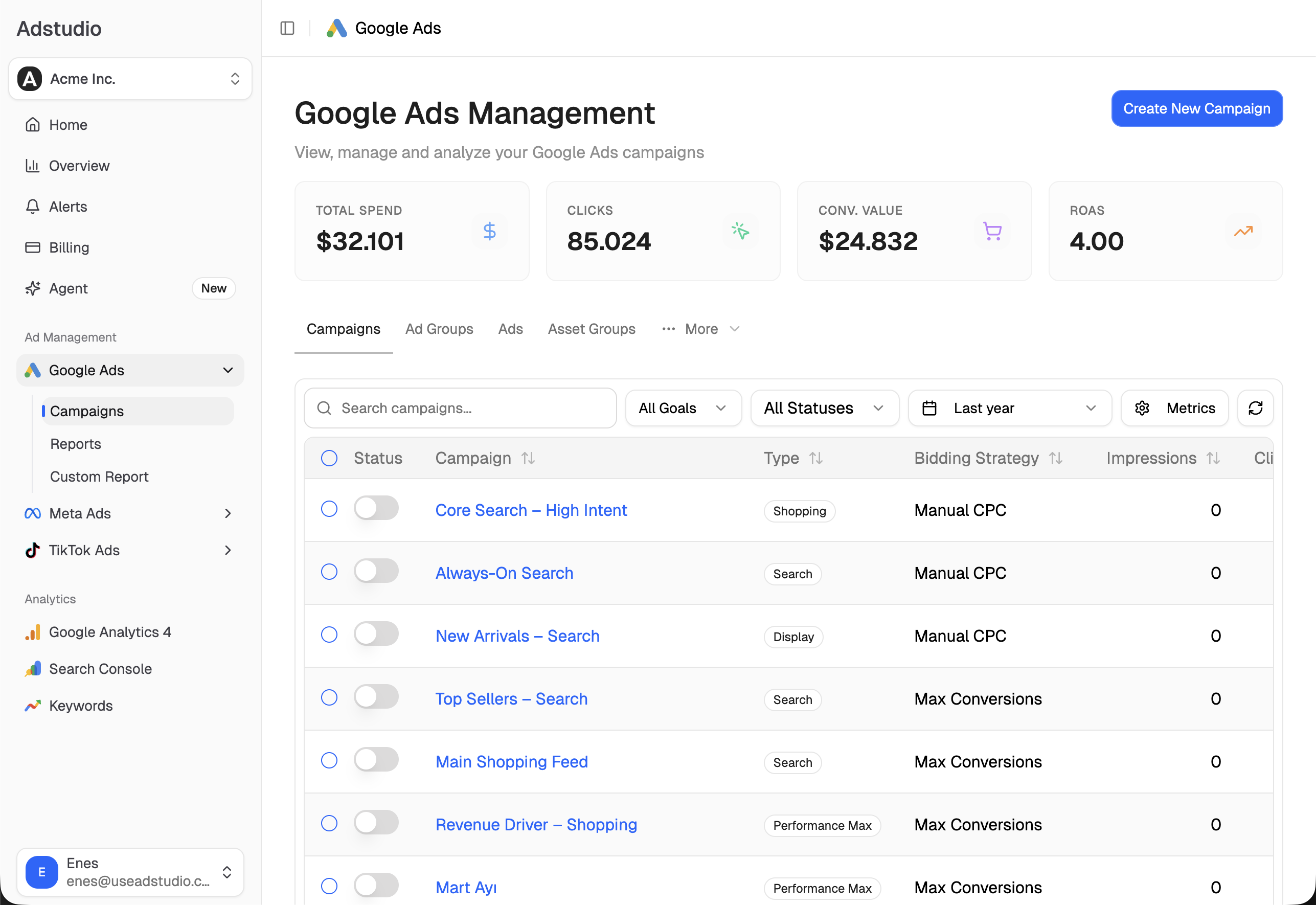
Adstudio connects to your Google Ads account, so the column set-up, sorting and cross-checking above become questions:
- "Which keywords have a low Quality Score, and which component is the problem?" Adstudio reads each keyword's Quality Score with expected CTR, ad relevance and landing page experience, next to its clicks, cost and conversions for the period you name.
- "Which low Quality Score keywords are spending without converting?" You get the keywords that cost money and brought no conversions, with their scores, so you start with the ones that matter.
- "What are people searching in the Running Shoes ad group?" Adstudio reads the search terms and groups them into the words and phrases that carry the spend, so you can see which themes belong in their own ad group.
- "Add an ad group for trail running shoes with these keywords and two ads." Adstudio builds the new ad group, its keywords and responsive search ads in your existing Search campaign, shows the whole plan on a card, and creates it only after you approve.
- "Rewrite headline 3 to mention same-day delivery" or "pause these four keywords." Each change is shown before → after on a card, made after you approve it, and read back from Google.
For more questions like these, see 36 things you can ask an AI about your ad account. Adstudio also covers Meta Ads and TikTok Ads in the same chat, and plans start at $19/month.
FAQ
What is a good Quality Score in Google Ads?
Google doesn't set a target number and asks advertisers not to chase one. Read the components instead: a keyword with all three components rated Average or Above average has no ad quality problem worth fixing, whatever the exact number.
Why does my keyword show "—" instead of a Quality Score?
There haven't been enough searches that exactly match the keyword to calculate a score. It is common for new and low-volume keywords and is not a penalty.
How long does it take for Quality Score to change after I fix something?
Google doesn't publish a timeline. The score is based on past impressions for exact searches of the keyword, so a high-volume keyword reflects a fix sooner than a quiet one. Compare the "(hist.)" columns over equal periods before and after the change.
Does a low Quality Score make me pay more per click?
Google says higher ad quality generally leads to better ad positions and lower costs. Quality Score is the summary of that ad quality for a keyword, so a keyword with Below average components is usually paying more for the same position than it needs to.
Is there a Quality Score for Performance Max or Display campaigns?
No. Quality Score is reported for keywords in Search campaigns. For other campaign types, read results per asset, placement or channel instead.
Do I need to fix every keyword with a low Quality Score?
No. Start with keywords that spend the most and have a component rated Below average. Pause keywords that spend, don't convert and are Below average on all three, and leave low-spend keywords for later.
Steps reflect Google Ads Help on Quality Score and ad quality as of November 8, 2026.