When your Google Ads conversion tracking breaks, fix the tracking first, then add a data exclusion covering the dates with bad conversion data, so Smart Bidding stops learning from them. Google recommends applying the exclusion as soon as you find the problem, and it changes only what bidding learns from: the conversions in your reports stay as they are. Adstudio can set one up from a single sentence, such as "exclude Tuesday 9:00 to Thursday 18:00 from bidding on my Search campaigns", shown on a card you approve before anything changes in Google Ads.
TL;DR
- A data exclusion tells Smart Bidding to ignore conversion data from a date range with a tracking or upload problem (About data exclusions).
- Reporting does not change. The excluded conversions still show in your columns; only bidding stops using them.
- Pick dates by affected clicks, not just broken days. Google asks you to cover at least 90% of the clicks tied to the bad data, allowing for conversion delay.
- It works on Search, Display, Shopping and Performance Max with conversion-based Smart Bidding, scoped to campaign types or named campaigns.
- A seasonality adjustment is a different tool, for a conversion rate change you expect ahead of time, like a sale.
What is a data exclusion in Google Ads?
A data exclusion is a dated instruction to Smart Bidding: "do not learn from conversion data in this window." Google describes it as a tool to reduce the impact of conversion tracking issues on Smart Bidding (About data exclusions).
Why it matters: Target CPA, Target ROAS, Maximize conversions and Maximize conversion value all set bids from the conversion rate and value they observe. If your tag stops firing for two days, bidding sees clicks that apparently never convert and bids those auctions down. If a duplicated tag doubles your purchases, it sees a conversion rate that isn't real and bids up. Either way, the strategy keeps acting on that history after the tag is fixed. The exclusion removes the bad window from what it learns.
Google lists the situations it is built for (Use data exclusions for conversion data outages):
- Conversion tracking broken for a period, for example a site release that dropped the tag.
- A conversion tag placed incorrectly, producing inaccurate counts (duplicates included).
- Offline conversion data that could not be uploaded for a while.
What should I do first when conversion tracking breaks?
Work in this order. The exclusion is step three, not step one.
- Confirm it is tracking, not demand. Compare conversions in Google Ads with orders or leads in your own system for the same days. If sales happened and Google Ads did not record them, it is tracking. If both dropped, it is demand, and an exclusion would be the wrong fix. Our conversion tracking checklist covers the statuses Google shows when an action stops recording.
- Fix the source. Restore the tag, the Google tag configuration or the import. An exclusion does not repair tracking or fill in missing conversions.
- Add the data exclusion for the affected window, as soon as you know it. Google recommends applying exclusions as soon as the issue is identified (Use data exclusions for conversion data outages).
- Leave bidding settings alone. Changing the target or the strategy during the same week stacks a second disruption on the first. See how long the learning phase lasts for what resets learning.
- Watch the next few days. Google notes that bids and spend can still drop briefly after an exclusion is applied (About data exclusions).
If you are not sure what broke the tag, the change log usually tells you: our guide on who changed my Google Ads campaign shows how to read it.
Which dates should a data exclusion cover?
This is where most exclusions go wrong. The window is about clicks whose conversions were affected, not only the hours the tag was down.
Google's guidance is to exclude at least 90% of the clicks associated with the impacted conversion data, taking conversion delay into account (About data exclusions). In practice:
- Start before the outage when conversions lag. If people usually buy a day or two after clicking, clicks from the days just before the tag broke converted during the outage and were lost too. Move the start back by your typical delay.
- End when the fix went live. Clicks after the fix convert normally, so there is no reason to extend past it.
- Use the account's time zone. Start and end times are read in the account's time zone (Data exclusions, Google Ads API), so convert the release timestamp from your developers before entering it.
- Keep it short. Google warns that using exclusions often or for long periods can hurt Smart Bidding performance, and its API example keeps the range under 14 days.
A worked example. Say a site release went out on Tuesday at 09:00 and removed the purchase tag, and the fix shipped on Thursday at 18:00. If most of your purchases arrive within a day of the click, a sound window is Monday 09:00 to Thursday 18:00: Monday's clicks lost the purchases they made on Tuesday and Wednesday. If purchases usually happen within the same session, Tuesday 09:00 to Thursday 18:00 is enough.
Not sure what your delay is? If your order or lead records keep the time of the visit that came from the ad, compare it with the time of the order: the gap for most orders is your delay.
How do I add a data exclusion in Google Ads?
Data exclusions live with seasonality adjustments in the advanced controls for bid strategies. Menu labels have moved between Google Ads interface versions; if your menu looks different, search for "data exclusions" in the Google Ads search bar.
- Open Tools, go to the bid strategies area and open Advanced controls.
- Select the Data exclusions tab and click the plus button.
- Name it in a way your team will understand later, for example "Purchase tag missing after site release".
- Set the start and end date and time you worked out above.
- Choose the scope: all campaigns of a type (for example every Search campaign), or specific campaigns. Exclude only campaigns whose bidding used the broken conversion action.
- Optionally limit devices, if only one device type was affected, such as a broken mobile checkout.
- Check the details and save. Google asks you to confirm the information is correct before you create it (About data exclusions).
Two constraints to know if you manage many accounts. Exclusions are created in each client account, not in a manager account, and an account can have up to 500 active exclusions at a time, each applying to up to 2,000 campaigns (Data exclusions, Google Ads API).
Does a data exclusion change my conversion reporting?
No. Data exclusions only affect the data Smart Bidding uses, and the excluded conversions still appear in your reports (About data exclusions). So:
- Duplicated conversions stay duplicated in the columns. Annotate the window in your reports so nobody reads that week's CPA or ROAS as real.
- Missing conversions stay missing. For offline imports, upload the backlog once the import works again; the exclusion still stops bidding from learning from the gap in the meantime.
- ROAS comparisons need a footnote. If the outage falls inside a month-over-month comparison, call it out. Our guide to Google Ads conversions with zero ROAS covers the related case where conversions record but carry no value.
Google also advises against removing exclusions once they are set; for dates in the past, their effect on bidding should settle within a few days (Use data exclusions for conversion data outages).
Data exclusion or seasonality adjustment: which one do I need?
Both sit in the same place and both are dated, which is why they get mixed up. They answer opposite questions.
| Data exclusion | Seasonality adjustment | |
|---|---|---|
| Use it when | Conversion data was wrong (tracking or upload problem) | Conversion rate will really change for a short, known event |
| Timing | After the problem, start date in the past | Before the event, scheduled ahead |
| What bidding does | Ignores the window when learning | Expects the conversion rate change you entered for the window |
| Typical length | The outage plus conversion delay | Short events; Google suggests 1–7 days (About seasonality adjustments) |
| Example | Purchase tag removed by a site release | Black Friday weekend sale |
If you are planning around a sale rather than cleaning up after an outage, our Black Friday guide for Google and Meta ads covers when a seasonality adjustment is worth it.
How do I fix bidding after a tracking outage with Adstudio?
Adstudio connects to your Google Ads account and handles the whole sequence in one conversation:
- "Did conversions drop on my Search campaigns this week, or did clicks?" Adstudio splits conversions, clicks and cost by day for the campaigns you name, so the outage window and its edges are visible next to each other.
- "What changed in the account before Tuesday?" It reads Google's change log, with who made each edit and the values before and after.
- "Exclude Monday 09:00 to Thursday 18:00 from bidding on Brand – Search and Generic – Search." Adstudio prepares the data exclusion on the campaigns you name, or on every campaign of a type, and shows the window, the scope and any device limits on a card. Nothing changes until you approve it; afterwards it reads the exclusion back from Google to confirm it was saved as approved.
- "Move the end to Thursday 20:00" or "remove that exclusion" works the same way, field by field.
- Seasonality adjustments too: "expect a 40% higher conversion rate on Shopping from Friday to Monday" creates one the same way, ahead of a sale.
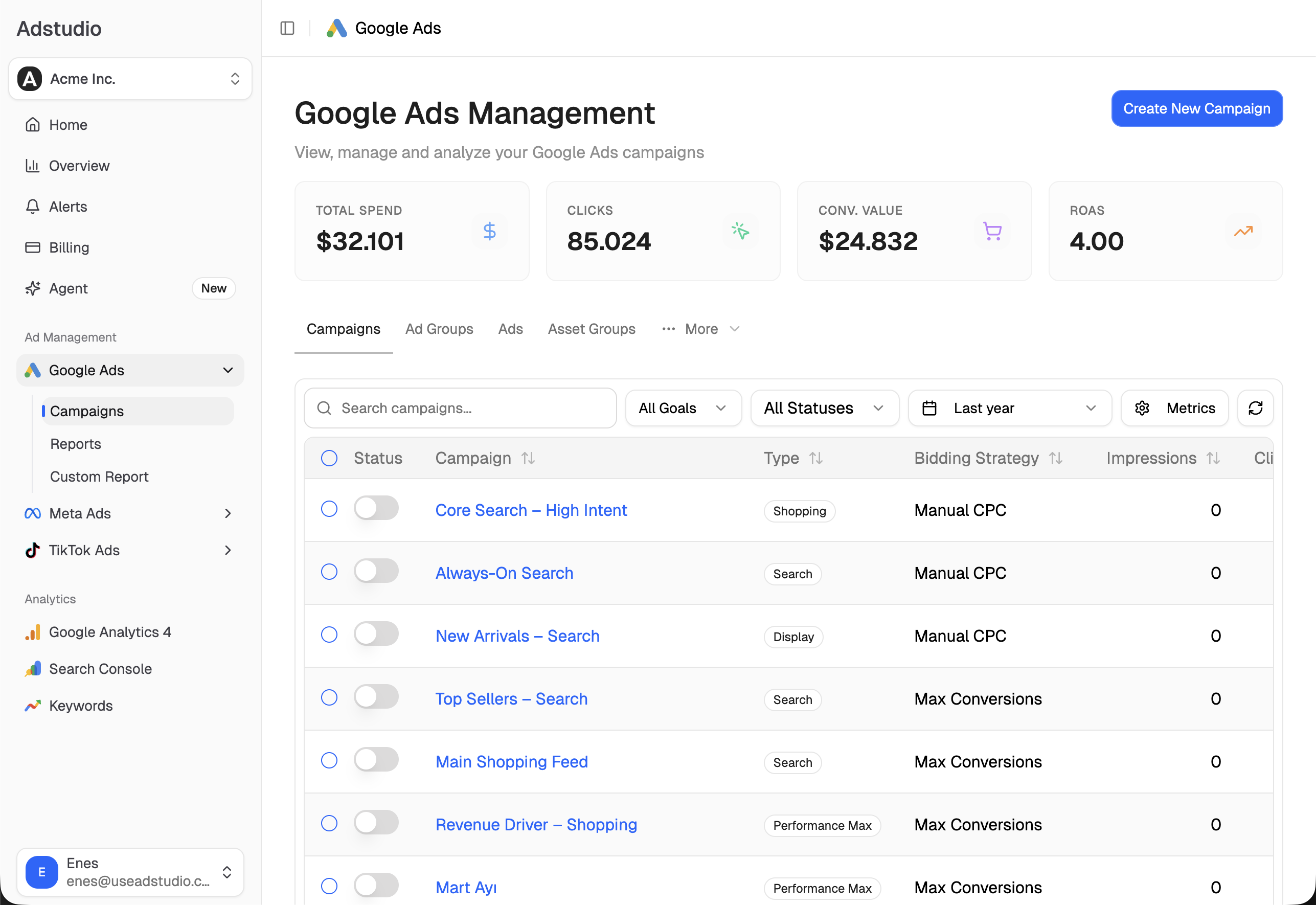
To catch the next outage the morning it starts instead of a week later, set up ad spend alerts on ROAS for the campaigns that matter. Plans start at $19/month.
FAQ
Should I pause my Google Ads campaigns when conversion tracking breaks?
Usually not. Broken tracking means sales are going unrecorded, not that they stopped, so pausing cuts real revenue. Fix the tracking, add a data exclusion for the affected window, and leave the bid strategy as it is.
How long should a Google Ads data exclusion be?
As long as the clicks affected by the bad data: from the start of the outage minus your usual conversion delay, to the moment the fix went live. Keep it short; Google warns that long or frequent exclusions can hurt Smart Bidding performance.
Which campaigns can use data exclusions?
Search, Display, Shopping and Performance Max campaigns that use conversion-based Smart Bidding. You can apply one to all campaigns of a type or to specific campaigns.
Can I add a data exclusion for dates in the past?
Yes, that is the normal use. The start date should be in the past; the end can be in the past or the future if the problem is still being fixed.
Will a data exclusion remove the bad conversions from my reports?
No. Excluded conversions stay in your reporting. The exclusion only stops Smart Bidding from learning from them, so annotate the dates in any report that covers them.
Why did my spend drop after I added a data exclusion?
Google says bids and spend can drop briefly after an exclusion is applied. For dates in the past, the effect should settle within a few days; avoid removing the exclusion to "fix" it.
Steps reflect Google Ads Help and the Google Ads API documentation as of November 7, 2026.