Your Facebook ad was rejected because Meta's ad review found something in it that breaks Meta's Advertising Standards: the image or video, the text, the targeting, or the landing page the ad sends people to. Meta emails you a link to the exact reason. From there you either edit the ad so it complies, create a new one, or request another review if you believe the decision was wrong. Adstudio shows every rejected and in-review ad across your Meta, Google and TikTok accounts in one answer, so you see what is blocked before it costs you a day of delivery.
TL;DR
- The reason is in the rejection email. Meta sends a link to the policy the ad broke, per its ad rejection guide.
- Review looks at the whole ad: images, video, text, targeting and the landing page, per Meta's Advertising Standards.
- Fix it if you can see the problem; request a review if you can't. An edited or new ad is reviewed as a new ad.
- Review usually takes up to 24 hours, and ads can be reviewed again at any time, even after they start running.
- Repeated violations can restrict the whole ad account, so treat a rejection as a fix, not a nuisance.
Why does Meta reject Facebook and Instagram ads?
Every ad that runs across Meta's technologies, Facebook and Instagram included, goes through the same review before it delivers. Meta's Advertising Standards describe that review as mostly automated, with manual review in some cases, and say it covers the specific components of the ad (images, video, text and targeting information) as well as the landing page or other destination.
That last part catches people out. An ad with a clean image and clean copy can still be rejected because of something on the page it links to: a claim, a missing disclosure, a product Meta restricts.
Meta's standards are grouped into eight areas, and almost every rejection traces back to one of them:
- Unacceptable content
- Prohibited commercial practices
- Restricted goods and services
- Objectionable content
- Intellectual property infringement
- Social issue, electoral or political advertising
- Product and format-specific policies
- Advertising policies affecting business assets
Where do I find the reason my Meta ad was rejected?
Start with the email. When an ad is rejected, Meta sends an email notification with a link where you can see the reason, per its small business guide to ad rejections. That link takes you to Meta's compliance tools (Business Support Home and Account Quality), which list the rejected ad and the policy behind the decision.
In Ads Manager, the same ad shows Rejected in the Delivery column on the Ads tab. The campaign and ad set above it can still read Active, so if a campaign is on but not spending, check the Ads tab before anything else. The other causes of a campaign that won't deliver are covered in why are my Meta ads not spending.
Read the reason before you touch the ad. The policy name tells you which part to look at: a health policy points to the copy and the image, a restricted goods policy points to the product and often the landing page, a political policy points to a missing disclaimer.
What are the most common reasons Facebook ads get rejected?
These are the policy areas Meta itself highlights in its rejection guide and Advertising Standards, with what usually triggers them and what to change.
| Policy area | What usually triggers it | What to change |
|---|---|---|
| Health and wellness | Weight loss or cosmetic ads that make people feel bad about how they look; negative remarks about someone's body or appearance | Describe the product and its result, not the viewer's flaws |
| Prohibited commercial practices | Deceptive tactics that mislead people or businesses | Make the offer, the price and the landing page say the same thing |
| Discriminatory practices | Targeting or wording that excludes people by race, religion, age, sex, disability or other personal attributes, especially in housing or employment ads | Remove the exclusion and the wording |
| Social issues, elections or politics | An ad about a social issue, election or politics without a "Paid for by" disclaimer | Get authorized and run it with a disclaimer |
| Financial products and services | Financial offers that need regulatory authorization in the market you target | Provide the authorization Meta asks for |
| Copyrights and trademarks | Someone else's logo, music, footage or brand name used without permission | Replace the asset with one you own or have rights to |
One more pattern is worth checking every time: the landing page. Because the destination is part of the review, a page that makes a claim the ad itself could not make is enough to get the ad rejected.
Should I edit the rejected ad or request another review?
Decide by whether you can see the problem.
| Situation | Best move | Why |
|---|---|---|
| The reason names something you can see in the ad or on the page | Edit the ad, or create a new one | An edited or new ad is reviewed as a new ad, per Meta's Advertising Standards |
| You read the policy and the ad clearly complies | Request another review | This is what a review request is for: a decision you believe is wrong |
| The policy is about the landing page | Fix the page first, then edit or request review | The page is part of what is reviewed |
| The policy needs authorization (politics, some financial products) | Complete the authorization, then resubmit | No edit to the creative fixes a missing authorization |
Two habits save time. Don't edit an ad over and over while it is in review, because each edit starts the review again. And if the ad has to run on a specific date, submit it at least a day ahead, so a rejection leaves you time to fix it. The same logic is behind the timing advice in how to prepare Google and Meta ads for Black Friday.
How do I request another review of a rejected Facebook ad?
- Open the link in the rejection email, or go to Account Quality in Business Support Home.
- Find the rejected ad and read the policy it was rejected under.
- Select Request review and submit. Meta's Advertising Standards say a review of the decision is requested in Account Quality.
- Wait for the decision before you edit the ad, so you don't send it back into review while the request is open.
If the review request is turned down, the reliable path is to change the ad. Meta's rejection guide also points businesses that need hands-on help to its support team for rejected ads and account restrictions.
How long does Meta take to review an ad?
Meta's Advertising Standards say review starts automatically before an ad begins running and is typically completed within 24 hours, although it may take longer in some cases. While it runs, the ad's status is In review.
Review is not a one-time gate. The same page says ads remain subject to review and re-review at all times and may be rejected or restricted at any point. That is why an ad that ran for weeks can suddenly show Rejected: something in it, or on its landing page, was looked at again.
Can rejected ads get my Meta ad account restricted?
Yes, if it keeps happening. Meta says it monitors advertiser behavior and may restrict advertiser accounts that don't follow its Advertising Standards, and a restricted account or asset can't be used to advertise across Meta's technologies, per its Advertising Standards. If you believe an ad account, user account, Page or business account was restricted by mistake, the same page says you can request a review of that decision in Account Quality.
In practice, a rejection is worth fixing properly rather than working around. Uploading the same creative again in a new ad, unchanged, invites the same decision a second time.
How do Google Ads and TikTok handle rejected ads?
If you run ads on more than one platform, the idea is the same everywhere: find the reason, fix or appeal, wait about a day. The details differ.
| Meta (Facebook, Instagram) | Google Ads | TikTok | |
|---|---|---|---|
| Status you see | Rejected | Disapproved (or Eligible (limited) when the ad runs with restrictions) | Not delivering, with the review result in the status details |
| Where the reason is | Rejection email link, Account Quality | Policy manager, under Tools → Troubleshooting | Hover the status in Ads Manager → View more |
| Fix by editing | Edited ad is reviewed as a new ad | Edit and save to resubmit for review | Editing the creative starts a new review, per TikTok's ad review FAQ |
| Appeal | Request review in Account Quality | Appeal in Policy manager: "Dispute decision" or "Made changes to comply with policy" | One Click Appeal: a reason of up to 2,000 characters and up to five attachments |
| Limits worth knowing | Ads can be reviewed again at any time | 3 appeals per ad; wait at least 24 hours between appeals; since July 21, 2026, decisions older than 6 months are appealed through support | One appeal per ad group; you can't edit the ad group or ad while it is open; the whole ad group is re-reviewed |
| Typical timing | Within 24 hours | In-progress appeals are checked again after 24 hours | TikTok aims to respond within 24 hours |
Sources: Google's fix a disapproved ad or appeal page and TikTok's One Click Appeal page.
For the other reasons a Google or TikTok ad doesn't run, see why are my Google Ads not showing and why are my TikTok ads not spending.
How do I find rejected ads across all my accounts with Adstudio?
Adstudio connects to your Meta ad accounts, and to Google Ads and TikTok if you run them, so finding and fixing rejected ads is a conversation instead of a tour of three Ads Managers:
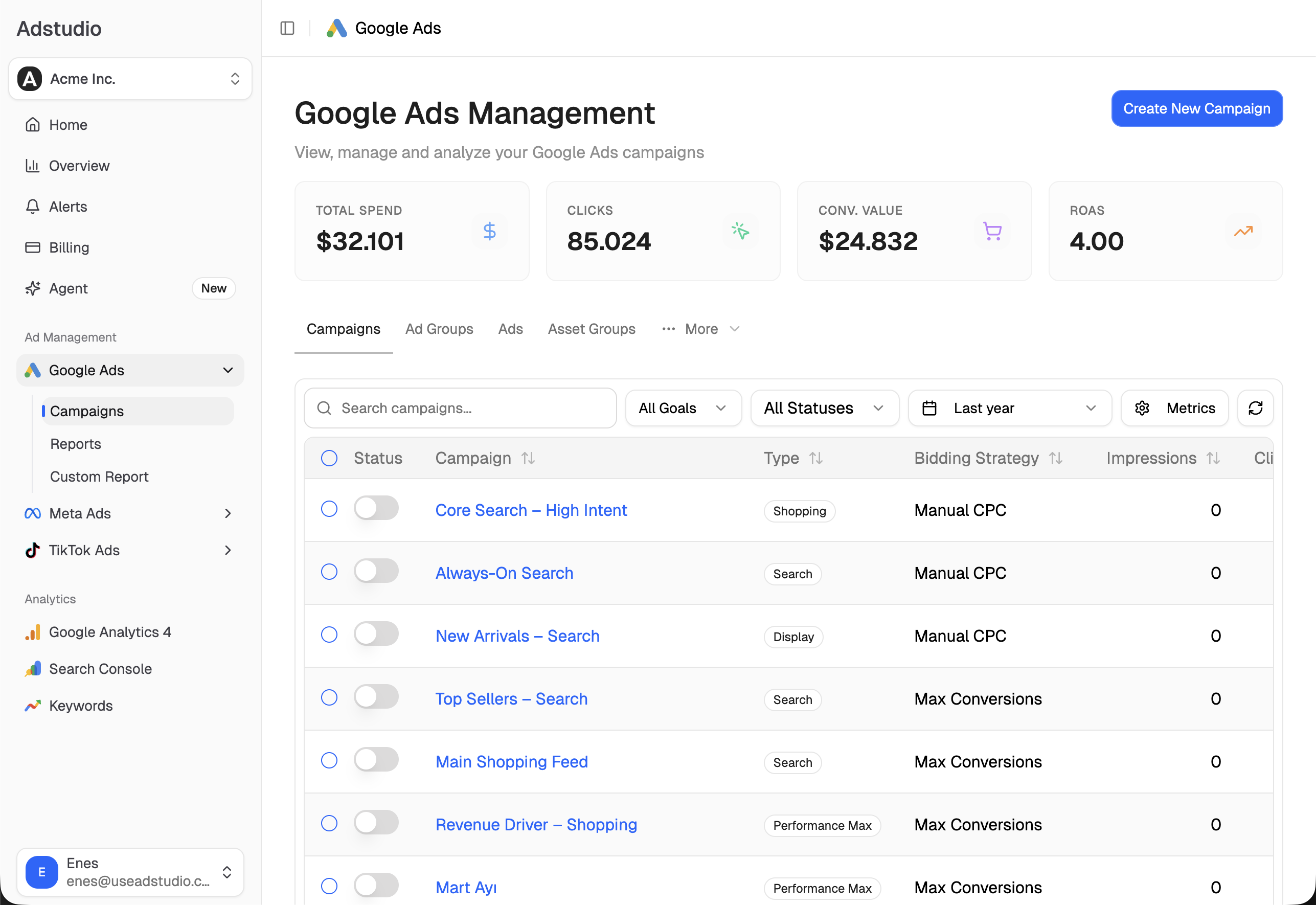
- "Which of my ads are rejected or still in review?" Adstudio lists your Meta campaigns, ad sets and ads with the status you set, Meta's effective status and the delivery issues Meta reports, including ads that spent nothing in the period, so a rejected ad shows up next to the ones that are delivering. On Google Ads it reads each ad's status and the reasons Google gives for it.
- "Why was my TikTok ad rejected?" Adstudio reads TikTok's review result for each ad, rejected ones first, with where it may or may not run.
- "Rewrite the primary text of this ad without the before-and-after claim." Adstudio changes the primary text, headline, description, landing page or button of an existing Meta ad on a before → after card. Meta checks the change first, nothing is sent until you approve, and Adstudio reads the ad back afterwards. Meta then reviews the changed ad again.
For changes across many ads at once, see how to bulk edit Meta ads, and to hear about a stopped campaign the day it happens, how to set up ad spend alerts. Adstudio plans start at $19/month.
FAQ
How long does Facebook take to review an ad?
Meta says review is typically completed within 24 hours, although it can take longer in some cases. The ad shows In review until it is done. Editing the ad while it is in review starts the review again.
Can I edit a rejected Facebook ad?
Yes. You can edit the rejected ad so it complies, or create a new one. Either way it is reviewed as a new ad. Fix what the rejection reason names, including the landing page if the policy is about the page.
Why was my Facebook ad rejected after it was already running?
Meta's ads remain subject to review and re-review at all times. An ad that was approved can be looked at again later and rejected, for example after a change to the ad or its landing page, or after a second look at the same content.
Why was my Instagram ad rejected when the same ad ran on Facebook?
Facebook and Instagram ads go through the same review against the same Advertising Standards. If an ad was rejected on Instagram, check whether it is the same ad: a different crop, caption, placement customization or landing page can be enough to change the decision.
Will a rejected ad hurt my ad account?
One rejection that you fix is part of normal advertising. Meta says it may restrict advertiser accounts that don't follow its Advertising Standards, and a restricted account can't advertise, so repeated rejections for the same policy are worth fixing at the source.
How many times can I appeal a disapproved Google ad?
Google allows 3 appeals per ad. After three unsuccessful appeals you contact Google Ads support before appealing that ad again, and you should wait at least 24 hours between appeals for the same ads.