To target only new customers in Google Ads, set up the customer acquisition goal under Goals, then open each campaign's settings, expand "Customer acquisition" and choose Only bid for new customers. If you still want returning buyers at a lower bid, choose Bid higher for new customers instead, which Google recommends (Google Ads Help). Both options work in Performance Max, Search, Shopping and Demand Gen. Adstudio then puts those campaigns next to your Meta prospecting, so you can see which platform actually brings in first-time buyers at the cost you can afford.
TL;DR
- Google calls this a customer lifecycle goal. The acquisition side has three modes: New Customer Value, High Value New Customer and New Customer Only (Google Ads Help).
- Google decides who is "new" from its own detection, your customer lists and, most accurately, a new-customer parameter in your conversion tag (Google Ads Help).
- On October 22, 2026, Google announced High Value Mode for Shopping, retention goals for Performance Max, Search and Shopping, and percentage multipliers (Google).
- Measure with the New vs. returning customers segment. Lifecycle reporting starts the day you turn the goal on and is not backfilled (Google Ads Help).
- On Meta, the equivalent is excluding your customer list from prospecting ad sets, which Advantage+ audience respects.
What are customer lifecycle goals in Google Ads?
Customer lifecycle goals tell Smart Bidding that some conversions are worth more than others depending on who converts. Google splits them into two groups: customer acquisition, for winning new customers, and customer retention, for bringing lapsed customers back (Google Ads Help).
The acquisition goal has three modes:
- New Customer Value. Bids more for new customers while still reaching people who have bought before. Google recommends it for every advertiser with purchase conversion goals.
- High Value New Customer. Uses a list of your high-value existing customers to predict which new customers are likely to be worth the most, and bids more for them.
- New Customer Only. Bids only for people Google classifies as new. Google recommends it only when you have a strict acquisition budget or a non-purchase goal such as lead generation, and suggests running a separate campaign to reach existing customers.
Every mode except New Customer Only needs a Purchase conversion goal in the account. That makes New Customer Only the one option a lead generation account can use.
Should I bid higher for new customers or only bid for new customers?
Start with bidding higher, and move to new-customers-only when you have a reason to exclude returning buyers entirely.
At campaign level, the two choices behave differently (Google Ads Help):
- Bid higher for new customers adds the extra value you set for a new customer to the conversion, so the campaign leans toward newcomers without giving up returning buyers. Google marks it as recommended, and its setup guide lists it for Maximize conversion value and Target ROAS bid strategies.
- Only bid for new customers limits the campaign to people Google treats as new, whatever the bid strategy.
New-customers-only shrinks the audience, so it is the setting most likely to cost you volume. Google's troubleshooting page says that if performance drops under it, switching to the bid-higher option is the fix, because it does not limit reach (Google Ads Help).
A practical rule of thumb:
- Ecommerce with value-based bidding: use Bid higher for new customers, and let the value you assign to a new customer do the steering.
- A separate acquisition budget you must protect (for example, a brand that runs retargeting elsewhere): use Only bid for new customers on the acquisition campaigns, and keep a separate campaign for existing customers.
- Lead generation: New Customer Only is the mode built for non-purchase goals. Pair it with lead quality signals; our guide on getting better quality leads from Google Ads lead forms covers those.
How do I set up the new customer acquisition goal?
Google splits setup into a short sequence. The first three steps are what you need to start bidding.
Step 1: Define your customer lists. Upload or connect lists of existing customers. A list needs at least 100 active members in at least one network to be used by lifecycle goals (Google Ads Help).
Step 2: Configure the goal. In Google Ads, go to Goals, open Summary, and select Set up on the Customer acquisition panel. Choose the lists that hold your existing customers, then set the value of a new customer relative to a regular one (Google Ads Help). Pick the value from your own numbers: if a first order usually leads to repeat orders, the new customer is worth more than the first basket.
Step 3: Activate it in campaigns. Open the campaign's Settings, expand Customer acquisition, choose the option you want and confirm the bid strategy. You can change this setting on several campaigns at once (Google Ads Help).
Before you switch anything on, check that purchases are tracked cleanly. A duplicated or value-less purchase action will skew new-customer bidding the same way it skews ROAS; our conversion tracking checklist and the guide on conversions with zero ROAS cover the usual faults.
How does Google know who is a new customer?
Google can classify customers in several ways, and it combines them (Google Ads Help):
- Google-detected. Google builds its own view of past buyers from up to the last 540 days of your campaign activity and tracked purchases. It needs no setup, but it only sees what your Google tags saw.
- Your audience lists. Customer Match and other lists you upload define existing customers from your own records.
- Your conversion tag. Sending a new-or-returning customer value with each purchase is what Google calls the most accurate option. When the tag sends it, Google uses your value instead of its own detection.
The quality of this classification is the quality of the whole setup. If your customer list is a year old, or Google can only see a slice of your buyers, some returning customers will be bid on as new. Refresh lists on a schedule, and send the customer type from your checkout if your platform supports it.
What changed in Google's customer lifecycle goals in October 2026?
On October 22, 2026, Google announced three updates ahead of the holiday season (Google, also reported by Search Engine Roundtable):
- High Value Mode in Shopping. The high-value new customer mode, already used in Search and Performance Max, is rolling out to Shopping campaigns.
- Retention goals for Performance Max, Search and Shopping, with three modes: Re-engagement for customers who have not ordered in a while, Loyalty for loyalty program members, and Retention Only for campaigns that reach only the existing-customer segments you choose.
- Percentage multipliers. Instead of adding a fixed amount for a new customer, you can raise the value by a percentage, so the boost scales with the size of the basket. They are rolling out to Search, Shopping, Performance Max and Demand Gen.
Two practical notes. First, these are rollouts, so accounts get them at different times. Second, Google's help pages were still catching up at the time of writing: the retention goal page describes re-engagement as the available mode (Google Ads Help). Go by what your own account's Goals page offers.
With Black Friday on November 27, 2026, any change here is part of your Black Friday preparation. Turn the goal on early enough to watch it for a couple of weeks before peak days, and read our learning phase guide before judging the first days.
How do I see whether my campaigns are winning new customers?
Google's reporting for this lives in the campaigns table (Google Ads Help):
- Segment by "New vs. returning customers". Conversions split into new, returning and, depending on your goals, high-value new, re-engaged and unknown. "Unknown" covers customers Google cannot report on, for example because of policy restrictions or privacy settings.
- Add the lifecycle columns. The Columns menu has new customer counts, customer acquisition cost (CAC) and new customer lifetime value. CAC columns are not offered for Demand Gen; total cost divided by new-customer conversions is a quick stand-in.
- Mind the start date. Lifecycle reporting covers purchase conversions only and begins when you activate the goal. There is no history to compare against inside this report.
Because Google does not run incrementality tests for lifecycle goals inside Google Ads, its guidance is a pre/post comparison in your own analytics, or a Conversion Lift study. Write down the date you switched the goal on; it is the line every later comparison hangs on.
How do I target new customers on Meta Ads?
Meta's simplest equivalent is excluding existing customers from prospecting. Upload your customers as a customer list custom audience (Meta Business Help Center) and exclude it in the ad set's audience controls. Custom audience exclusions are one of the limits Advantage+ audience keeps, so you can exclude buyers and still let Meta find new people (Meta Business Help Center).
The usual structure is two ad sets: a prospecting ad set that excludes the customer list, and a retargeting or retention ad set that includes it. That gives you a clean cost per new customer on Meta to hold against Google's CAC.
| Option | What it does | Where you see it | Best fit |
|---|---|---|---|
| Adstudio | Compares new-customer campaigns on Google with prospecting ad sets on Meta, and builds the Meta split from chat | One conversation, both platforms side by side | Deciding which platform funds acquisition |
| Google: Bid higher for new customers | Adds value for new customers, keeps returning buyers | Campaign settings → Customer acquisition | Ecommerce on Target ROAS or Maximize conversion value |
| Google: Only bid for new customers | Bids only for people classified as new | Campaign settings → Customer acquisition | Protected acquisition budgets, lead generation |
| Google: retention goals | Bids for lapsed customers or loyalty members | Goals → customer lifecycle | Winning back past buyers |
| Meta: excluded customer list | Keeps existing customers out of prospecting | Ad set audience controls | Clean new-customer cost on Meta |
How do I compare new-customer acquisition across Google and Meta with Adstudio?
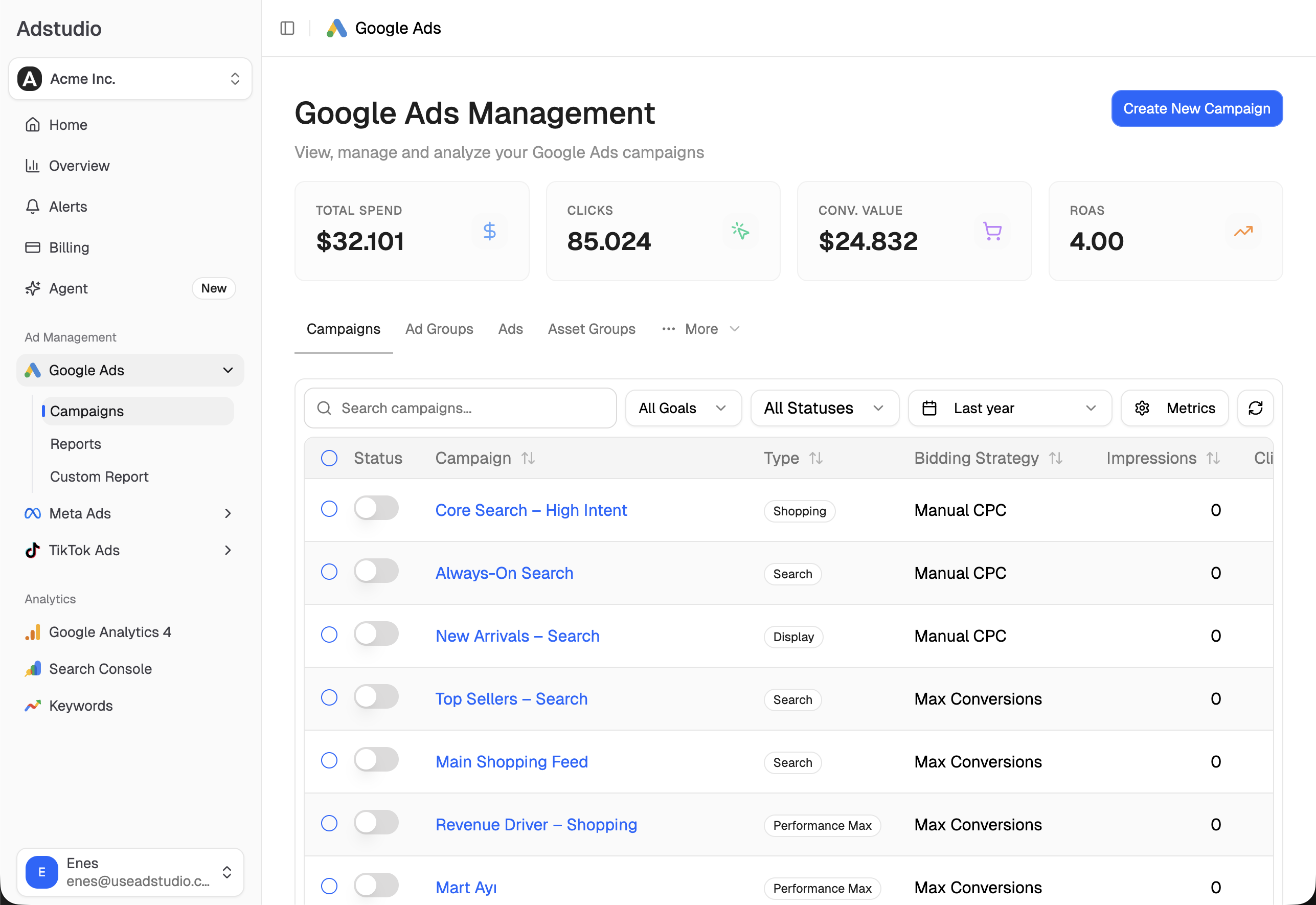
Each platform defines and reports "new" in its own interface, so the comparison usually means two exports and a spreadsheet. With Google Ads and Meta Ads connected, Adstudio answers it in plain questions:
- "Show spend, purchases, cost per purchase and ROAS for my Google acquisition campaigns and my Meta prospecting ad sets for the last 30 days." Both platforms in one table, in your account's currency. Our guide to seeing Google, Meta and TikTok spend in one report shows the same idea across all three.
- "What changed in the settings of my Shopping campaigns in the last two weeks?" Adstudio reads the Google Ads change history, with who changed what and the before and after values, so you know which date to compare from.
- "Now show the same numbers for the 14 days before that date, and the days since." A before-and-after read across both platforms, not just inside Google.
- "Create a Meta sales campaign with one ad set that excludes my 'Customers' list and one that targets it." Adstudio matches the audiences by name in your ad account, shows the plan on an approval card and creates it only after you confirm.
The same workspace covers Meta Ads and TikTok Ads, so moving acquisition budget from one platform to another starts from one view.
FAQ
Can I exclude existing customers from Google Ads campaigns? Yes. Choose Only bid for new customers in the campaign's Customer acquisition setting. Google then bids only for people it classifies as new, using its detection, your customer lists and your conversion tag.
Does the new customer acquisition goal work without a purchase conversion? Only New Customer Only mode does. New Customer Value and High Value New Customer need a Purchase conversion goal in the account.
Which campaign types support customer acquisition goals? Google lists Performance Max, Search, Shopping and Demand Gen for the campaign-level Customer acquisition setting.
How big does my customer list need to be? A list needs at least 100 active members in at least one network to be used by lifecycle goals.
Why do my new customer conversions show as "Unknown"? Google reports a conversion as unknown when it cannot classify the customer, for example because of policy restrictions on sensitive categories or privacy limits. Sending the customer type in your conversion tag and keeping lists current reduces how often Google has to guess.
Is there a Meta setting like Google's new customer only mode? The closest documented setup is excluding a customer list custom audience from your prospecting ad sets. Advantage+ audience keeps that exclusion while it looks for new people.
To see your Google acquisition campaigns next to your Meta prospecting in one place, connect both accounts to Adstudio; plans are on the pricing page.
Google Ads and Meta behavior described as of October 2026, per the linked Google Ads Help, Google and Meta Business Help Center pages.