To stop Performance Max from using images from your website, open the campaign's Settings, expand Asset optimization, open the Images tile and clear "Landing page images"; clear "Enhancement" on the same tile if you also don't want Google cropping or editing the images you uploaded. Do it per campaign, because the campaign setting overrides your account default. That matters more from December 4, 2026, when new Performance Max campaigns start with image extraction on even in accounts that turned dynamic images off. Adstudio creates Performance Max campaigns with every image automation set off explicitly and confirms each setting after the campaign is built.
TL;DR
- Google calls it landing page images in the interface and image extraction in the API: Performance Max takes pictures from your landing pages and uses them as ad images.
- Turn it off per campaign: Campaign settings → Asset optimization → Images → Landing page images, per Google Ads Help.
- Image enhancements (smart cropping, text and logo overlays) are a separate checkbox on the same tile, and Google lists them as on by default in its Performance Max automation table.
- From December 4, 2026, new Performance Max campaigns get image extraction on by default regardless of the account-level dynamic images setting, according to coverage of Google's developer announcement. Existing campaigns keep their settings.
- Check what Google already added in the asset group's Source column, where Google-made assets show as "Automatically created".
What changes for Performance Max images on December 4, 2026?
Today, Google ties landing page images to your account. Google's help page on landing page images says new Performance Max campaigns are created with landing page images on if the account is opted into Dynamic images, and the automation feature table says the campaign setting follows the account-level control unless you override it in the campaign.
On October 21, 2026, Google's Ads API team announced a change to that default, as reported by PPC Land and Relevant Audience:
| Before December 4, 2026 | From December 4, 2026 | |
|---|---|---|
| New Performance Max campaign | Image extraction follows the account's Dynamic images setting | Image extraction on by default, even when account-level Dynamic images is off |
| Existing Performance Max campaign | Keeps its setting | Keeps its setting |
| Where it applies | Google Ads interface, Google Ads Editor, Google Ads API | Same three, per the reports |
| How to keep it off | Account Dynamic images off, or the campaign checkbox | The campaign checkbox (or the campaign-level API setting) on every new campaign |
The practical meaning: if you turned dynamic images off at the account level and assumed that covered every future campaign, it no longer does for campaigns created from December 4. Each new Performance Max campaign needs the box cleared on its own.
What are landing page images and image enhancements in Performance Max?
They are two of several things Performance Max can do with your creative on its own. Google's overview of image enhancements and landing page images and the automation feature table describe them:
| Automation | What Google does | Default | Where to turn it off |
|---|---|---|---|
| Landing page images (image extraction) | Takes images from your landing pages and serves them as image assets | Follows the account's Dynamic images setting today; on for new campaigns from December 4, 2026 per the reports above | Campaign settings → Asset optimization → Images |
| Image enhancements | Edits your uploaded images, for example cropping, uncropping, animating, blurring, filters and overlaying your text and logo | On | Campaign settings → Asset optimization → Images |
| Text customization | Writes headlines and descriptions from your landing pages, domain and ads | On | Campaign settings → Asset optimization |
| Final URL expansion | Sends people to other pages on your site than the one you set | On | Campaign settings → Asset optimization |
| Account-level automated assets | Adds things like dynamic sitelinks and callouts across Search and Performance Max | On | Assets → Account-level automated assets → Advanced settings (help) |
Two details from Google's pages are worth reading before you decide. Images Google picks from your landing page go through automated and manual quality checks before they serve, so a campaign may end up with none. And by opting in, you confirm you own the rights to the images on your landing page and can share them with Google for advertising, per the help page. If your site uses licensed stock photos, partner logos or photos of people, that second sentence is the one to bring to whoever owns those licenses.
How do I turn off landing page images in Performance Max?
Google's steps depend on whether the campaign exists yet.
For an existing campaign:
- In Google Ads, go to Campaigns and pick the Performance Max campaign.
- Open Settings (the gear icon next to the campaign).
- Expand Asset optimization.
- Open the Images tile.
- Clear Landing page images and save.
For a new campaign:
- Create the Performance Max campaign as usual.
- On the Campaign settings step, open the Images tile (Google places it with the text customization options).
- Clear Landing page images before you publish.
Do the new-campaign step every time from December 4, 2026 onward. If you build campaigns through Google Ads Editor or a tool that uses the API, the reports say the same default applies there, so check that the tool sets image extraction off at the campaign level.
How do I turn off image enhancements in Performance Max?
Image enhancements sit on the same Images tile. Google's opt-out steps are the same path as above: Settings, then Asset optimization, then the Images tile, then clear Enhancement. For a new campaign, clear it on the Campaign settings step.
Google describes enhancements as including smart cropping and overlaying your text and logo assets. If your brand rules say your logo only ever sits in one corner, or your product photos must never be cropped, this is the setting that protects them. Google also notes the feature does not apply to Shopping ads.
How do I see which images Google added to my Performance Max campaign?
Go to the campaign, open Asset groups, and view the asset group's assets. Google's help page on controlling automatically created assets says these show in the Source column as "Automatically created", and Google's asset reporting overview covers the same column.
A short review routine:
- Filter or sort the assets by Source and look at every image marked as automatically created.
- Remove any image you would not have chosen. Google says you will have visibility into landing page images and can remove them or opt out entirely, per its Performance Max image controls announcement.
- Compare performance before you remove everything. If an automatically created image carries conversions at your target cost, that is useful information about what your own uploads are missing.
If you also use final URL expansion, Google has a separate Expanded Final URL assets tab for assets tied to expanded pages, per its final URL expansion page.
Should I turn off landing page images or leave them on?
Our view: start with them off and turn them on deliberately, campaign by campaign. Three reasons.
- Rights. Opting in is a statement that you can license your site's images to Google for advertising. That is easy for your own product photography and harder for anything licensed.
- Control over what you test. If you are running asset experiments in Performance Max, images you did not upload muddy what the test is measuring.
- Brand review. An image that works in a page layout can look wrong as a square ad with your logo laid over it.
Leave them on where you have a strong product catalog on your pages, few image assets of your own, and nothing licensed on the landing pages. Then review the Source column after two to three weeks and keep what earns its place.
The same logic applies to where the budget goes. Image assets matter most on the visual channels, so pair this review with the Performance Max channel performance report and, if needed, channel prioritization for Display and search partners.
Does the same thing happen in Demand Gen and Meta ads?
Yes, both have their own versions, with their own switches.
- Google Demand Gen: Google says creative enhancements in Demand Gen are on by default and you can turn them off at any time, per its Demand Gen creative enhancements page.
- Meta Advantage+ creative: Meta says some enhancements are on by default and recommends checking each ad's preview before it goes live and switching off any enhancement you don't want, in the Advantage+ creative section of the ad, per its Advantage+ creative page and creative enhancements help. Standard enhancements apply to single image and video ads. If you need to change many ads, our guide to bulk editing Meta ads covers the fastest paths.
The habit that works across all three: decide your creative automation policy once, then check it on every new campaign, because each platform decides defaults for itself and changes them over time.
How does Adstudio help with Performance Max image settings?
Adstudio connects to your Google Ads account, and to Meta Ads and TikTok Ads if you run them, so you can do this review by asking:
- "Create a Performance Max campaign for our winter collection." Adstudio builds the campaign from chat with every asset automation setting written into the campaign explicitly, Google's image automations off, and the choices shown on the setup card before anything is created. After Google creates the campaign, Adstudio reads it back and checks each automation setting stored as approved.
- "Show me the images in this Performance Max asset group." Adstudio puts the asset group's creative on screen and can look at the images itself, so you can ask which ones are off-brand.
- "Replace these two images in the asset group with the ones from our library." Adstudio edits Performance Max asset groups (text, images, videos, landing page, search themes and audience signal), shows the change on a card, and changes Google Ads only after you approve.
- "What changed in this Google Ads account in the last 30 days?" Adstudio reads the account's change history, with who made each change and every field before and after.
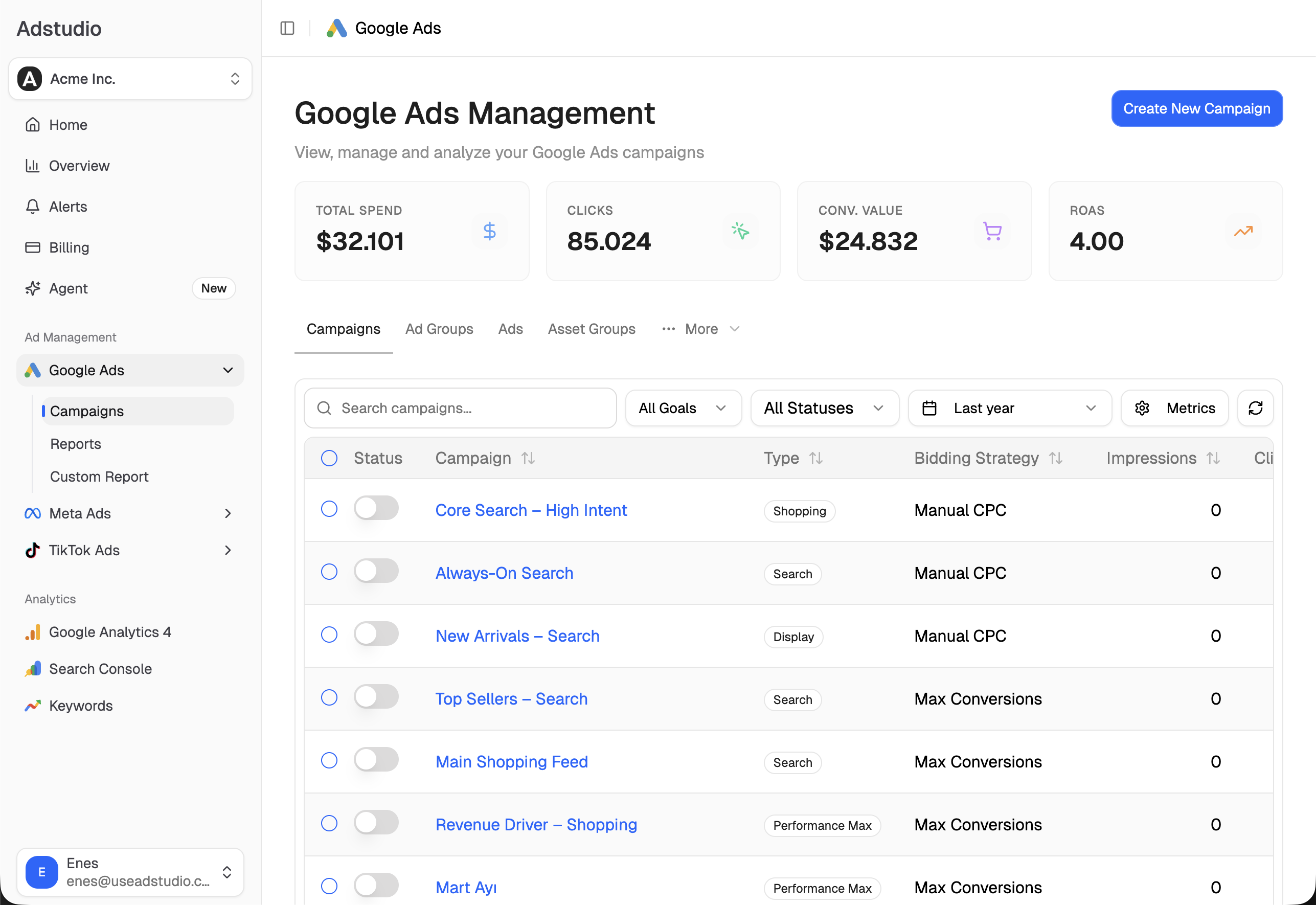
The same questions work across many accounts in one conversation, which is where an agency feels the difference before a deadline like December 4. You can connect an account to Adstudio from $19/month and try it, and Adstudio for Meta Ads covers the Advantage+ side.
FAQ
How do I turn off landing page images in Google Ads Performance Max?
Open the campaign's Settings, expand Asset optimization, open the Images tile and clear Landing page images. For a new campaign, clear it on the Campaign settings step. Google's help page has the steps.
Does turning off dynamic images at the account level stop Performance Max from using my website images?
Today it sets the default for new campaigns, and each campaign can override it, per Google's automation table. From December 4, 2026, reports of Google's announcement say new Performance Max campaigns start with image extraction on even when the account setting is off, so clear it in every new campaign.
Will the December 4 change affect my existing Performance Max campaigns?
No. The reports of Google's announcement say existing campaigns keep their current configuration. It applies to campaigns created from that date.
What is the difference between landing page images and image enhancements?
Landing page images are new images Google takes from your site. Image enhancements are edits to images you uploaded, such as cropping or overlaying your logo and text. They are separate checkboxes on the same Images tile, per Google Ads Help.
How do I know if Google is already using images from my website?
Open the asset group's assets and look at the Source column. Google-made assets are labelled "Automatically created", per its help page on automatically created assets.
Can an AI assistant build Performance Max campaigns with image automation off?
Yes. Adstudio creates Performance Max campaigns from chat with Google's image automations off and every automation setting written into the campaign, shows them on the card before you approve, and reads the campaign back afterwards to confirm each one.
Settings and steps reflect Google Ads Help, Meta's Advantage+ creative pages and reports of Google's October 21, 2026 announcement as of October 30, 2026.