How Do I A/B Test Assets in Performance Max? (2026 Guide)
To A/B test assets in Performance Max, go to Campaigns → Experiments in Google Ads, create a new experiment, choose Assets → Assets provided by you → Performance Max → Any assets, then pick one asset group, put your current assets in the control arm and the new ones in the treatment arm, set the traffic split and schedule it. Google splits traffic inside the same campaign, so you test creative without building a duplicate campaign. Plan on running it for at least 4 to 6 weeks, keep the asset group untouched while it runs, and before you apply the winner, check it against the rest of your account in Adstudio, which analyzes the Performance Max campaign and compares equal-length periods before and after in one question.
TL;DR
- Performance Max asset experiments compare a control set (A) and a treatment set (B) inside one asset group, per Google Ads Help. Every other asset in the group keeps serving to all traffic.
- Setup lives under Campaigns → Experiments → plus button → Assets → Assets provided by you → Performance Max → Any assets.
- Google recommends a minimum of 4 to 6 weeks. The asset group is locked for edits until the experiment ends.
- Shared budgets, portfolio bid strategies, another experiment on the same dates or more than 15 assets in the group block creation.
- Test one idea per experiment, read the scorecard for a statistically significant result, then confirm the effect on campaign-level conversions and cost before you apply it.
What is a Performance Max asset experiment?
Performance Max used to be hard to test: assets were mixed by Google's system, so swapping a headline or an image changed everything at once, and the only clean comparison was a second campaign competing for the same auctions. Asset experiments fix that by splitting traffic within one campaign. Google's asset testing help page says that because there is a single campaign instead of two, the setup "can reduce the learning period and deliver faster results."
Google documents three flavours of asset test for Performance Max:
| Experiment | Control arm | Treatment arm | When to use it |
|---|---|---|---|
| A/B test any assets (Beta) | Your existing assets | New or existing assets you choose | Comparing two creative directions in one asset group |
| Assets for retail campaigns | Feed-only campaign, no extra assets | Same campaign plus text, image and video assets | Deciding whether a feed-only Shopping-style PMax needs creative |
| Video | Videos suppressed, including auto-generated ones | Your videos served | Proving whether video earns its production cost |
Sources: A/B testing assets (Beta) and Asset testing on Google Ads Help. These sit alongside the other Performance Max experiment types, uplift and upgrade experiments, described on Google's Performance Max experiments page.
The A/B test has three groups of assets, and getting them right is most of the work:
- Control (A): the assets you are testing against.
- Treatment (B): the challengers. They can be new uploads, existing assets, or both.
- Common assets: everything else in the asset group. They keep serving to 100% of the campaign's traffic in both arms.
How do I set up an A/B asset test in Performance Max?
This is the flow from Google Ads Help, as of October 2026. The feature is labelled Beta, so if you do not see the option, your account may not have it yet.
- In Google Ads, open the Campaigns menu and select Experiments.
- On the All experiments tab, click the plus button.
- Under "What do you want to test?", choose Assets.
- Under "Choose a variable to test", choose Assets provided by you, select Performance Max as the campaign type and click Continue.
- Under "Select experiment type", choose Any assets.
- Select the campaign and the one asset group you want to test.
- Review the Control arm: these are your current assets.
- In the Treatment arm, select or upload the challengers. You can add them next to the existing set or replace it.
- Set the traffic split between control and treatment.
- Name the experiment. The start date is set to the next day, and Google's Experiment Guidance System proposes an end date, which you can change.
- Click Schedule.
For the retail and video variants the path is the same until step 5, where you pick Assets for retail campaigns or Video as the subtype instead. Google's asset testing page notes that for those variants you can currently choose only today as the start date.
Why can't I create a Performance Max asset experiment?
If the Schedule button refuses, the A/B testing help page lists the usual causes:
- The campaign uses a shared budget, a portfolio bid strategy or Smart Bidding Exploration. Move it to its own budget and strategy first.
- Another experiment is already running or scheduled for the same dates on that campaign.
- The asset group has more than 15 assets. Control and treatment assets both count toward the asset group limits, so trim before you add challengers.
- The campaign uses a feature that experiments do not support.
- The original campaign was removed.
The 15-asset condition is the one people hit most, because a mature asset group fills up fast. Remove assets that never served before you start, rather than deleting a performer to make room.
What should I test in a Performance Max asset group?
The test can only answer the question you design into it. Our rule: one idea per experiment, and make the arms differ in that idea only.
Good tests have a hypothesis you can state in one sentence:
- Message angle: price-led headlines and descriptions versus benefit-led ones, with the same images.
- Image style: lifestyle photography versus product-on-white, with the same text.
- Video: your own video versus none (use the Video subtype, which also suppresses auto-generated videos in the control arm).
- Creative for a feed-only campaign: feed alone versus feed plus a full creative set (use the retail subtype).
Weak tests change ten headlines, four images and a video at once. If treatment wins, you will not know which change did it, and you cannot reuse the learning in your next asset group or on another platform.
Two practical choices matter as much as the creative:
- Traffic split. Google lets you set it and does not publish a default. An even split reaches a conclusion fastest. A smaller treatment share protects revenue but stretches the test; Google's own experiment monitoring page lists a traffic split that is too small as a reason results do not reach significance.
- Asset group choice. Test in the asset group with the most conversions. A low-volume group can run for months without a verdict.
How long should a Performance Max asset test run?
Google recommends a minimum of 4 to 6 weeks, and its Experiment Guidance System proposes an end date based on the time it estimates you need for a statistically significant result (source). Treat that end date as a floor, not a target.
While it runs, three rules keep the test clean:
- Do not touch the asset group. Once the experiment starts, assets in the tested group become view-only until it ends.
- Do not change the related automation settings. Google says not to change text customization, Final URL expansion or video enhancement after creating the experiment (source).
- Mind the calendar. A test that straddles a big sale or a holiday period is reading two things at once. If Black Friday falls inside your window, write it down and read the result with that in mind.
New treatment assets also go through the normal policy review. A disapproved asset cannot serve, which quietly turns your B arm into a smaller test, so check approval status in the first days.
How do I read Performance Max experiment results?
Results appear on the experiment's report page. Google's Monitor your experiments page explains how to read the scorecard:
- By default it shows Clicks, CTR, Cost, Impressions and All conversions. You can add Conversions, Conv. rate, Cost / conv., View-through conv. and others.
- Each metric shows the difference between the arms with a confidence interval. The default is 80%, and you can choose a stricter level such as 95%.
- A blue asterisk marks a statistically significant result, which Google describes as data that is "likely not due to chance."
Read it in this order:
- Start with the metric you bid on. If the campaign optimizes for conversion value, conversion value per cost decides it, not CTR. A creative that wins clicks and loses purchases is a loser.
- Require significance on that metric. A green number without the asterisk is a trend, not a verdict.
- Check volume. If one arm has only a handful of conversions, extend the test rather than calling it.
- Sanity-check the conversion columns. If your conversions carry no value, value-based results are meaningless; our guide to why Google Ads shows conversions but ROAS is zero fixes that first, and the conversion tracking checklist catches double counting.
Google lists four reasons a result can stay non-significant: the test has not run long enough, the campaign gets too little traffic, the split is too small, or the change simply made no real difference. The last one is a valid answer. It means you can pick the creative you prefer for brand reasons without a performance cost.
Should I apply the winning assets?
When the experiment ends you get two buttons, per Google Ads Help:
- Apply experiment updates the original asset group with the treatment assets. Keep control assets in campaign is ticked by default; untick it to remove the A assets and run B alone.
- End experiment stops the test with no changes: treatment assets are discarded and the asset group goes back to how it was.
| Result | What we would do |
|---|---|
| Treatment wins on your bid metric, with significance | Apply, and untick "Keep control assets" so the losing set stops diluting the group |
| Treatment wins on CTR only | End, or apply while keeping control assets, and test a stronger conversion message next |
| No significant difference after the full window | Apply whichever set fits your brand; test a bigger idea next time |
| Control wins | End the experiment; write down the losing idea so nobody re-tests it |
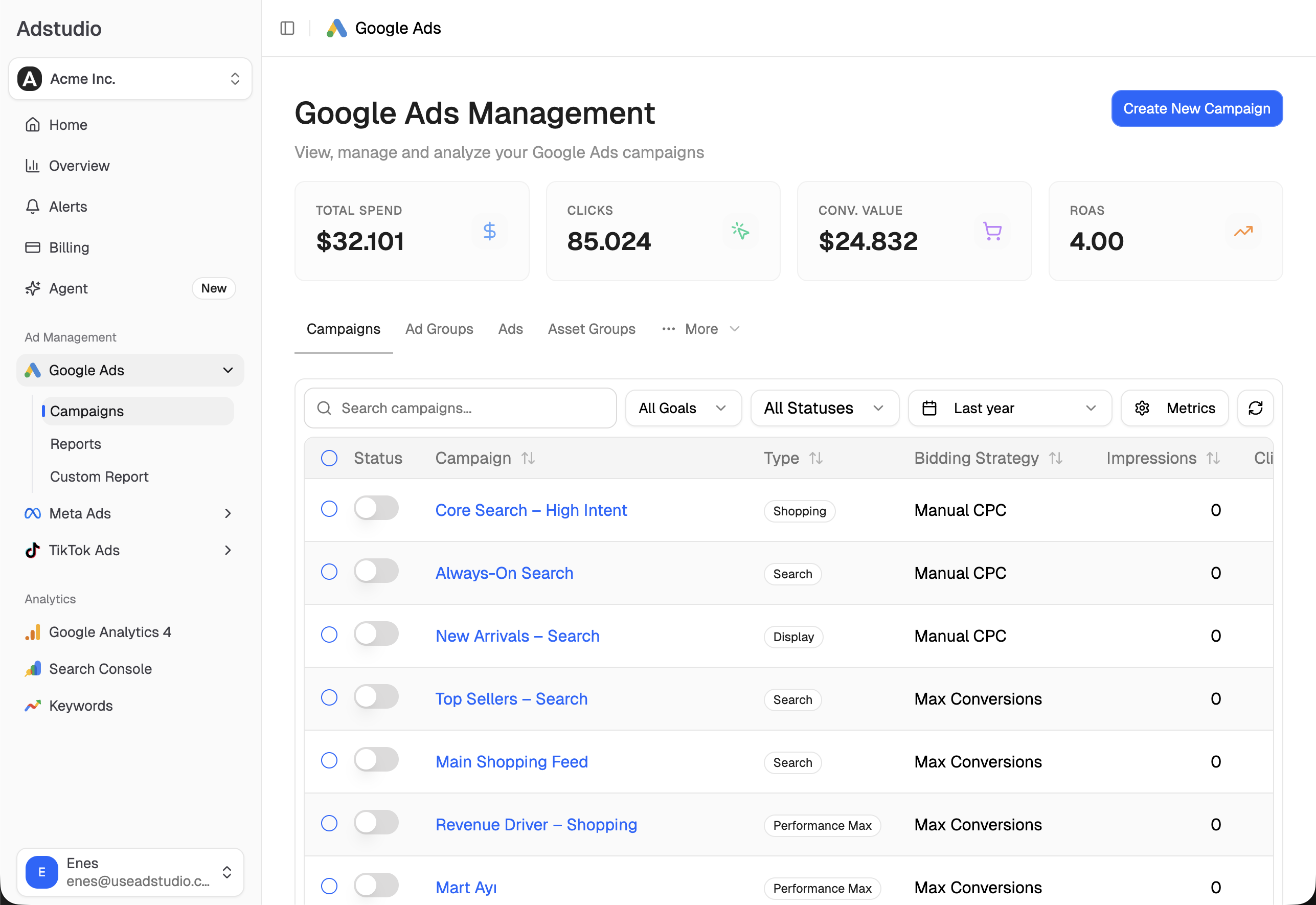
Applying is not the finish line. An experiment proves the change on the share of traffic it saw; the campaign at 100% is the real test. This is where Adstudio helps, because the follow-up is a few questions in chat instead of a pivot table:
- "Analyze my Performance Max campaign for the last 14 days." Adstudio reads delivery, conversions and the asset group findings, including Ad Strength, in one answer.
- "Show me the assets in this asset group." Adstudio displays the asset group's creatives in the conversation, so you can see exactly what is now serving.
- "Compare conversions, cost per conversion and conversion value for this campaign since I applied the experiment against the same number of days before." Adstudio always compares two periods of equal length, so the change is read as a movement rather than a single number.
- "Compare cost per purchase for Google and Meta over the same period." If you tested a message angle, see whether the same idea is working on Meta and TikTok too.
FAQ
Can I A/B test assets in Performance Max without duplicating the campaign? Yes. Asset experiments split traffic inside one campaign and one asset group, with a control arm, a treatment arm and common assets that serve to everyone. No second campaign is needed.
How many asset groups can I test at once in Performance Max? One per experiment. You pick a single asset group when you create it, and only one experiment can run on a campaign over the same dates.
Can I edit assets while a Performance Max experiment is running? No. Assets in the tested asset group become view-only until the experiment ends, and Google advises not changing text customization, Final URL expansion or video enhancement settings either.
How long should I run a Performance Max asset experiment? Google recommends at least 4 to 6 weeks and suggests an end date based on the time needed for a statistically significant result. Low-traffic asset groups need longer.
Why is my Performance Max experiment not statistically significant? Google's listed reasons: it has not run long enough, the campaign gets too little traffic, the traffic split is too small, or the change made no real difference.
What happens to the losing assets when I apply a Performance Max experiment? Applying adds the treatment assets to the asset group. The control assets stay unless you untick "Keep control assets in campaign." Ending the experiment instead discards the treatment assets.
To check a winning creative against the rest of your account, connect Google Ads to Adstudio on the free plan; paid plans are on the pricing page. If your tests run across Google, Meta and TikTok, see how to see Google, Meta and TikTok ad spend in one report, and for what AI can and should decide on its own, read can AI actually optimize ad campaigns.
Google Ads behaviour described as of October 2026, per the linked Google Ads Help pages.