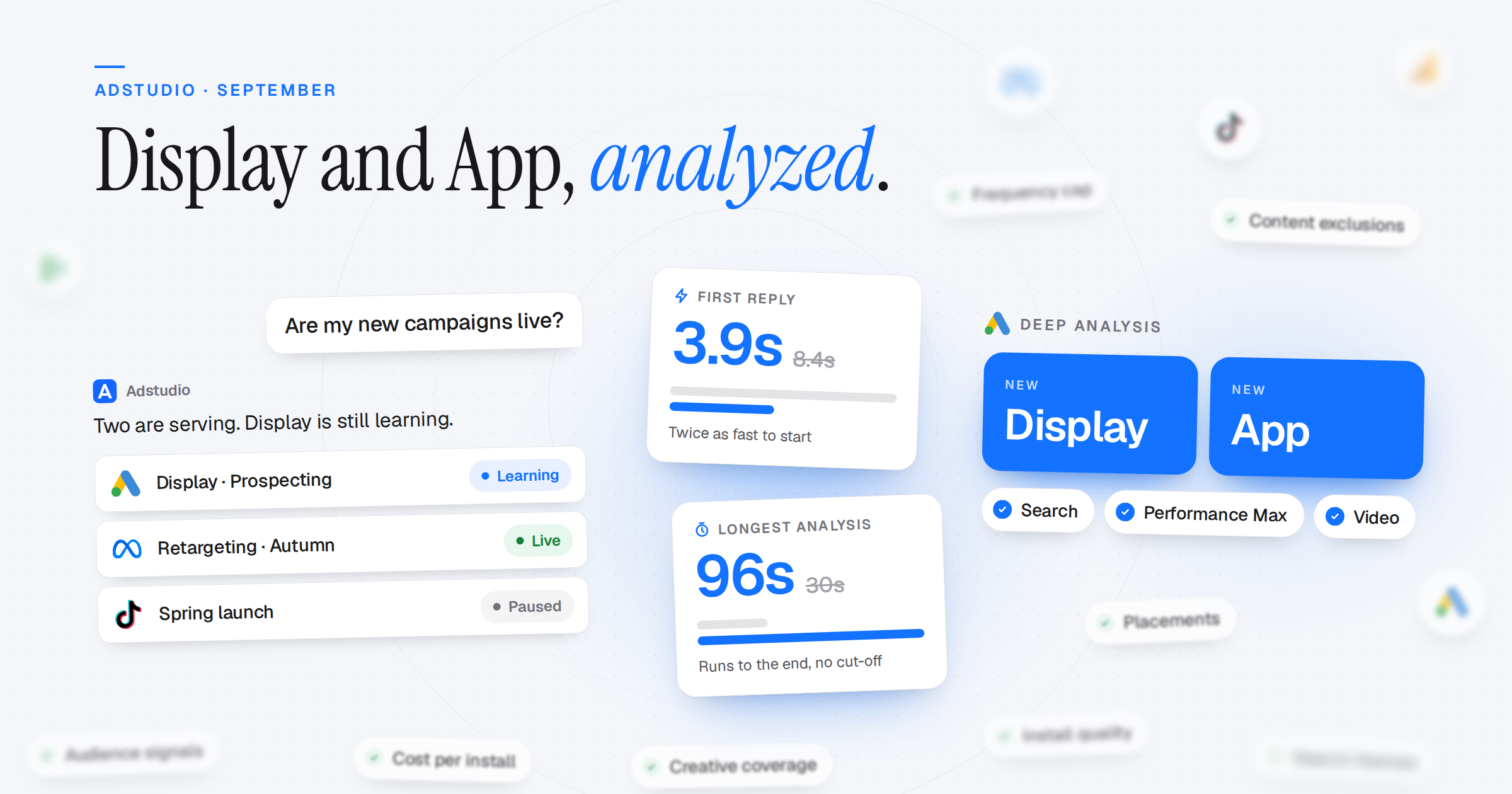
Adstudio now analyzes Google Display and App campaigns in depth, builds Display campaigns with the settings you would choose yourself, and tells you whether a campaign is actually live on Google, Meta and TikTok. The Adstudio assistant also answers sooner and no longer drops long analyses halfway through.
Deeper Google Ads Analysis
- Display Campaigns: Adstudio reads where your ads showed, which audiences delivered, how complete and approved your creatives are, and how often the same person saw an ad
- App Campaigns: Cost per install, install quality, in-app events, Firebase event setup and asset performance. Retention and deep linking are not available in Google Ads, and Adstudio says so instead of guessing
- Performance Max, Closer Up: Audience signals, search themes, listing groups and product-group performance, judged against the campaign's own conversion goals rather than the account defaults
Display Campaigns, Your Settings
- One Setup Card: Budget, bidding, conversion actions, text and image uploads in one place. Images are checked against Google's size rules before upload, and Create stays disabled until Google has validated the plan
- You Decide Who Sees It: Audiences, targeting or observation, and optimized targeting are on the card instead of being set silently
- Sensible Defaults You Can Change: A frequency cap of 3 impressions per person per day and common content exclusions come switched on. "As many views as possible" joins the bidding options
- No Filler Values: Adstudio never creates a campaign with a placeholder landing page, a bid target you didn't give, or worldwide targeting you didn't choose. It asks instead
A Faster, Steadier Assistant
- Is It Live?: The Adstudio assistant reads the serving status of Google campaigns, ad groups and ads, Meta campaigns, ad sets and ads, and TikTok campaigns, including new ones that haven't delivered yet
- Answers Start Twice as Fast: The median time to the first words of a reply dropped from 8.4 to 3.9 seconds. Earlier results in a long conversation are compacted and repeat context is cached
- Long Analyses Finish: Deep analyses used to stop at about 30 seconds. They now run to the end; the longest so far took 96 seconds
- See What It's Doing: A short progress line between steps and one clean activity row per tool, instead of a spinner
- Reports From Chat: Ask for a custom report and it appears as a card with the first rows and an Open button, with the right metric names for each platform
Everywhere Else
- TikTok Ads on Adstudio MCP: ChatGPT, Claude and other MCP clients now read your TikTok Ads accounts, alongside Google Ads, Meta and the rest
- Plans Side by Side: The upgrade dialog shows Hobby and Business next to each other, with the yearly saving shown
- Cleaner Dashboards: Adstudio dashboards only query platforms you have connected. A widget for a missing platform says "Connect Meta Ads to see this widget" instead of showing an error
- Every GA4 Property: Agencies with more than 50 GA4 accounts now see every property in the picker