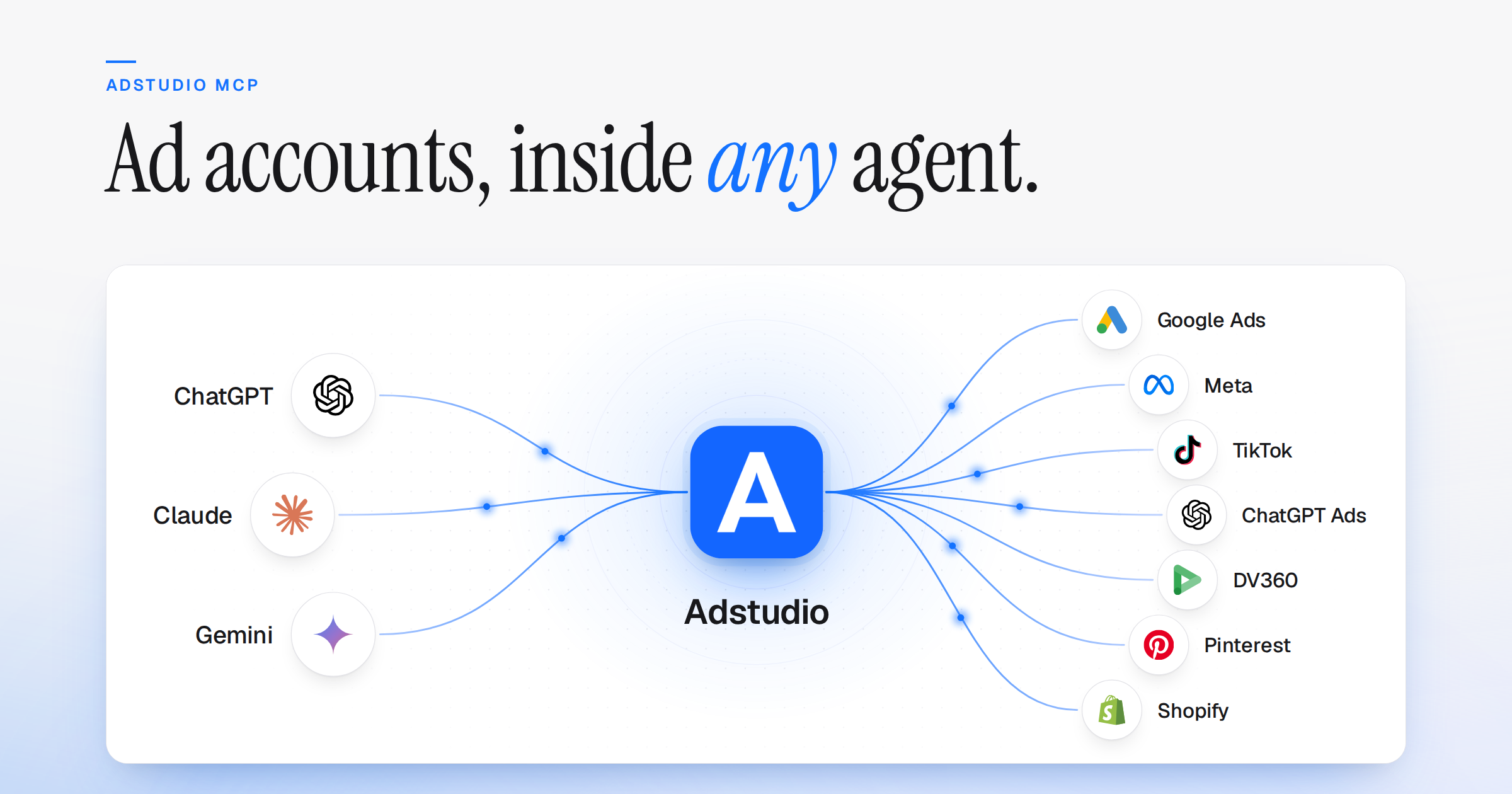
Adstudio now supports MCP. Add one address to ChatGPT, Claude or any AI agent that speaks the Model Context Protocol, sign in, and it reads your live ad accounts directly: no exports, no screenshots, no copy-pasted numbers. You decide what it is allowed to do.
What's New
- One Address for Every AI:
https://useadstudio.com/api/mcpworks in ChatGPT, Claude and any client that supports remote MCP servers. You sign in with your Adstudio account; no API keys, no platform passwords - Ask Anything: Performance, period comparisons, breakdowns, campaign structure and creatives. The agent does the math on your real numbers, so it can show its working
- Every Platform You Run: Google Ads, Meta, TikTok, ChatGPT Ads, DV360, Pinterest and Shopify, the same ad accounts you already work with in Adstudio. New platforms arrive as new values of the same tools, so connected agents pick them up without new setup
On for Everyone
- No Setup Step: MCP is available to every Adstudio user. Settings → MCP shows your address, an on/off switch and the access level
- One Switch to Cut Access: Turning MCP off ends every client's session and token immediately
Built to Be Trusted
- You Set the Access: Choose Read only, or Read and write, in Settings → MCP. The agent never gets more access than you have yourself
- Your Access, Never More: The connection reaches the workspaces you belong to, at your role, and every call names its workspace, platform and account explicitly
- The Source Travels With the Number: Each answer carries its platform, account, currency, date range, timezone and attribution, and lists anything it could not retrieve
Setup guides for each client are in the MCP documentation. The full story is on the blog.