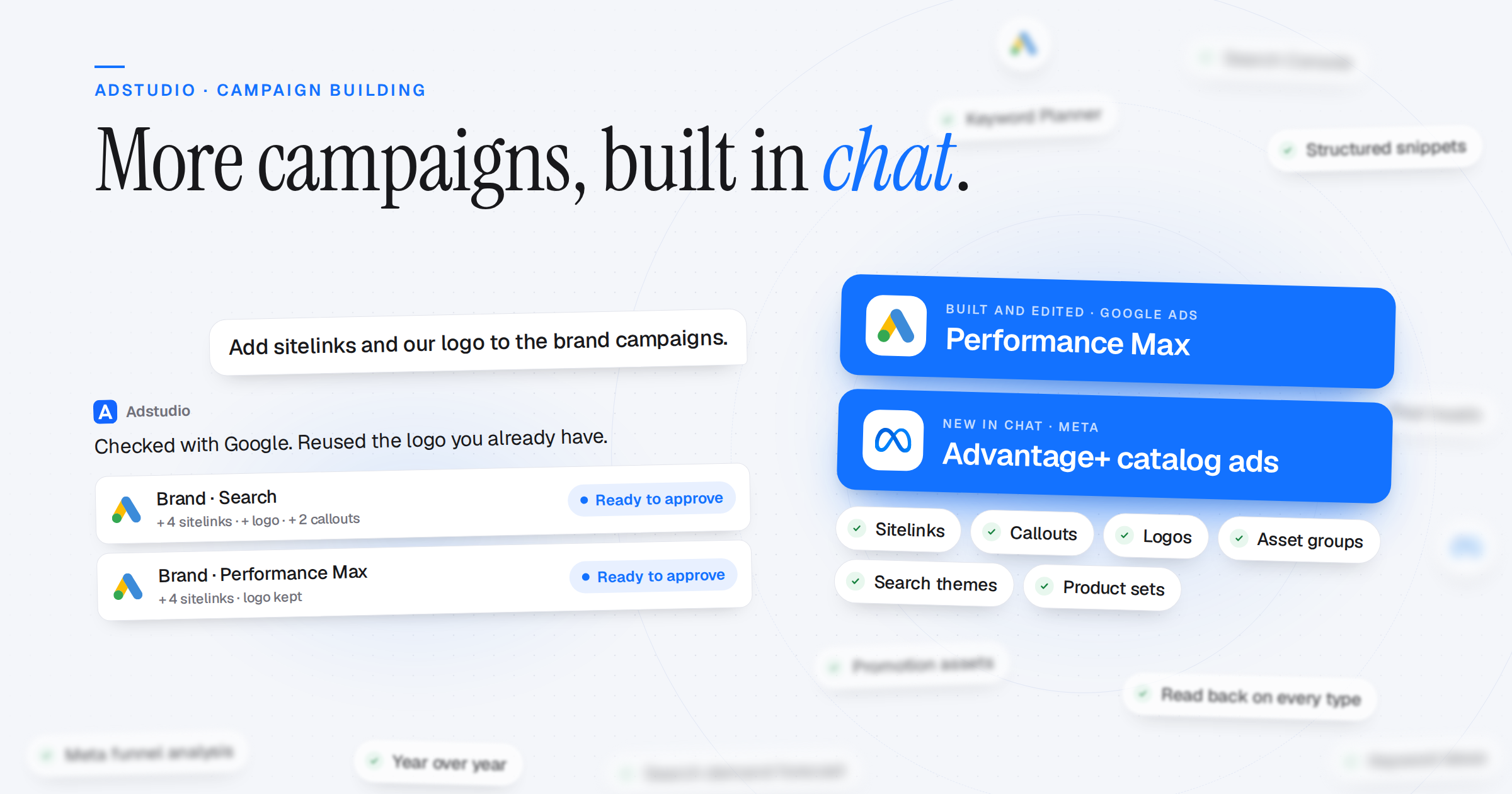
The Adstudio assistant now builds and changes more of your campaigns. Performance Max campaigns can be edited from chat, Meta Sales campaigns can run from your product catalog, and sitelinks, callouts and logos are managed on every Google campaign type. The assistant can also look up search demand and your organic search before you plan.
Linked Assets on Every Google Campaign
- Sitelinks, Callouts and More: Add, edit, pause or remove sitelinks, callouts, structured snippets, call, price, promotion and app assets on Search, Display, Demand Gen and Performance Max campaigns
- Logo and Business Name: Set the logo and business name shown beside Search ads, and the logos on Performance Max
- Campaign, Ad Group or Account: Add an asset to one campaign, one ad group, or every campaign in the account at once
- Reuses What You Have: Assets the account already has are found and reused instead of duplicated. New images come from your Creative Library or a chat attachment and are never cropped
- At Create Time Too: New Google campaigns can be created with their linked assets on every campaign type
Performance Max, Built and Edited
- The Whole Campaign: As many asset groups as you need, each with its text, images in four shapes, videos, call to action, search themes and audience signal. Schedule, devices, exclusions, negative keyword lists, brand colours and font are set on the same card
- Edit an Existing Campaign: Add or remove headlines, images and videos, change the call to action, search themes or audience signal, pause or rename an asset group, or add a new one, all on one approval card
Meta Advantage+ Catalog Ads
- Sales From Your Catalog: Build a Meta Sales campaign that shows products from your catalog. Pick the catalog and product set on the card, and choose whether to reach new people or retarget recent visitors
- Checked Before Create: A pixel that isn't connected to the catalog is flagged on the card, and the campaign is created paused and read back from Meta
Search Research in Chat
- Search Demand: Monthly searches, competition, top-of-page bid range and 12 to 48 months of trend for any keyword, from Google's Keyword Planner
- Keyword Ideas: Related keywords from your keywords, a page, your site or a competitor's site. Tick the ones you want and add them to a campaign
- Forecasts: Expected clicks, cost and conversions for a set of keywords and a daily budget. No forecast data is shown as no data, not as zero
- Organic Search: Your Search Console queries and pages by country, device and date, next to your paid results
Sharper Meta Analysis
- More Ways to Slice: Funnel, device, region, hour of day, creative text, ad formats and audiences
- Account Health: Year-over-year comparisons, attribution split, pixel health, learning phase and fragmentation in the health score
Reliability
- Every Create, Read Back: After any Google or Meta campaign is created, the whole campaign is read back from the platform and compared with what you approved
- No Silent Cut-Offs: Answers no longer stop midway when many people use the assistant at once, and a reply that is cut off says so