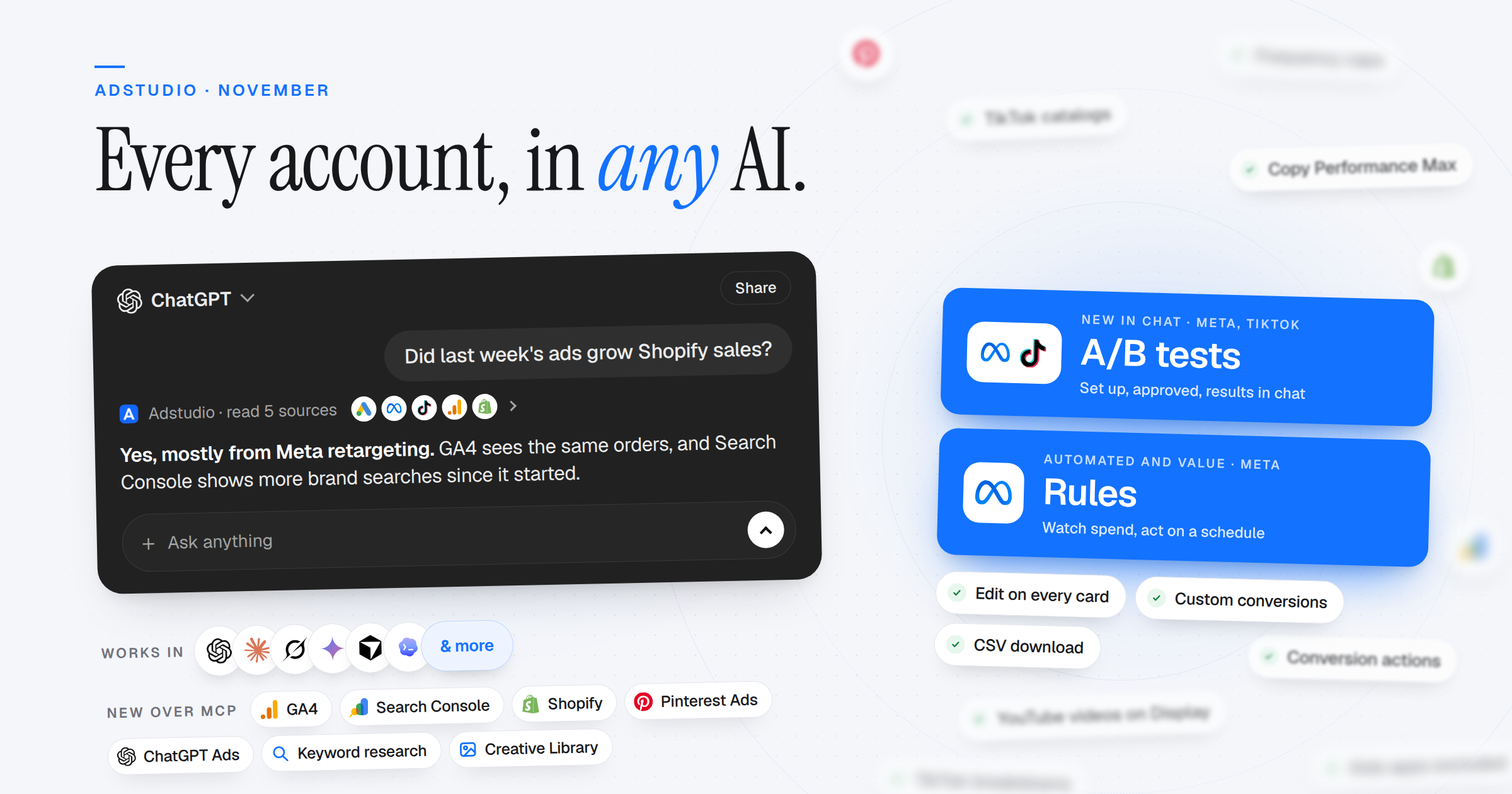
The AI you already use can now read more of your marketing through Adstudio MCP: GA4, Search Console and Shopify, Pinterest and ChatGPT Ads, keyword research and your Creative Library, next to Google Ads, Meta and TikTok. In Adstudio, the assistant now sets up A/B tests on Meta and TikTok and the rules that watch your Meta campaigns for you, and every create and change card can be edited on the card itself.
Adstudio MCP: Every Account, in Any AI
- More Sources: Pinterest Ads, ChatGPT Ads, GA4, Search Console and Shopify join Google Ads, Meta and TikTok, so ChatGPT, Claude, Grok, Gemini, Cursor, Codex and other AI tools can answer from all of them at once
- Keyword Research: Your AI can read Keyword Planner search volumes, ideas and forecasts
- Your Media: Your AI can list the images and videos in your Creative Library and ad accounts
- Meta Account Inventory: Your AI can list a Meta ad account's Pages, Instagram accounts, pixels (with when each last fired), custom conversions and catalogs
A/B Tests and Rules, From Chat
- Meta A/B Tests: Test existing campaigns or ad sets against each other, with shares, start and end
- TikTok A/B Tests: Test two ad groups of one campaign against each other on one budget, then read the results in the chat
- Meta Automated Rules: Rules that check your campaigns on a schedule and turn them off or on, change budgets or bids, or notify you
- Meta Value Rules: Bid more or less for the people you choose, by age, gender, location, device, placement and more
Plans and Checkout
- Black Friday: 50% off the first year of any yearly plan until December 1: Hobby $96 for the first year, Business $192 per workspace for the first year
- Business Without Caps: Unlimited workspaces and unlimited users per workspace on Business
- More Ways to Pay: Checkout now offers the wallets and local payment methods available in your country, not only cards
- Regional Pricing, Now 40%: Visitors from our regional-pricing countries see their discount in a bar at the top of the site, and it is now 40% off
Meta, From Chat
- Custom Conversions: Count visits to your pages, or a pixel event with its parameters, as a conversion
- Change What Runs: New ad sets and ads inside an existing campaign, ad rotation over time, ad scheduling hours, a pin with its own radius, frequency caps, several texts and images on one ad, Advantage+ creative enhancements on or off
- Copy With a New Frequency Cap: Copy an ad set that has already started with the frequency cap you want, since Meta changes a cap only before an ad set starts
- Dynamic Creative Texts: Add or change the texts and headlines of a dynamic creative ad
- Copy an Ad Into Another Campaign: Copy an ad into an ad set of a different campaign; Meta checks the pair first and the card shows its reason when it refuses
- Video Cover Images: See and change a video ad's cover image on the create card, from your Creative Library
Google Ads, From Chat
- Conversion Actions: Create a website conversion action and get its tag
- Edit on the Card: Change any value of a create or change card on the card itself: schedule, devices, audiences, negatives, sitelinks, callouts, radius targets and location bid adjustments
- Operating Systems and Negative Lists: Limit new Display and Demand Gen campaigns to chosen operating systems, and pick the account's negative keyword lists on create
- Keep Display Out of Kids Apps: Exclude chosen app categories (kids, family and others) from new and existing Display campaigns
- Brand Colours on Display Ads: Set the main and accent colours of responsive display ads when you create or edit them
- Tracking on New Campaigns: Set the tracking template, URL suffix and custom parameters when you create a Search, Demand Gen or Performance Max campaign
- YouTube Videos on Display Ads: Add up to 5 YouTube videos to a responsive display ad, on a new ad or an existing one
- Copy Display and Performance Max Campaigns: Copy an existing Display campaign with its ad groups, targeting and ads (YouTube videos included), or a Performance Max campaign with or without its feed, for a new market or as it is
- Saved Audiences on Demand Gen: A saved audience you name is attached as it is, so later changes to it reach the campaign
- Shopping Portfolios and Feed Countries: Pick one of the account's portfolio bid strategies on a new Shopping campaign, and hear when your products cannot serve in the campaign's countries yet
- Keyword Research Across Regions: Ask for search volumes in a region (Western Europe, the EU, DACH, Benelux, the Nordics, North America) or in more than 10 countries and get one answer on one card, with the countries it covers named
TikTok, From Chat
- Catalogs: Create a product catalog with its products, or one fed from a product file's address, and change prices, titles and stock
- Copy and Duplicate: Copy a TikTok campaign into a new one, or duplicate an ad
- Pick Catalog Products on the Card: Search a catalog's products by name or SKU and choose the ones a catalog ad shows
- Search Campaigns: Add and remove keywords and excluded searches
- Breakdowns: Performance by age, gender, country, device and placement
- AI Switches Off by Default: Smart+ suggested audience, automation and the AI-generated content label stay off until you turn them on
Everywhere
- CSV Download: Download any performance table from the chat as CSV
- A Steadier Working Line: While the assistant works, one live line stays in place instead of flickering, and the steps it took open as a timeline
- Stopped Replies Stop Spinning: When a reply stops before it finishes, the step it was on reads as interrupted instead of loading forever