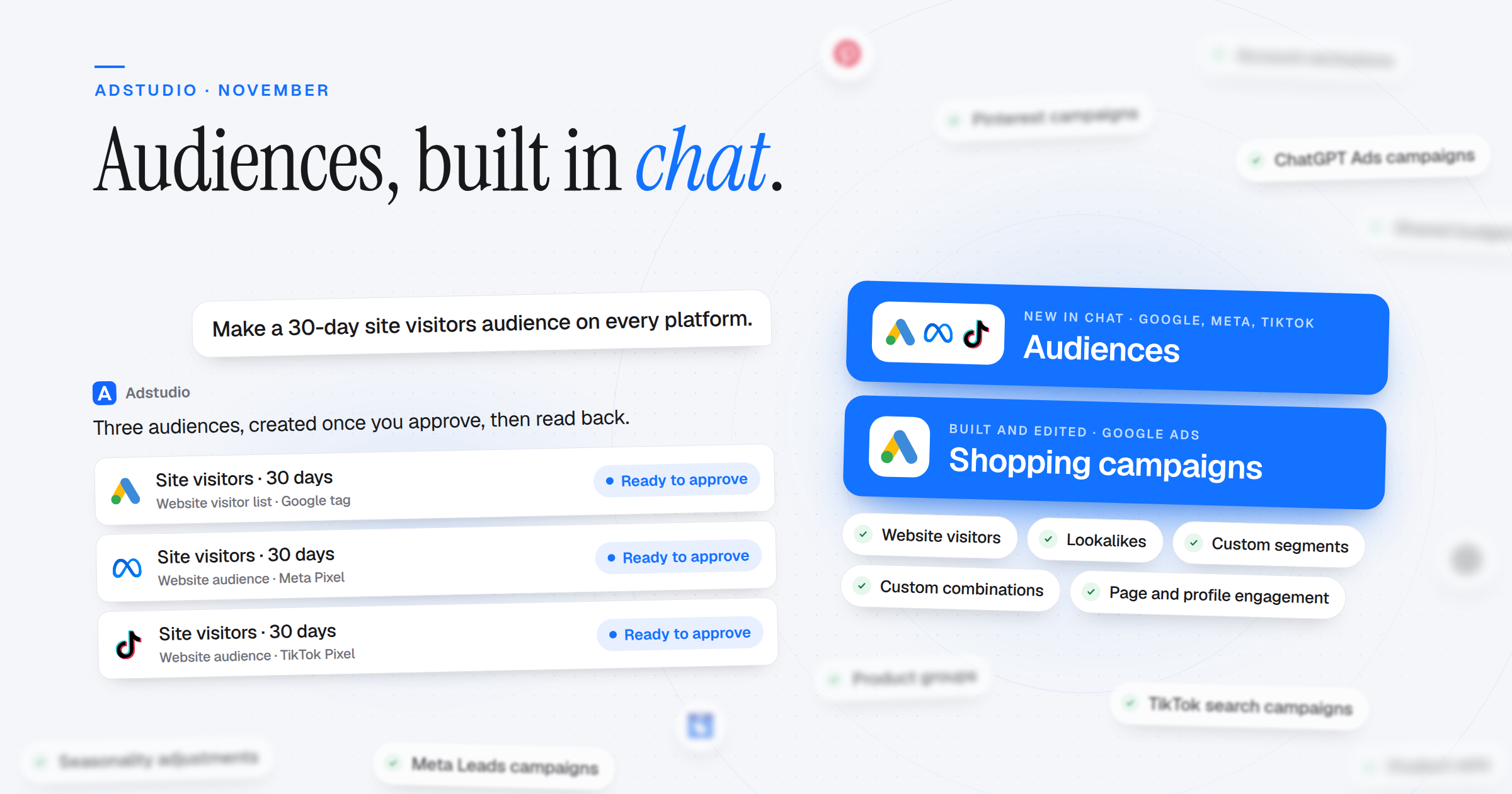
The Adstudio assistant now creates the audiences your campaigns target, on Google Ads, Meta and TikTok, and puts them to work in the same conversation. Standard Shopping campaigns can be built and changed from chat, Pinterest and ChatGPT Ads campaigns can be built and edited too, and account-wide Google settings no longer need a trip to Google Ads.
Audiences, Made in Chat
- Google Ads: Website visitor lists from the pages people visited, custom segments from keywords, websites and apps, custom combinations of your lists such as "pricing-page visitors except customers", lookalikes for Demand Gen, and reusable audiences for Performance Max signals and Demand Gen ad groups. Existing ones can be changed too
- Meta: Website visitors (everyone, by page address or by pixel event, with an event left out, such as added to cart but didn't buy), Facebook Page and Instagram engagement, and lookalikes of 1–20% in one or more countries
- TikTok: Saved audiences, website and ad engagement audiences, lookalikes, and people who visited, followed, watched or engaged with your TikTok profile
- Used Right Away: Add or leave out audiences on new and existing Google campaigns, Meta ad sets and TikTok ad groups, by name
- Only the People You Chose: Meta's Advantage custom audience setting is shown and controlled on every ad set, so "only this audience" stays only this audience
- Approved, Then Read Back: Every audience is shown on a card, created once after you approve, and read back from the platform
Google Shopping, Built and Edited in Chat
- New Standard Shopping Campaigns: Merchant Center feed, priority, feed label, budget, bidding, product groups, inventory filter, locations, schedule, devices, negatives and audiences, on one approval card
- Change What Runs: Priority, feed label, bidding, ad group and product group bids, the product group structure, device bid adjustments, ad schedule, audiences and shared bid strategies
Product Feeds on Demand Gen and Performance Max
- Demand Gen With Your Feed: Build Demand Gen campaigns on your linked Merchant Center feed, set the feed after create, and edit or add product ads
- Product Groups Like Google Ads: Split products by brand, category, product type, condition, channel, item ID or custom label, on new and existing Demand Gen ad groups and Performance Max asset groups
Account-Wide Google Settings
- Account Exclusions: Sites, YouTube channels, content labels, app categories, apps and the account's negative keyword list, for the whole account at once
- Shared Lists and Budgets: Placement exclusion lists, negative keyword lists on every campaign type, and shared budgets that several campaigns spend together
- Seasonality and Data Exclusions: Tell Smart Bidding about a short sale, or to ignore days when conversion tracking was broken
- Shared Bid Strategies: Move Display and Shopping campaigns onto a portfolio strategy, or off one
- Performance Max: Change bidding, frequency caps, messaging restrictions, page feeds and brand guidelines
- More From Chat: Each campaign's tracking template and custom parameters, moving a keyword to another campaign, and Demand Gen topics, keywords, sites and YouTube channels as signals or exclusions
Pinterest and ChatGPT Ads Campaigns
- Pinterest: Awareness, Consideration and Video views campaigns, built and edited in chat. Image, carousel, video and max-width video ads from your Library or an existing Pin, with keywords, interests and audiences
- ChatGPT Ads: Standard campaigns with the Reach or Clicks objective, built and changed in chat. The assistant also reads each campaign's ads, review state and delivery
- Safe by Default: Everything is created paused and read back from the platform
Meta
- Leads Campaigns: Website and Calls leads campaigns, and Calls on Sales campaigns
- Product Sets: Create and edit product sets from your catalog by name, brand, product type, availability or price
- More Catalog Ads: Catalog ads on Messenger, Instagram Direct and Calls, retargeting people who viewed or added products, and a display link on catalog carousels
- More Targeting: Behaviours, job titles, operating systems and country groups, on new and existing ad sets
- Change Your Ads' Media: Swap images and videos on more existing ads, per placement too, turn an image ad into a video ad, or add a card to a carousel. Website ads can also use an existing Facebook post
TikTok
- Search Campaigns: Traffic campaigns on TikTok search, with broad, phrase and exact keywords
- New Ad Formats: Carousel and single image ads, and lead generation that opens a TikTok direct message with your welcome message
- Sales for Value: Optimize Sales campaigns for the highest purchase value or a minimum ROAS, and show catalog product sets
- Sharper Targeting: Household income, device models and content sensitivity, plus TikTok's estimated reach on each new ad group
- Change Ad Media: Replace a video, cover, images or Spark post on an existing ad, from the TikTok account or your Library
Adstudio in Your AI Tools
- Choose the Workspaces: When you connect Adstudio to Claude, ChatGPT or another AI tool, pick which workspaces the connection reaches, and change it later in Settings
- Profile Photos: Add a profile photo in Settings → Profile
Fixes
- Chat Messages Never Lost: A message you typed or sent is kept even when Adstudio updates while you write
- Manager Accounts: Google Ads accounts under a manager account load everywhere in Adstudio
- Home: Google Ads totals load for accounts with a primary purchase conversion
- Dark Mode: Buttons and warning text are readable