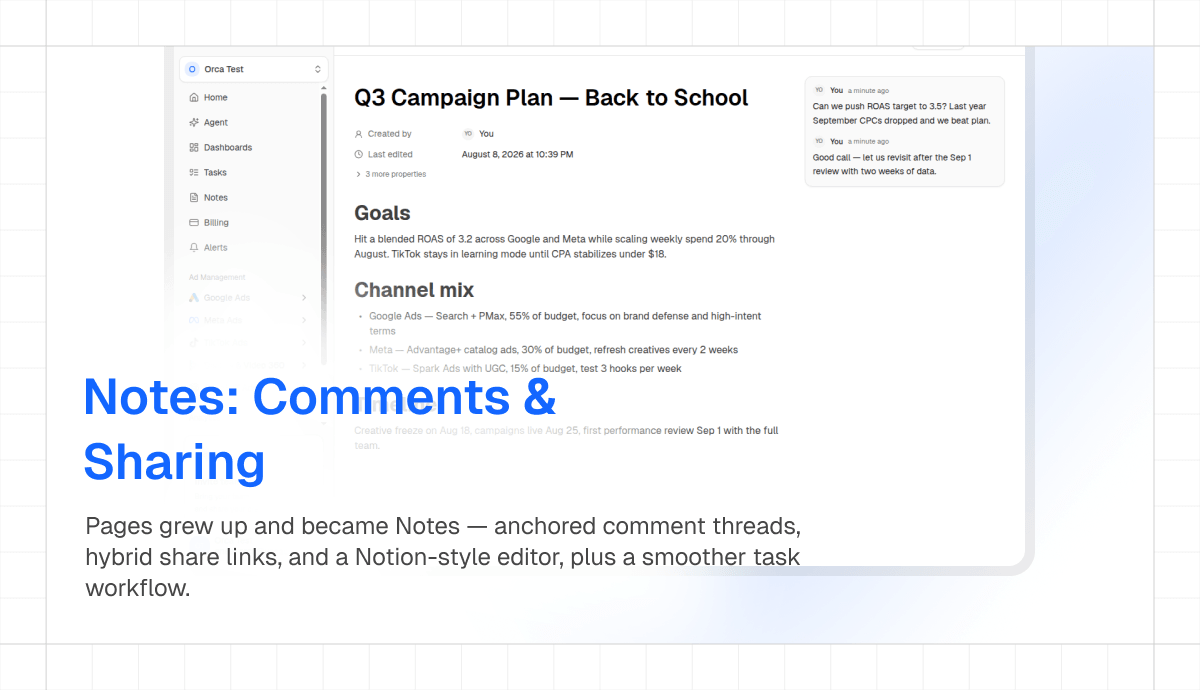
Adstudio Pages grew up and became Adstudio Notes — with anchored comments, hybrid share links, and a refined Notion-style editing experience, plus a smoother task workflow across the workspace.
Notes (formerly Pages)
- Anchored Comments: Adstudio now supports inline comments — select any text in a note and start a comment thread pinned to that exact passage — with mentions and resolution
- Notion-Style Selection: Block selection, drag handles, and editor chrome polished to feel like the tools your team already knows
- Hybrid Share Links: One link that renders a clean public snapshot for external viewers and deep-links workspace members straight into the live note
Tasks
- New Create Dialog & Task Drawer: A borderless create dialog and a right-side drawer for viewing and editing tasks without losing your board context
- Smoother Drag & Drop: Board cards now show exactly where they will land while dragging