How Do I Turn Off Automated Promotions in Google Ads? (2026)
To turn off automated promotions in Google Ads, go to Campaigns → Assets, open the three-dot menu in the filter bar, choose Account level automated assets, then the three-dot menu again → Advanced settings, and set Automated promotions to Off. The setting applies to the whole account, and it matters from October 12, 2026, when Google starts adding offers it finds on your website to eligible Search and Performance Max campaigns. Whether you keep it on or turn it off, the useful question is what it did to your results, and that is a two-minute question in Adstudio: ask it to compare conversions and cost per conversion in those campaigns before and after the change.
TL;DR
- Automated promotions is an account-level automated asset: Google reads deals from your landing pages and shows them as promotion assets on eligible ads, per Google Ads Help.
- Only active Search and Performance Max campaigns with location assets attached, and no promotion asset of their own, are eligible.
- Turn it off under Assets → Account level automated assets → Advanced settings → Automated promotions → Off.
- Want it off for only some campaigns? Adding your own promotion asset to a campaign takes it out of the automated feature, because campaigns with manual promotions are bypassed.
- Judge it by campaign results, not by clicks on the offer. Adstudio compares the weeks before and after in one question.
What are automated promotions in Google Ads?
Automated promotions is one of Google's account-level automated assets, the same family as dynamic sitelinks, dynamic callouts and seller ratings listed on Google's automated assets page. Google's AI scans your website's landing pages for deals and offers, such as a "buy one, get one" or a percentage discount, and attaches them to your ads as promotion assets. According to the Automated promotions help page, these offers may appear with your ads on Google Search and across Google's wider ad inventory.
The feature first appeared in Google's help documentation in early September 2026, as Search Engine Roundtable reported. On October 5, 2026, Search Engine Roundtable published an email Google sent to advertisers saying that starting October 12, 2026, Google Ads would automatically identify and extract promotions, with no manual setup. Accounts are enrolled by default, which is why many advertisers are searching for the off switch this week.
Three details from Google's documentation shape how you should think about it:
- Each automated promotion can serve for less than 24 hours. After that, Google may switch it back on if it can verify the offer is still visible on your website.
- Your website is the source of truth. Google tells advertisers to keep the promotional details on their site up to date. An expired banner or a forgotten landing page is exactly what the system reads.
- For exact control, upload promotions yourself. Manual promotion assets let you set the wording, the dates and the occasion.
Which campaigns get automated promotions?
Not every campaign in your account is affected. Google lists three conditions on the help page:
- The campaign is an active Search or Performance Max campaign.
- It has location assets attached, which includes Local Ad campaigns.
- It has no manual promotions running. Campaigns that already carry your own promotion asset are bypassed.
The location-asset condition is the one that surprises people. If you sell only online and never linked a business location, your campaigns are not eligible today. If you have physical stores, a linked Business Profile, or automatically created location assets, check them: Google's automated assets page notes that location assets can themselves be created automatically from things like your landing pages.
How do I turn off automated promotions in Google Ads?
This is the path from Google's Automated promotions help page, as of October 2026:
- In Google Ads, open the Campaigns menu and select Assets.
- In the filter bar, click the three-dot More icon and select Account level automated assets.
- On that page, click the three-dot More icon again and select Advanced settings.
- Open the Automated promotions dropdown and choose Off.
- Give a reason if Google asks for one, then save.
The same Advanced settings page holds the other account-level automated assets (dynamic sitelinks, callouts, structured snippets, images and more), so it is worth reviewing the whole list while you are there. To switch it back on later, follow the same steps and choose On (recommended).
If you manage several accounts, check the setting in each one: it is an account-level setting, so turning it off in one account does not change the others.
How can I keep automated promotions off for only some campaigns?
There is no per-campaign toggle for automated promotions in the Advanced settings. There is a cleaner route, though, and it follows from Google's own eligibility rule: campaigns with manual promotions are bypassed.
So for a campaign where you want full control over what offer is shown, add your own promotion asset to it. The steps, from Google's promotion assets page:
- Go to Campaigns → Assets, click the plus button and select Promotion.
- Choose the campaign (or ad group) level.
- Pick an optional occasion, the language and currency, a monetary or percentage discount, the product or service, and the final URL.
- Add the promotion details (for example a promo code or minimum spend) and optional start and end dates.
This is our recommendation for most stores with a real, recurring offer: write it yourself where it matters, with the dates you control, and let the account-level setting cover the rest only if you are comfortable with Google's reading of your site. Promotion assets are free to add, and you pay for clicks as usual, with no more than two clicks charged per ad impression.
How do I see which promotions Google added to my ads?
Google shows them in the same Assets table, per the help page:
- Go to Campaigns → Assets.
- In the filter bar, select Asset type → Promotion.
- Look at the Added by column. Automated promotions are labelled Google AI.
- Hover over Google AI to see where the offer was sourced, or over the promotion name to see the headline and details.
Two caveats are worth knowing. PPC Land reports that, according to Google, an automated promotion with no impressions does not appear in the Assets section, so the table shows what has already served rather than everything Google has extracted. And because each offer can serve for less than a day before re-verification, check the table more than once in the first weeks.
Should I keep automated promotions on or turn them off?
There is no universal answer, so here is how we would decide.
| Your situation | Our suggestion | Why |
|---|---|---|
| Offers on your site are always current and apply to everyone | Keep it on and measure | Google surfaces a real deal without extra work |
| Your site has member-only, regional or conditional discounts | Turn it off | An offer that applies to some visitors can read as a promise to all |
| You run one or two planned promotions a month | Turn it off, add manual promotion assets | You decide the wording, dates and occasion |
| Old campaign landing pages still mention past sales | Turn it off until the pages are cleaned up | The system reads what is on the page |
| You have no location assets | No action needed today | Campaigns without location assets are not eligible |
Whatever you choose, decide by results, not by the promotion's own clicks. Google's help page itself advises segmenting campaign reports by click type and looking at overall campaign impressions and conversions, because the wider campaign can improve even when the offer gets few direct clicks.
How do I check whether automated promotions helped or hurt?
The test is simple in principle: compare the eligible campaigns before and after October 12, and see whether conversions, cost per conversion and conversion value moved more than in campaigns that were not eligible.
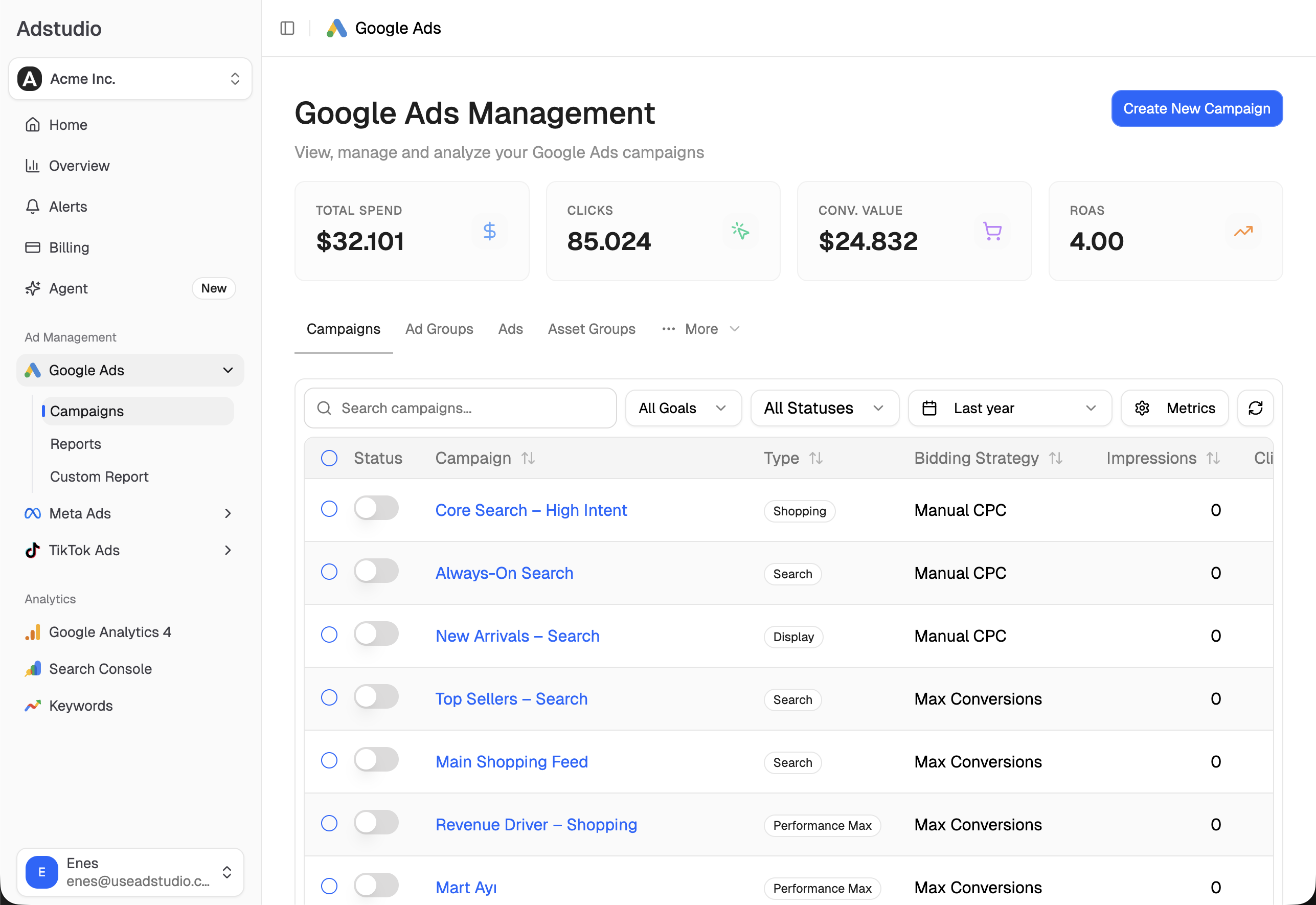
In Adstudio, that is a conversation rather than a spreadsheet:
- Find the campaigns that matter. "List my active Search and Performance Max campaigns with spend in the last 30 days." Adstudio returns each campaign with its status and performance.
- Compare before and after. "Compare conversions, cost per conversion and conversion value for these campaigns from October 12 to today against the same number of days before." Adstudio always fetches both periods of equal length, so a change is read as a movement, not as a single number out of context.
- Look inside one campaign. "Analyze my Performance Max campaign for the last 14 days." The analysis covers the campaign's delivery, conversions and findings in one answer.
- Check the other channels too. If you run the same sale on Meta or TikTok, ask for the same period across platforms so a sitewide promotion does not get credited to one ad.
Before you compare, make sure the conversion columns are trustworthy. If conversions are counted but carry no value, ROAS will tell you nothing; our guide to why Google Ads shows conversions but ROAS is zero fixes that first. And if cost per conversion jumps, the usual checks for wasted spend in Google Ads apply here too.
One honest warning about timing: October into November is the start of the holiday season, so demand changes on its own. A before-and-after comparison is strongest when the eligible campaigns move differently from the ones that were not eligible over the same days.
FAQ
Are automated promotions on by default in Google Ads? Yes. According to the email Google sent advertisers, published by Search Engine Roundtable, eligible accounts are enrolled automatically from October 12, 2026, and can opt out at any time in the account-level automated assets settings.
Where is the automated promotions setting in Google Ads? Campaigns → Assets → the three-dot More icon in the filter bar → Account level automated assets → the three-dot More icon → Advanced settings → Automated promotions.
Do automated promotions cost extra? No. Promotion assets are free to show. You pay for clicks on the ad as usual, and Google charges no more than two clicks per ad impression.
Why don't I see any automated promotions in my account? Your campaigns may not be eligible: they need to be active Search or Performance Max campaigns with location assets and no manual promotion. Promotions that have not received impressions are also not listed in the Assets section.
Can Google show an expired or wrong discount from my website? Google sources offers from your landing pages and re-verifies each one after it has served for less than 24 hours, but it tells advertisers to keep website promotion details up to date. If you cannot guarantee that, turn the feature off or add manual promotions.
Does turning off automated promotions affect my other automated assets? No. Each automated asset has its own setting on the Advanced settings page, so you can turn off promotions and keep dynamic sitelinks or callouts on.
To run the before-and-after check on your own campaigns, connect Google Ads to Adstudio on the free plan; paid plans are on the pricing page. If you run the same offer on several platforms, see how to see Google, Meta and TikTok ad spend in one report.
Google Ads behaviour described as of October 2026, per the linked Google Ads Help pages.